Showing 37–48 of 64 results
Categories: Modify
DJI Modify Standard Permanent
€1,586.00
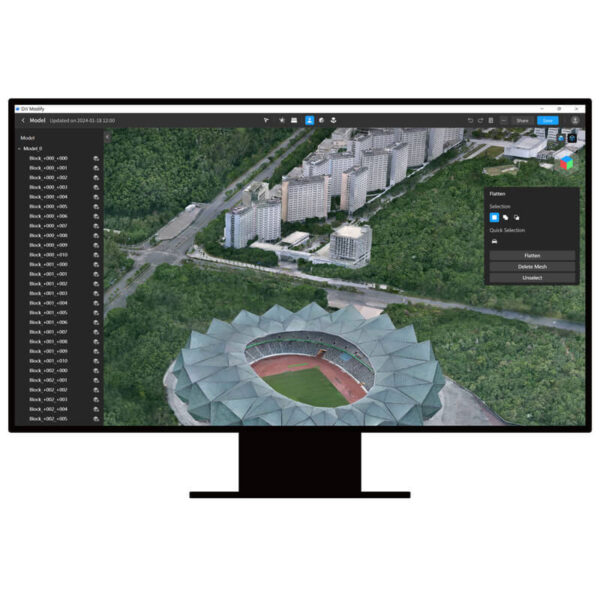
DJI Modify is DJI's first intelligent 3D model editing software. It features a streamlined and intuitive interface that makes it simple to complete model editing efficiently. [1]Paired with a DJI Enterprise drone and DJI Terra, it forms a comprehensive solution from aerial surveying, modeling, and model editing to sharing these models easily to meet operational needs in surveying and mapping, firefighting, emergency response, and transportation.[2]
- Seamless workflow: DJI Modify can work with DJI Terra in a seamless workflow. In a DJI Terra modeling project, you can launch DJI Modify with one click for model editing. This achieves an efficient workflow between DJI Terra and DJI Modify.[3]
- Streamlined interaction: Without the need for complex settings, DJI Modify supports fast import and export of model files and batch editing of multiple models, significantly reducing the model editing workload.
- Efficient model repair: DJI Modify supports various editing functions such as floating parts removal, surface flattening, texture repair, hole fill, and water surface repair, providing well-edited models at high efficiency.
- Quick delivery: DJI Modify allows you to export model files in a variety of formats compatible with DJI Terra or third-party software, including ply, obj, and b3dm. Processed models can be quickly shared to the cloud.
- Authorization modes[4]: Online authorization is supported.[5]
Categories: Remote Controller
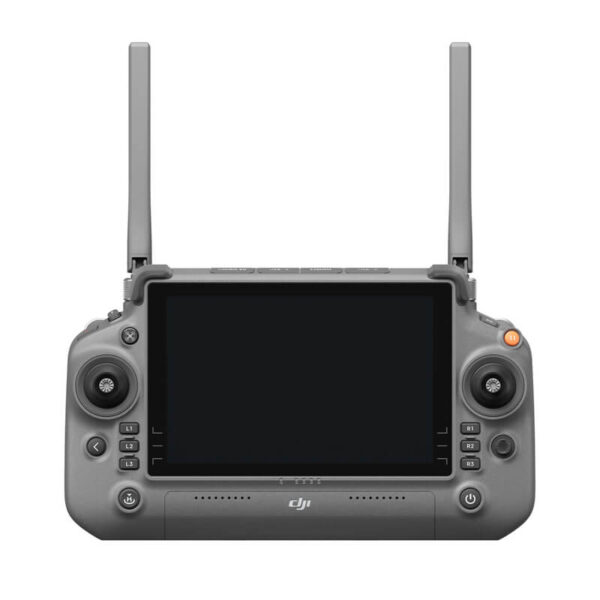
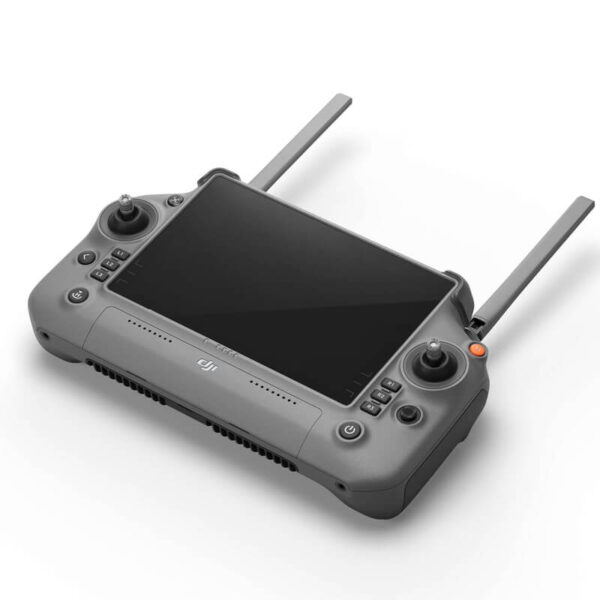
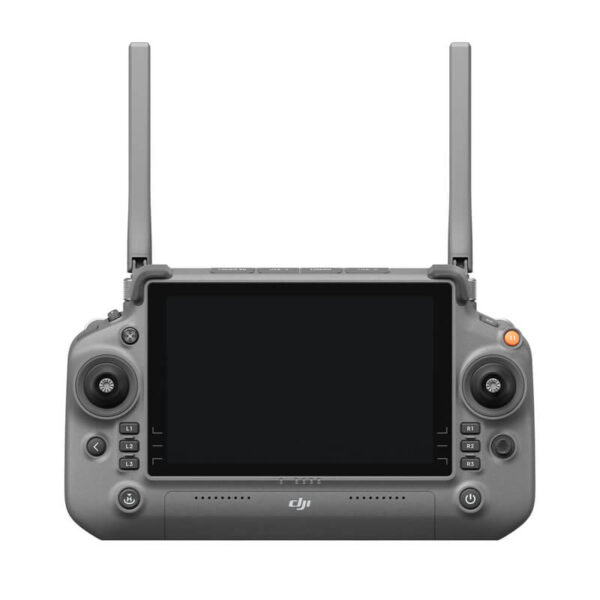
DJI RC Plus
€1,299.00
A 7-inch high-bright large screen that supports Dual Operator mode.
Categories: Remote Controller
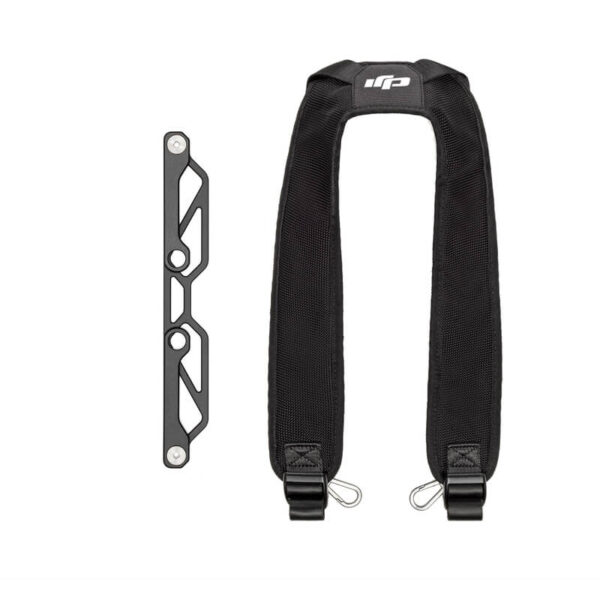
DJI RC Plus Strap Bracket Kit
€40.00
Keeping the user’s hands free, offering easy control and portability
Categories: Remote Controller
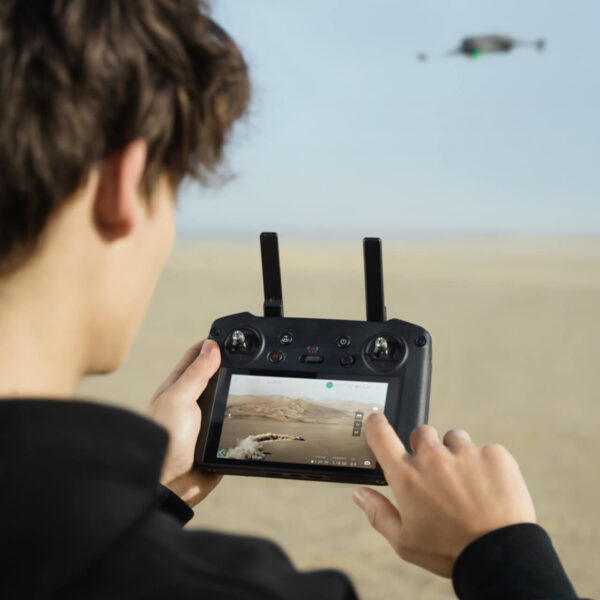
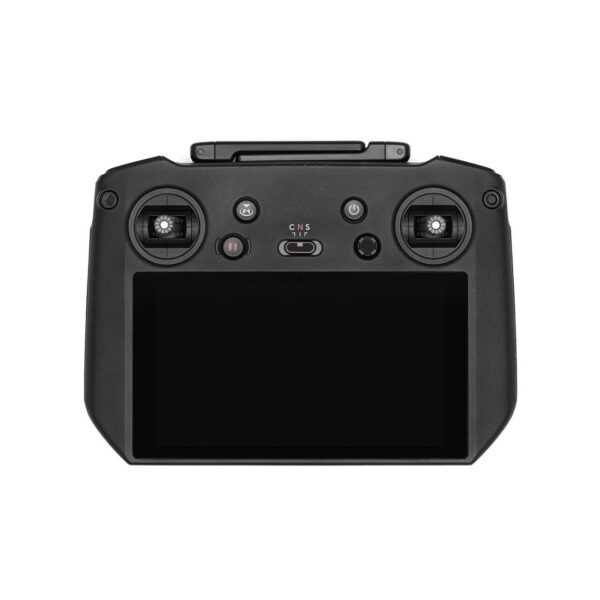
DJI RC Pro Enterprise
€879.00
DJI Mavic 3 Pro, DJI Mavic 3 Pro Cine, DJI Mavic 3 Classic, DJI Mavic 3, DJI Mavic 3 Cine, DJI Mini 3 Pro, DJI Air 2S
Categories: Terra
DJI Terra
€2,210.00 - €22,792.00
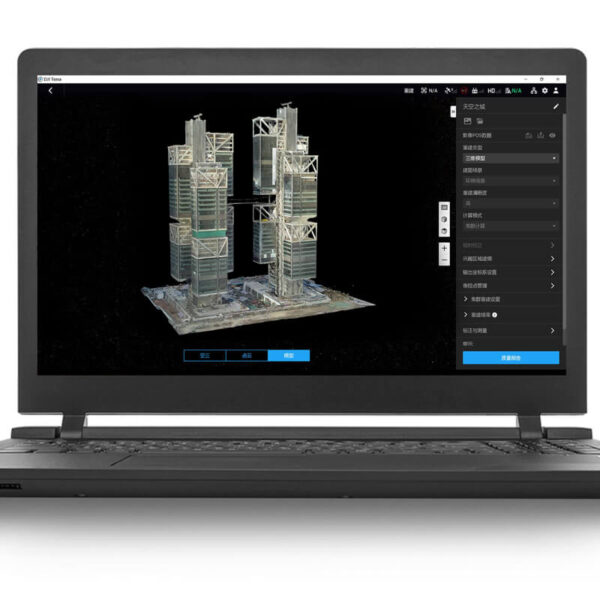
DJI Terra is 3D reconstruction software[1]that has photogrammetry as its core technology. It supports a range of accurate and efficient 2D and 3D reconstruction of visible light, and data processing through DJI LiDAR. DJI Terra is a perfect match for DJI Enterprise drones and payloads as well as DJI Modify[2] It works in conjunction to build a complete application solution that caters to verticals such as land surveying and mapping, power transmission, emergency services, construction, transportation, and agriculture.
- 2D and 3D visible light reconstruction[3]: You can import raw aerial photos to obtain a high-precision 2D orthophoto map and a real-scene 3D model.
- LiDAR data processing: When working with the DJI Zenmuse LiDAR, DJI Terra can generate high-precision results such as true-color point clouds and point cloud classification with one click.
- Multispectral reconstruction[4]: DJI Terra supports radiometric correction and reflectance map outputs for scientific research of remote sensing. It can also generate vegetation index maps such as NDVI and NDRE.
- Real-time reconstruction[5]: DJI Terra can generate 2D orthophoto maps or 3D models in real time during flights and outputs results as the drone flies.
- Detailed inspection[6]: DJI Terra can automatically generate executable inspection flight routes after target points are added based on a model or point clouds. This way, the inspection process is automated.
- Model application: DJI Terra allows you to easily measure objects' coordinates, distances, areas, volumes, and other key data and rename and export the data results.
- Authorization modes[7]: Online authorization[8] and offline authorization are supported.