


Description
DJI Dock 3
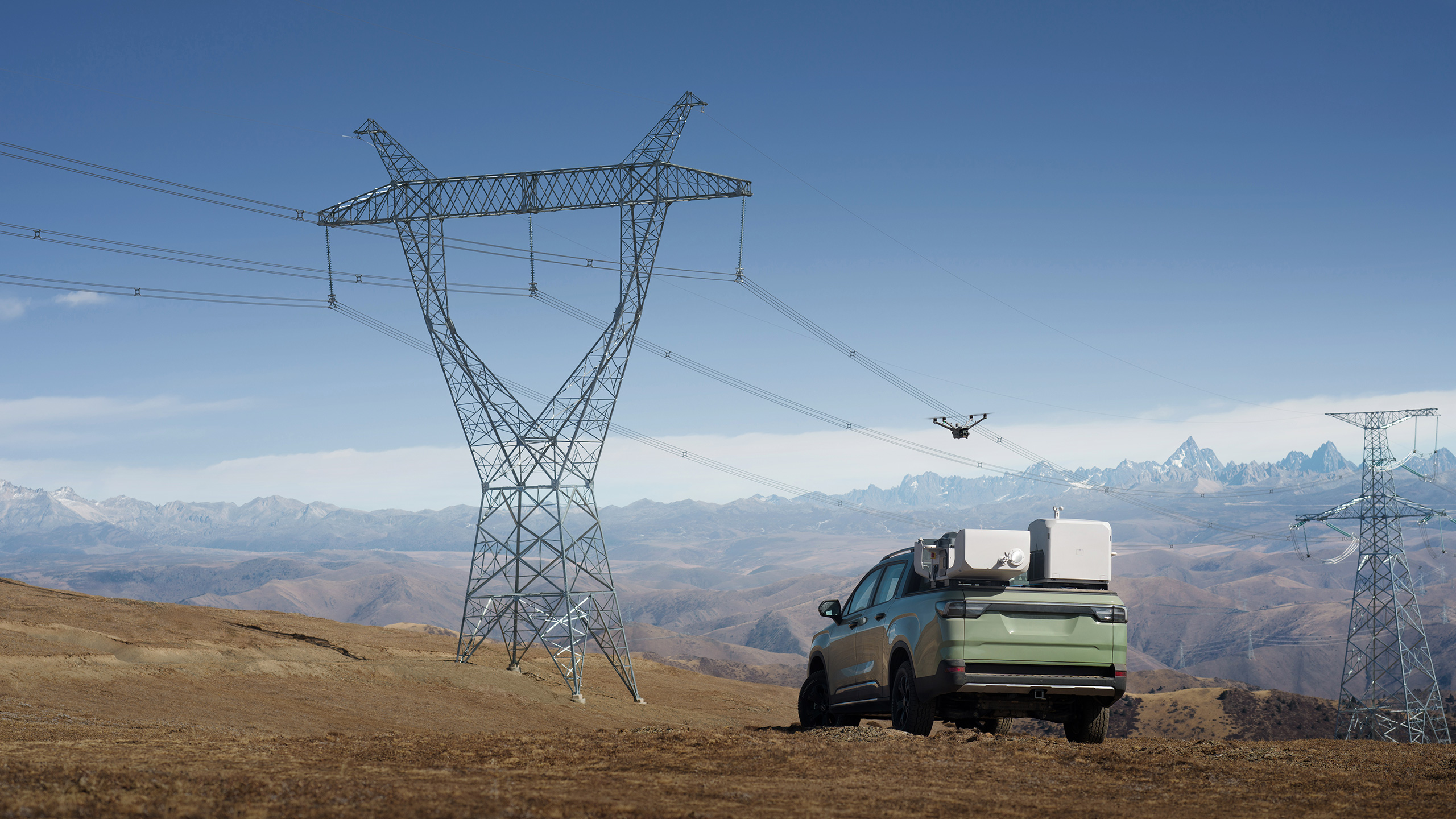
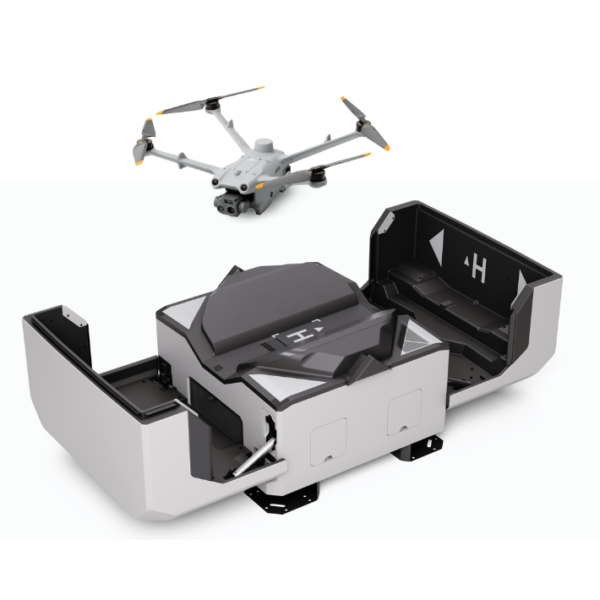
DJI Dock 3 supports remotely managed operations with Matrice 4D or Matrice 4TD and DJI FlightHub 2. It can be planned for a fixed location or an appropriate vehicle-mounted installation. Select the aircraft, site infrastructure and software arrangement for the required inspection workflow.
Fixed and Vehicle-Mounted Deployment
Deploy Dock 3 at a prepared site or on a suitable vehicle using the specified mounting equipment. The vehicle must remain stationary while the aircraft is operating. Installation requirements depend on the location and the intended operating arrangement.
Site Planning and Readiness
Assess airspace, obstructions, access, power and network connectivity before deployment. Use the DJI Installation and Setup Manual to plan a suitable location and arrange the required infrastructure.
Backup-Power Awareness
The built-in backup battery supports the dock during a loss of external power. It does not charge the aircraft battery. Plan the power supply and recovery procedure for the site rather than treating it as a charging reserve.
Inspection and Servicing
Plan access for inspection, cleaning and servicing, and follow DJI’s current maintenance instructions. Check site conditions and service requirements as part of the deployment plan.
Remote Mission Workflow
DJI FlightHub 2 provides the remote workflow for supported missions and dock management. Confirm the account, service plan, connectivity and included functions with the quotation and deployment brief.
Matrice 4D-Series Compatibility
Dock 3 operates with Matrice 4D and Matrice 4TD. Choose Matrice 4D for its mapping camera or Matrice 4TD when the task requires thermal imaging. Application images show deployment examples; aircraft, vehicles and mounting equipment follow the quoted sales configuration.







Reviews
There are no reviews yet.