
AUTOMATED VISUAL INSPECTIONS · REPEAT SITE PHOTOGRAPHS
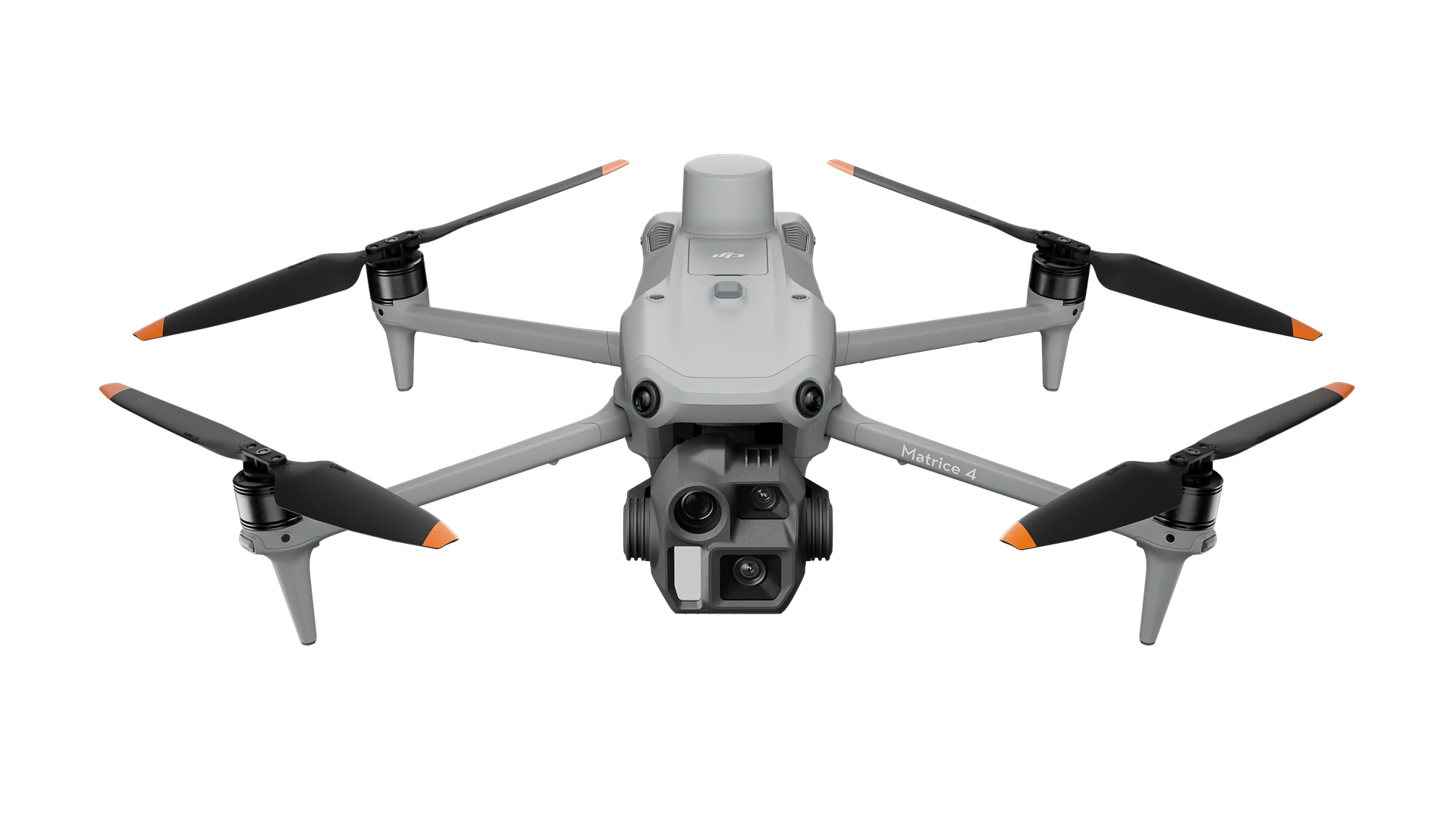
Choose the folding Matrice 4E for a team visiting different sites. Consider Matrice 4D with Dock 3 when one site needs regular photographs from agreed viewpoints. Plan the images around site progress and external condition.
| Portable Matrice 4E | Matrice 4D with optional Dock 3 |
|---|---|
| Plan visits to changing sites and required views. | Plan repeat visible-light views at a prepared site. |
Original editorial comparison. Keep the visual and thermal inspection choices separate.
Updated 14 November 2026 · Ireland

Technical Director · Irish Drone
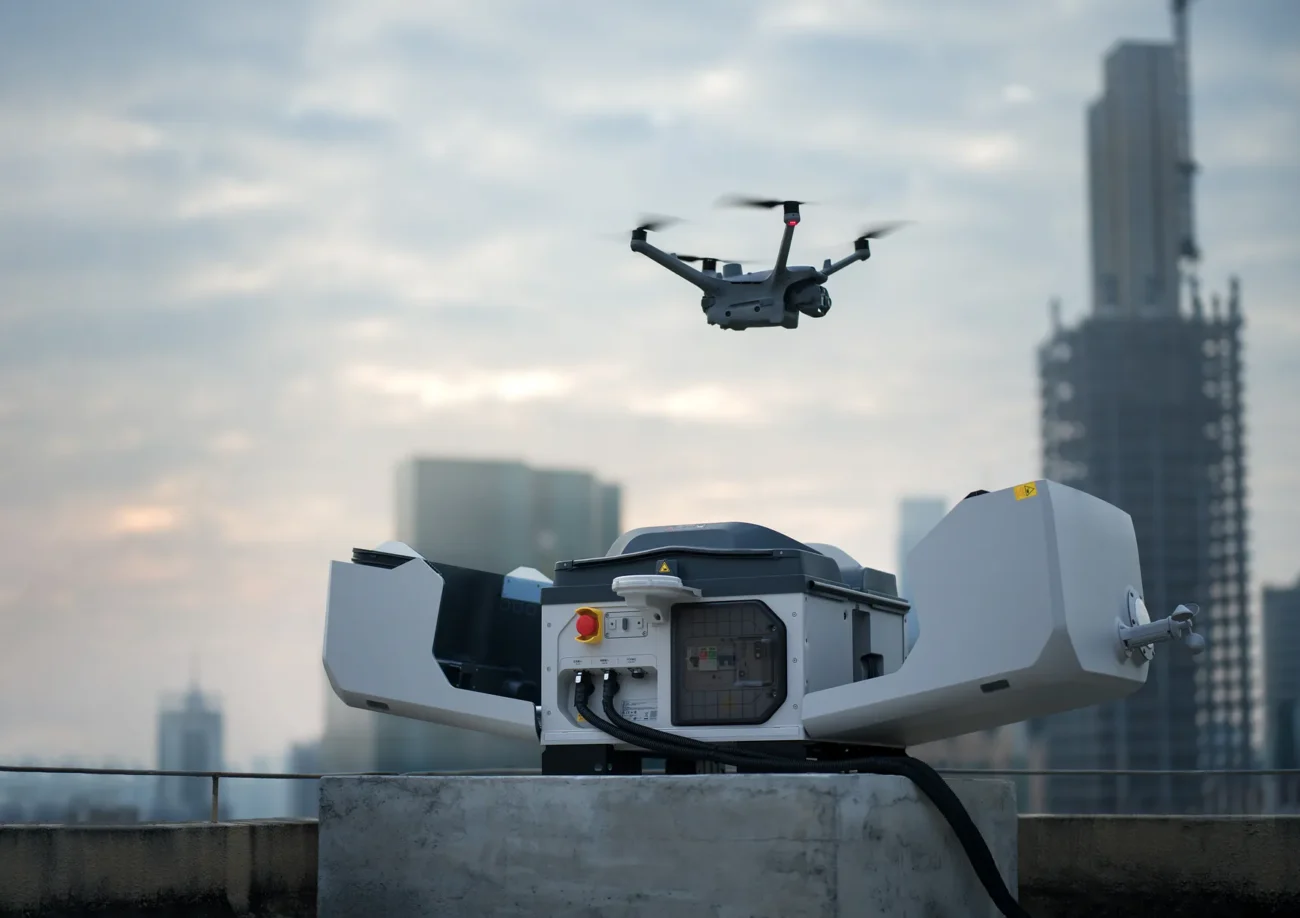
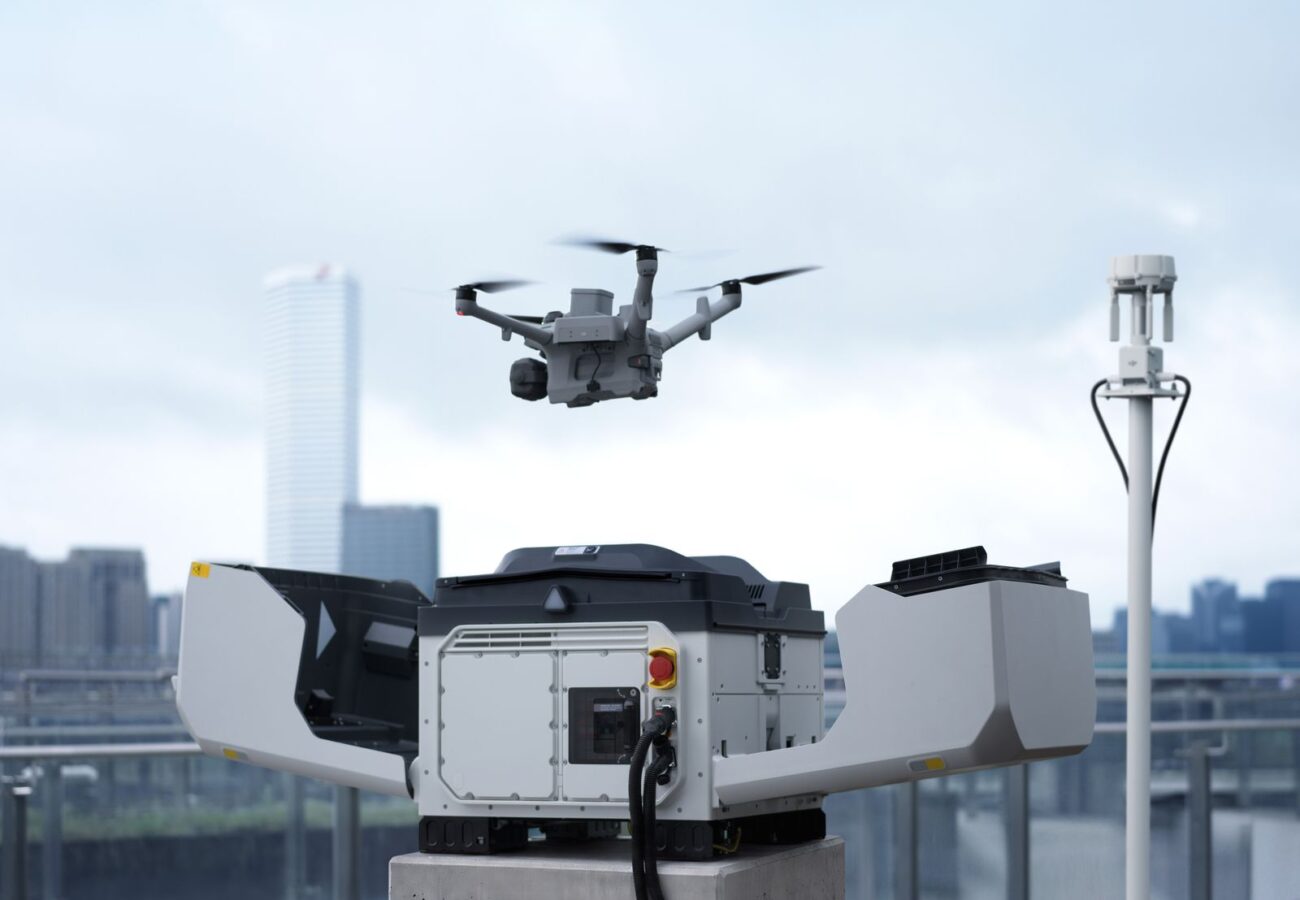
Official DJI Media · Header: Dock 3 in a fixed urban deployment photograph. Photo: DJI / DJI Europe. Source and Media Use licence.
Matrice 4E or 4D: a portable kit or a prepared base?
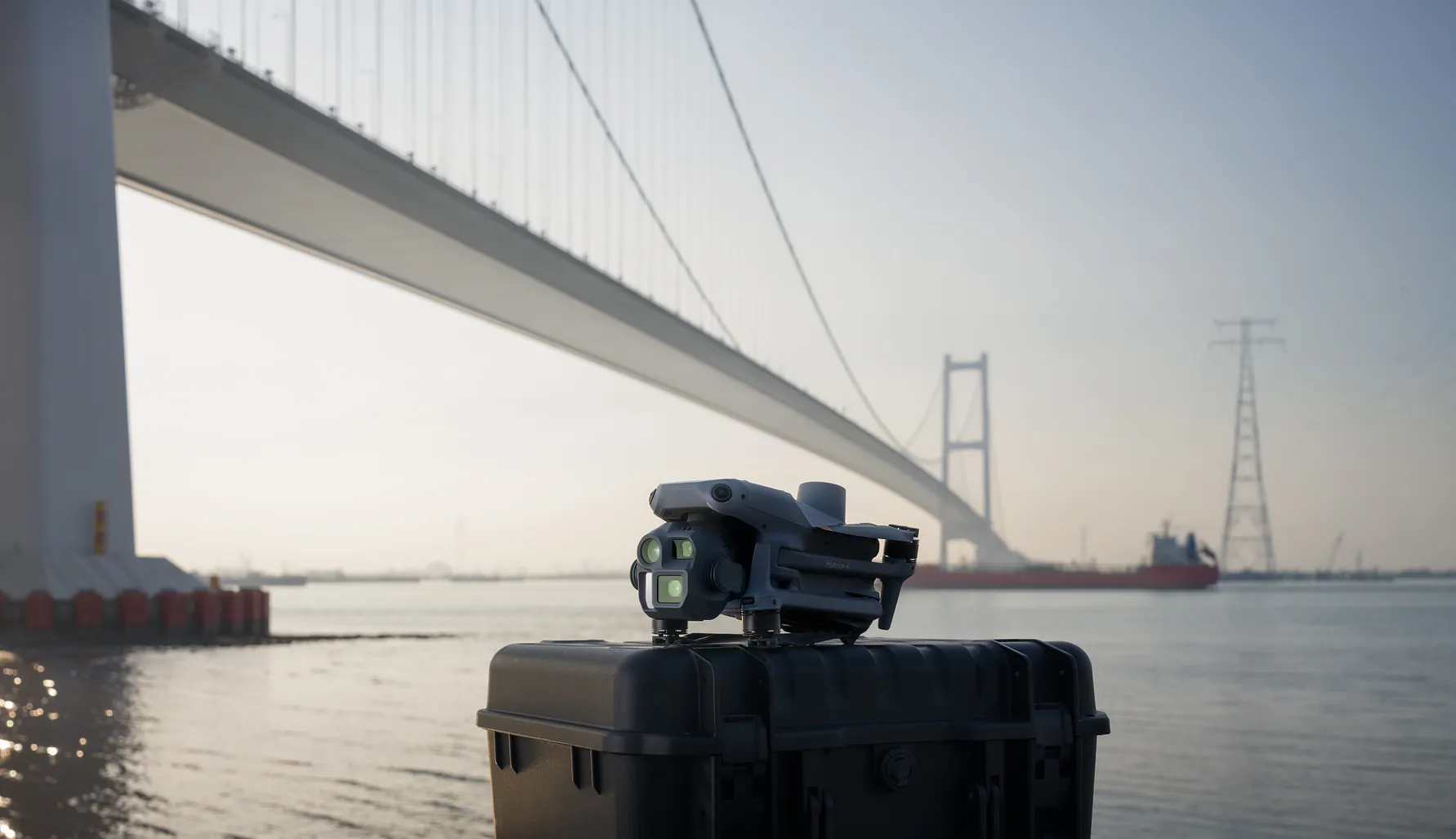
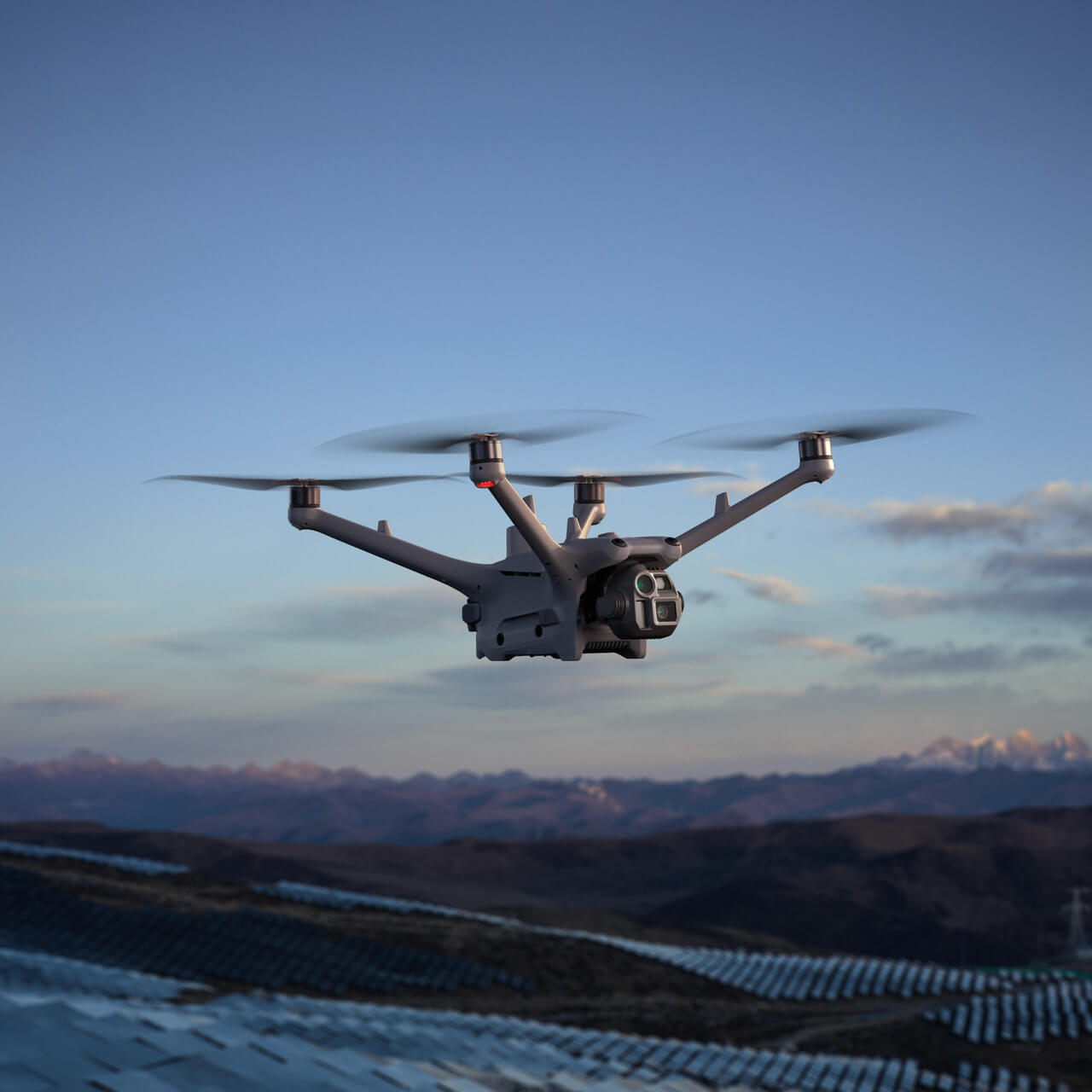
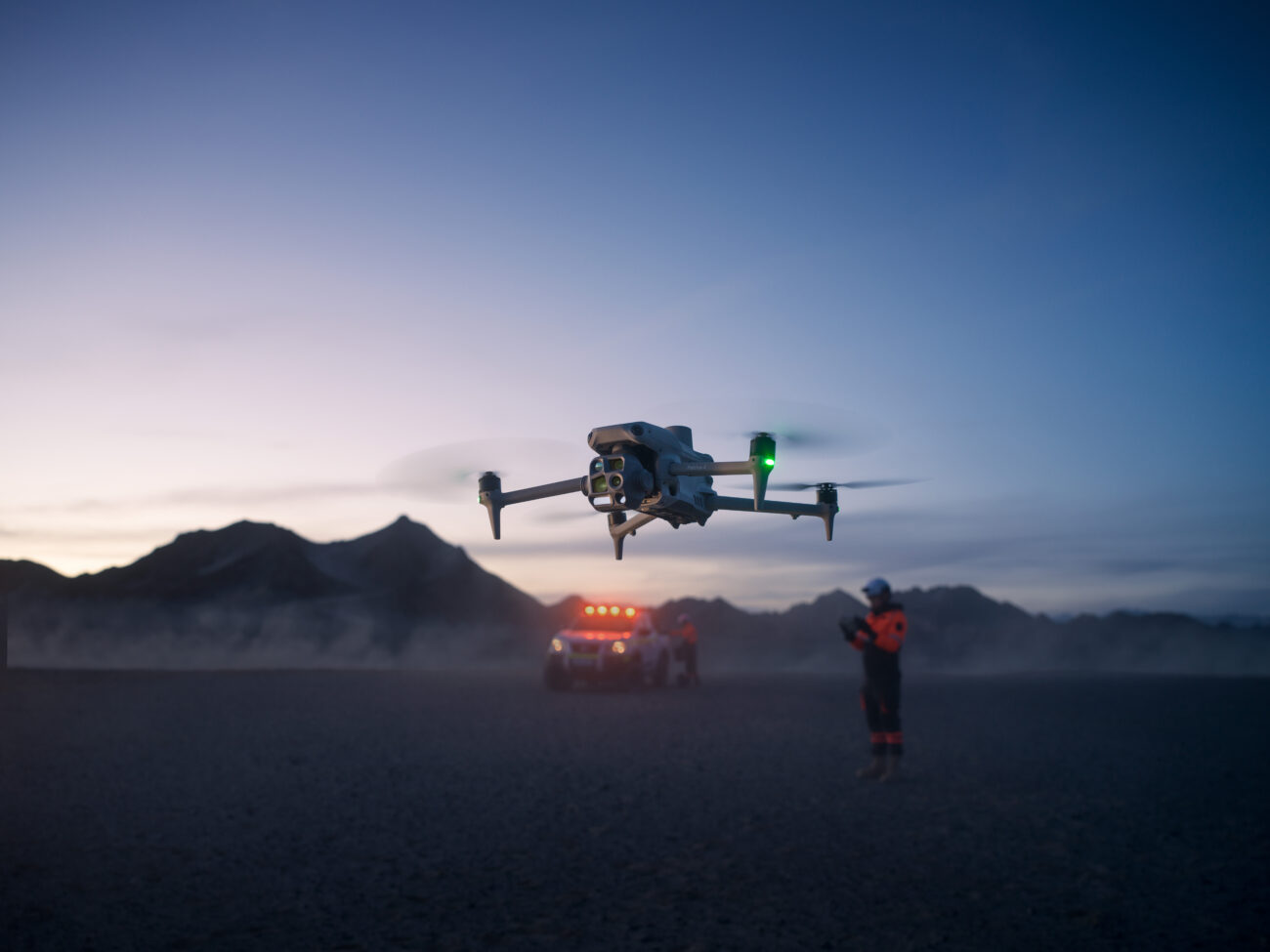
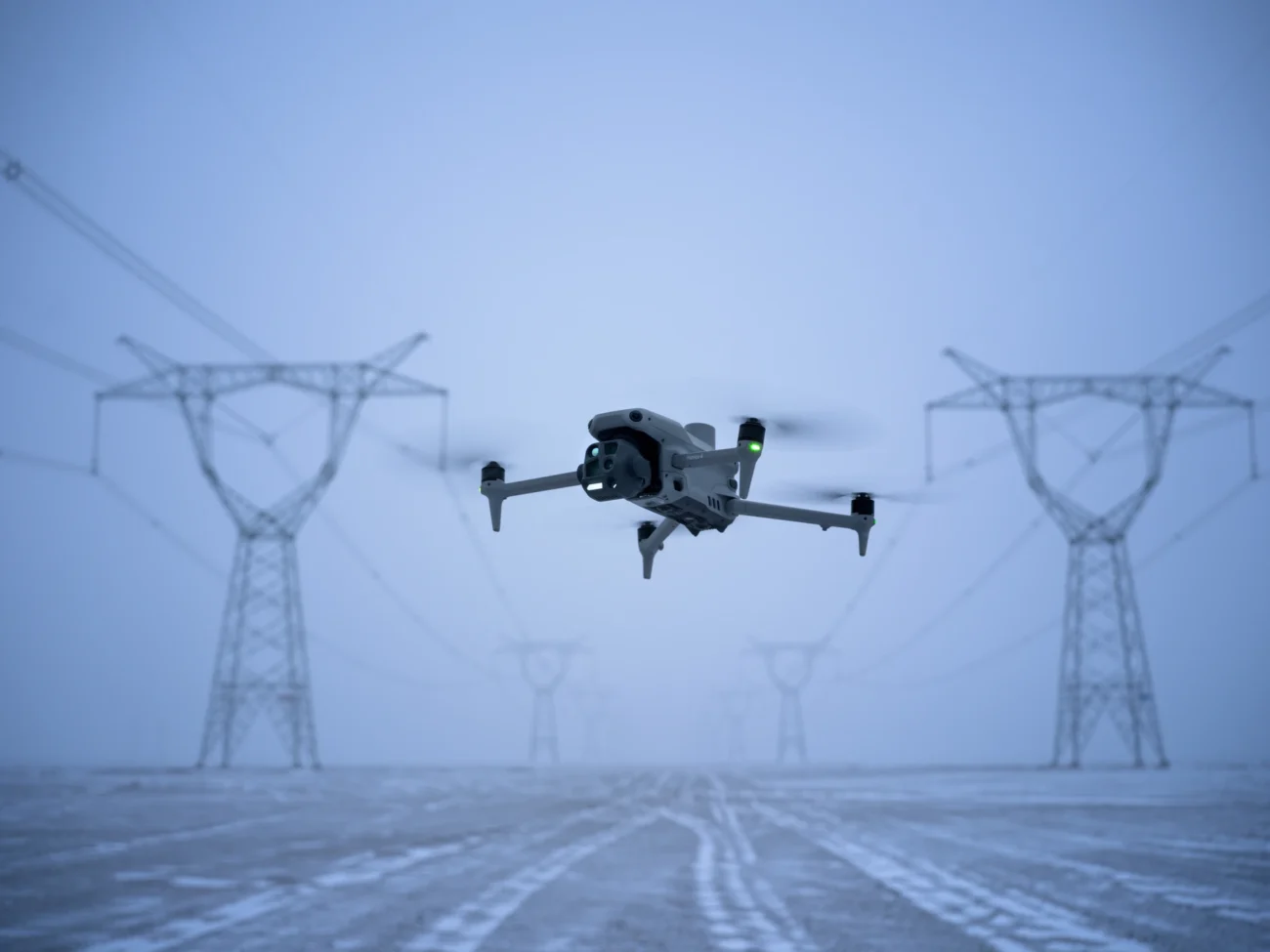
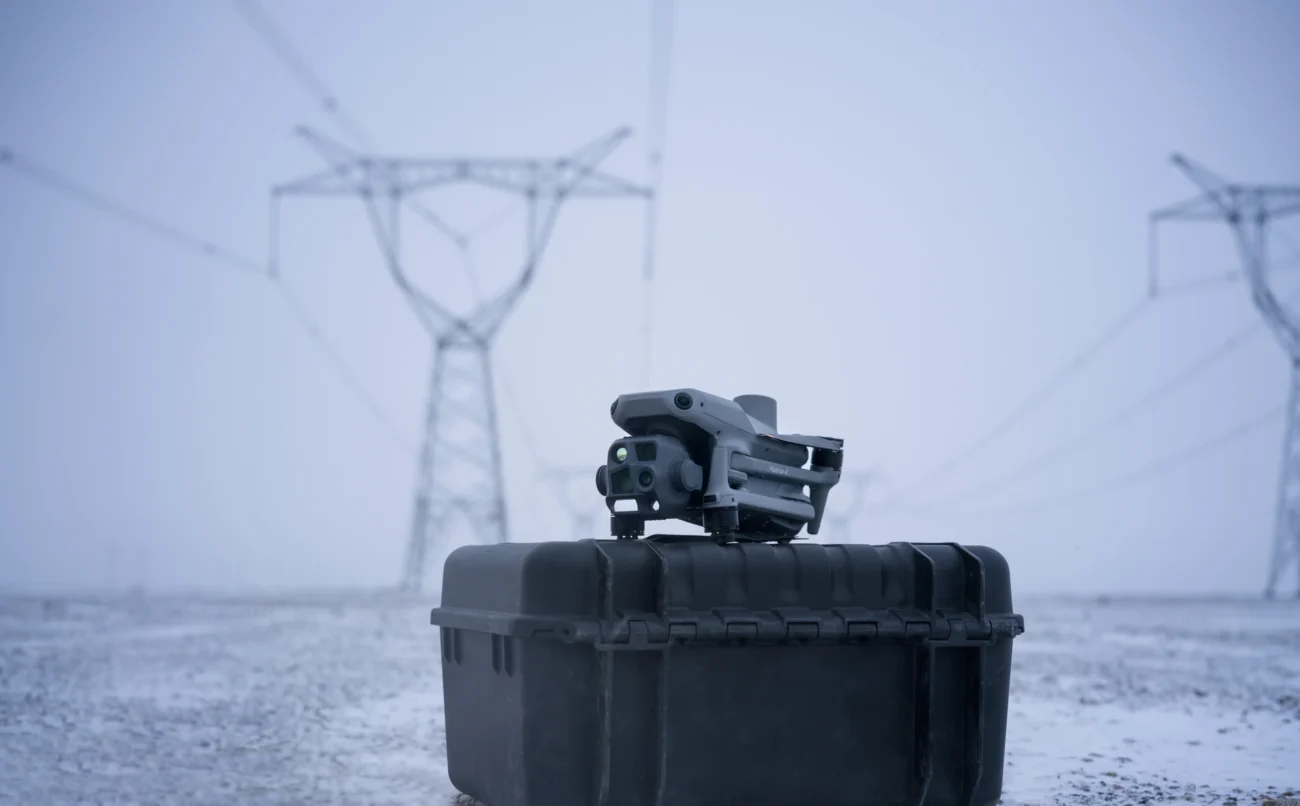
The folding 4E suits a team travelling between jobs with a controller and carry case. It can follow mapping routes prepared in Pilot 2. [M4-SPEC] [M4-FAQ] That is a straightforward option when the locations or required views change from visit to visit.
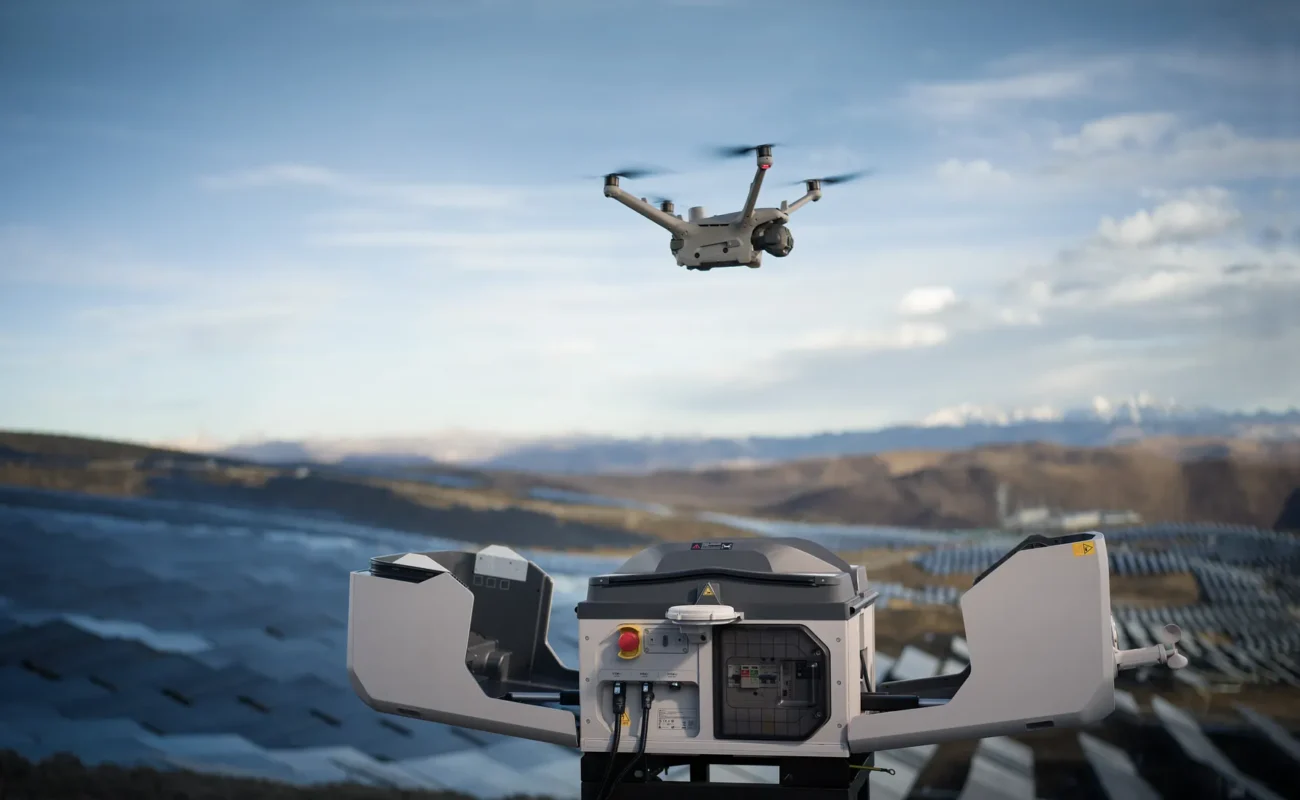
4D supports controller use; Dock 3 is optional. [D3-FAQ] Consider the base when regular repeat visits justify having equipment installed at one location.
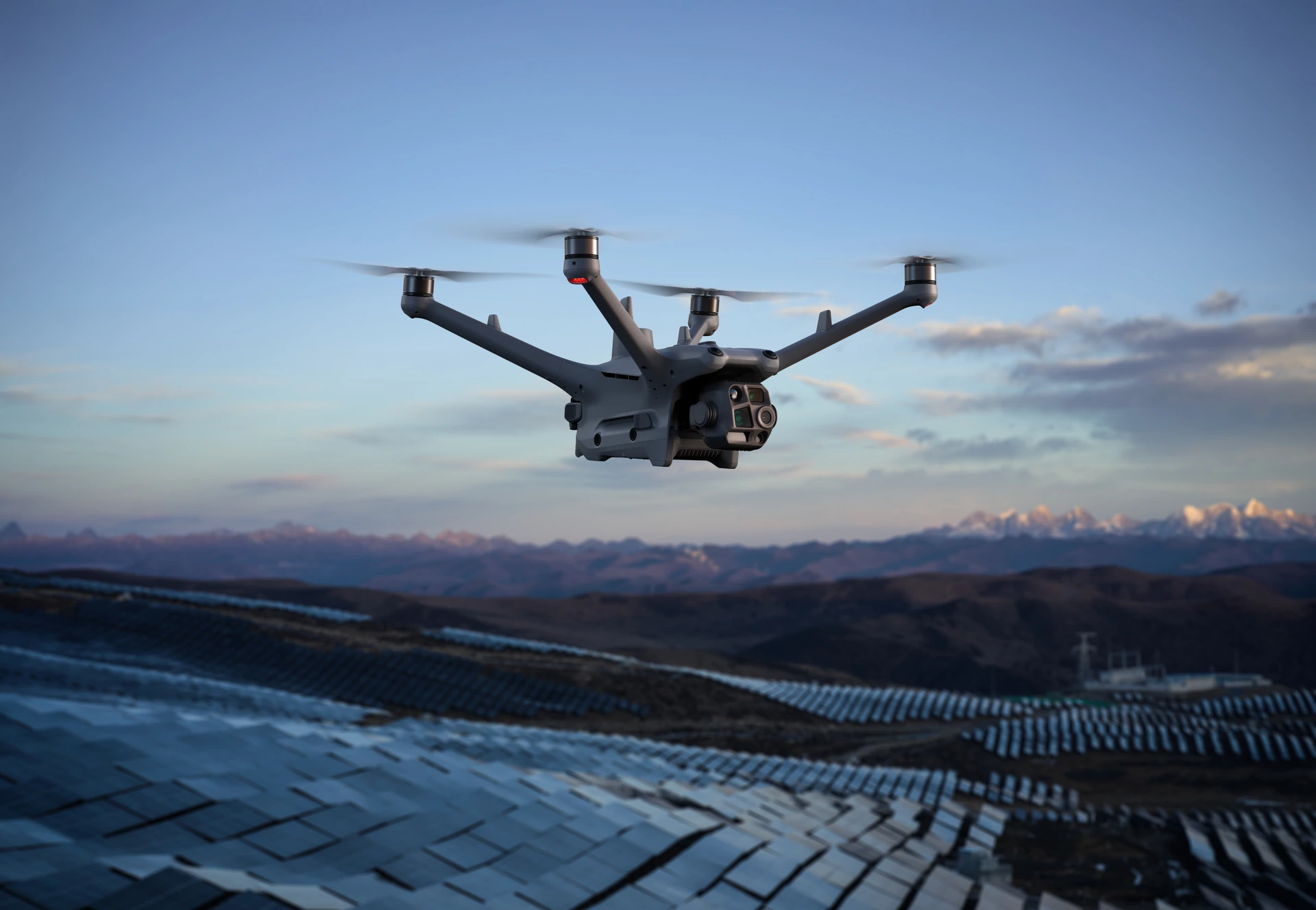
If the task needs heat images, use the 4TD thermal-inspection guide instead.
Choose a kit for your regular site photographs
Compare aircraft and software for your planned site photographs.
Take the same useful views each time
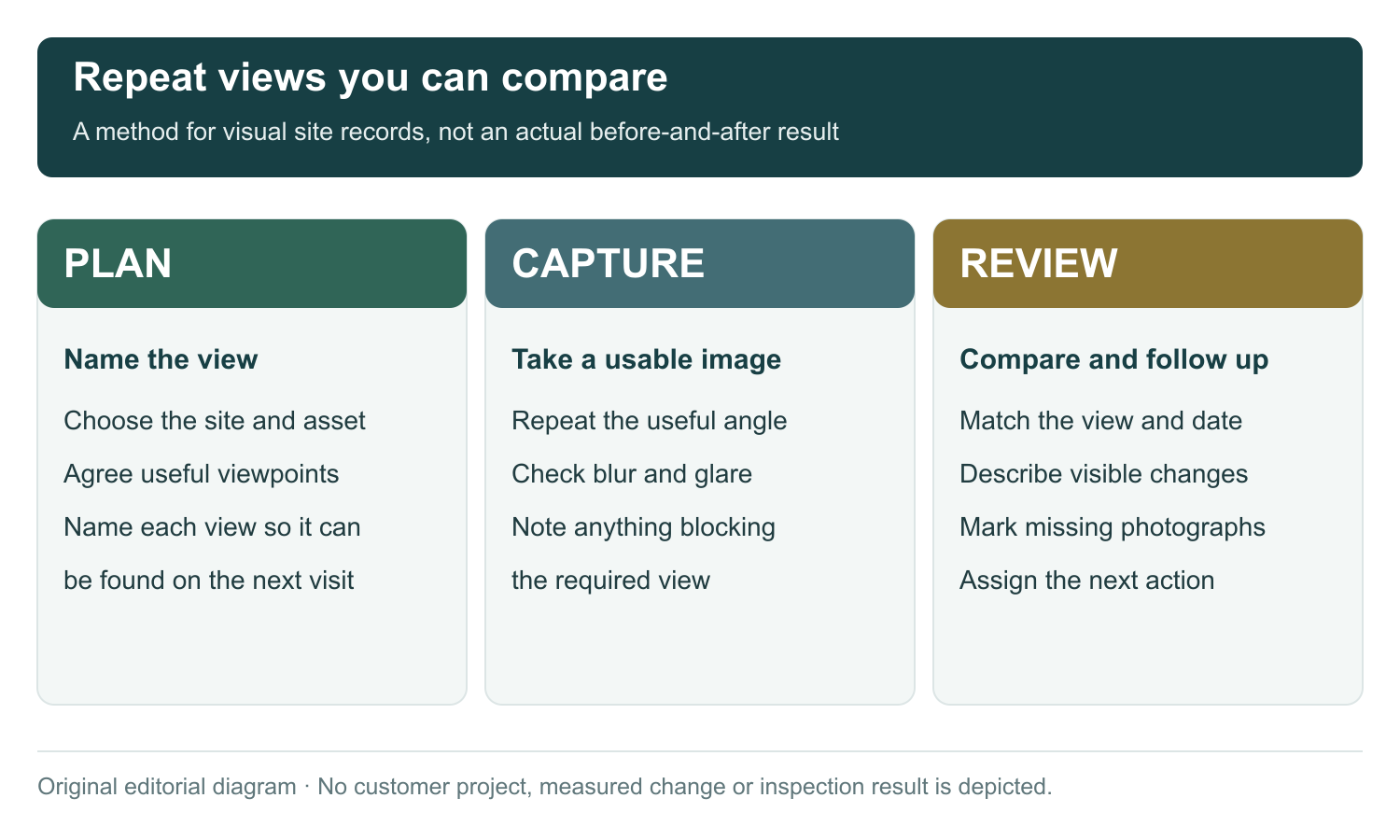
Agree what the team needs to see: a site overview, a roof section, an equipment area or a set of progress photographs. Give each view a name so later images can be matched to the right place.
Repeat the position and camera angle where practical. Check lighting, glare, blur and obstructions before relying on a comparison. A crane in a new position may block a view or require the route to change.
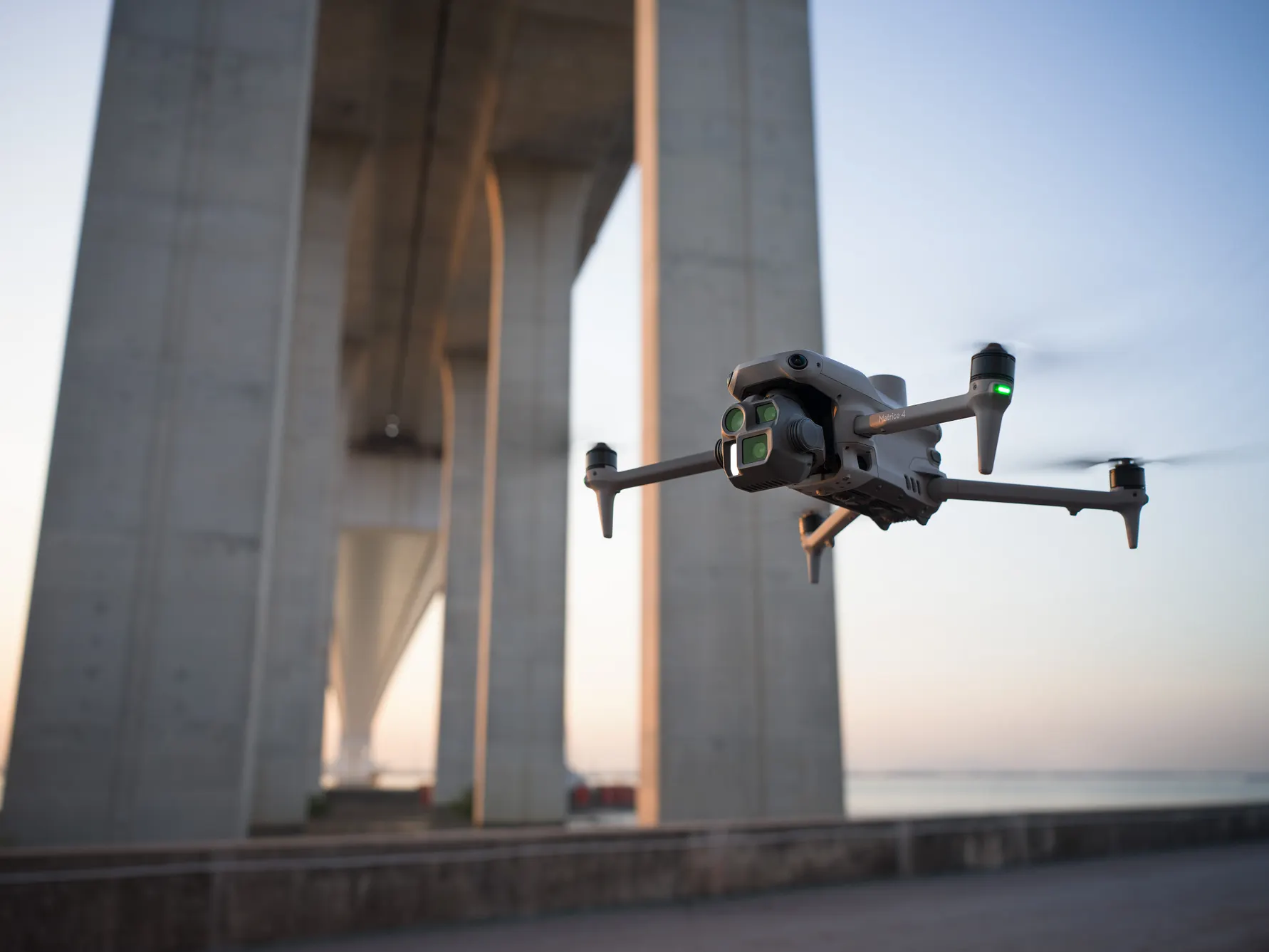
A person should compare the photographs and record the visible change, missing view or follow-up needed. A completed route is useful only if the required photographs are clear enough for that job.
Do you need photographs or a measured model?
Planned-view photographs document surface condition, but orthomosaics, measured 3D models or quantity surveys require separate capture, reconstruction, control and independent checks. DJI Modify edits compatible 3D mesh and point-cloud models from DJI Terra; check the edition and input compatibility. [Modify]
Retain original files and defect observations; edited model textures are not new inspection evidence. Tang et al.’s Figure 9 is a historical Phantom 4 RTK/ContextCapture example, not current Matrice 4E/4D evidence. [bridge study] This distinction separates later model editing from FlightHub 2 mission oversight.
Set up Dock 3 for regular site photographs
Choose a base position with a clear landing area, power, network access and a way for someone to attend. Agree the flight arrangements with the operator and check how the route will stay suitable as the site changes.
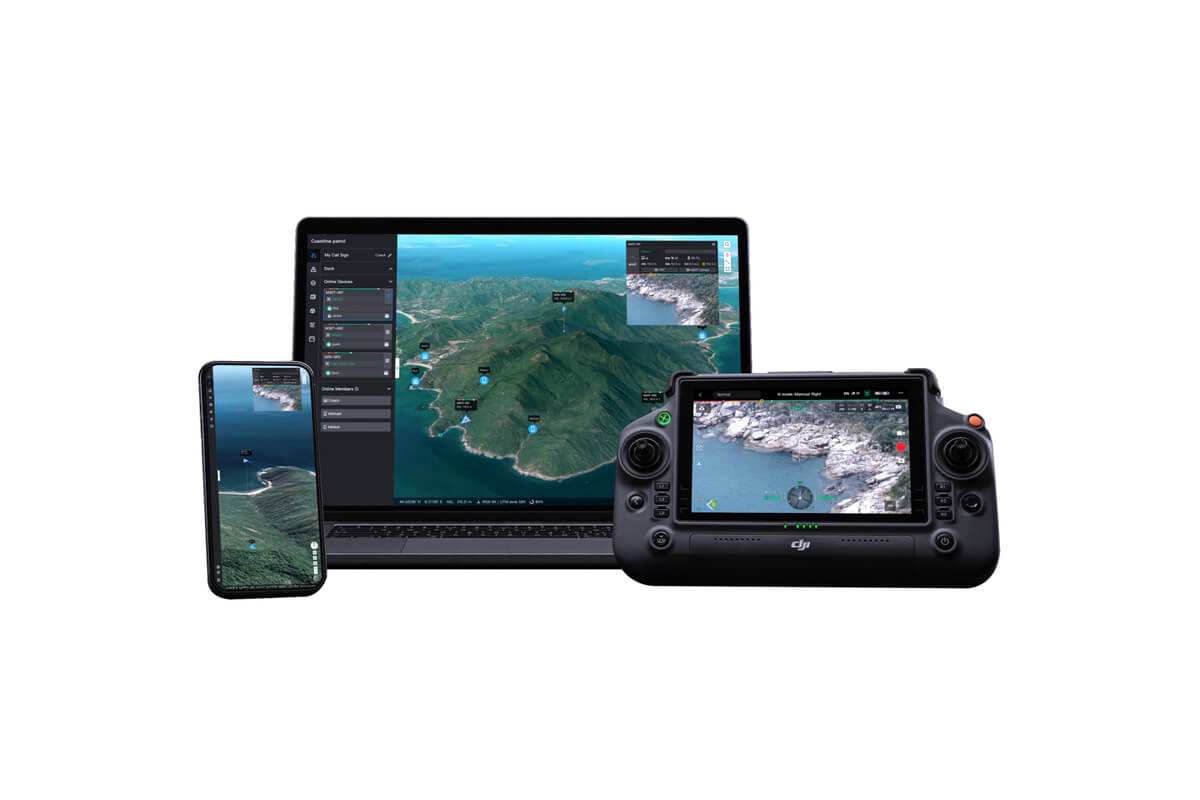
In FlightHub 2, prepare the route, choose the Dock and arrange the task. Monitor the flight, then check the returned files. [FH2-PLANS] It returns and recharges.
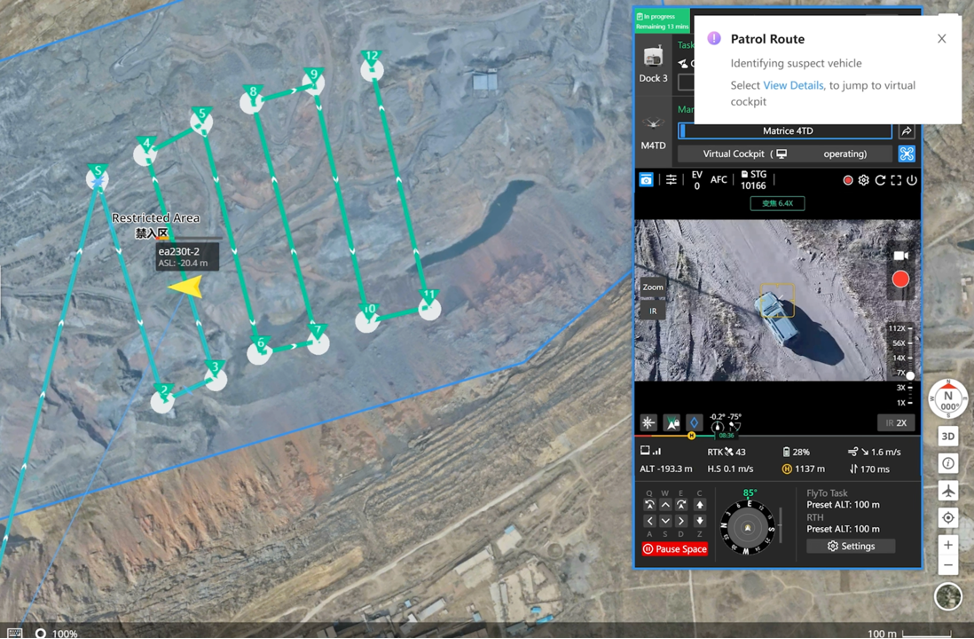
A regular photo schedule can help a construction or maintenance team build a dated site record. Keep someone responsible for checking the images and updating the task when access, buildings or equipment move.
Give the team a clear progress record
Store the originals by site, view and date. Present the same viewpoints together so the reader can compare them without searching through a memory card. Mark missing or rejected photographs and decide whether a repeat capture is needed.
Tell Irish Drone which views you need, how often, and whether the site has power and a suitable network connection. We can help choose the portable kit or the equipment for a prepared base.
View DJI FlightHub 2 software →
Plan your regular site photographs
Tell us the site, required viewpoints, repeat frequency and how the team will use the images. Include power, network and local access for a Dock installation.
Discuss your inspection setup →Sources
DJI documents and image credits
- DJI Matrice 4 Series specifications · Checked 14 November 2026.
- DJI Matrice 4 Series FAQ · Checked 14 November 2026.
- DJI Dock 3 FAQ · Checked 14 November 2026.
- FlightHub 2: Single-Dock Plans · Checked 14 November 2026.
- DJI Modify. Model-editing scope and compatibility. Official product page · Compatibility FAQ. Accessed 14 November 2026.
- Tang et al. (2024), Buildings 14(1), 26. Research source · CC BY 4.0.
Image sources and permissions are credited beside each image.
Leave a comment