

Description
Overview
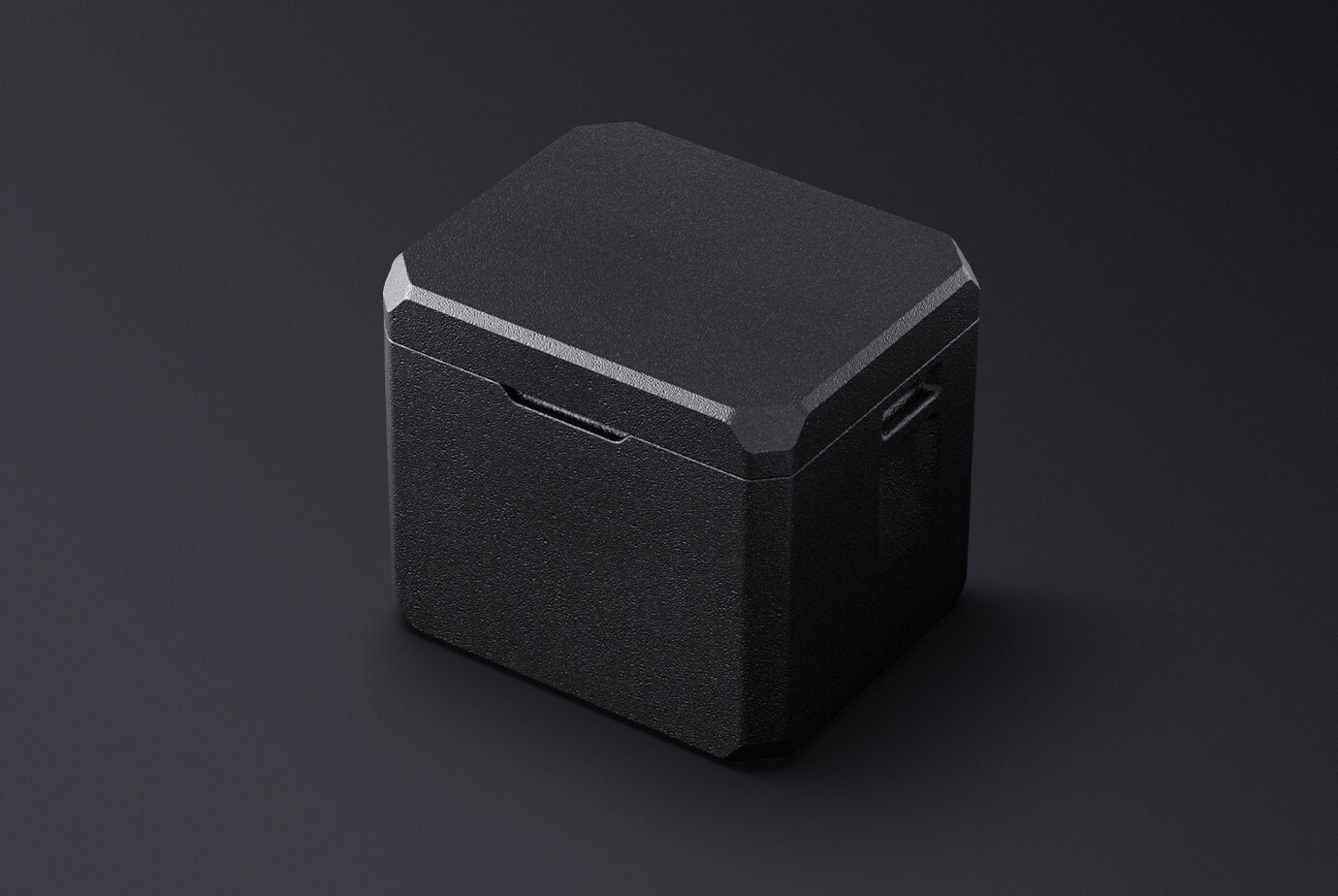
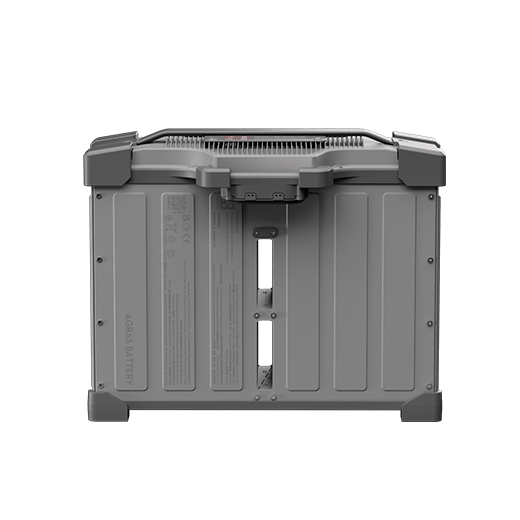
The DJI Battery Incubator warms a designated compatible battery before use in cold conditions and helps retain its warmth. It uses energy from the installed battery; it is not an AC-powered charger. DJI lists it in the FlyCart 100 accessory range. Check the designated battery fit before purchase, and remove the battery from the incubator for transport as instructed in the official product information.
Using this accessory
Use the DJI Battery Incubator for cold-weather preparation of designated compatible batteries in supported FlyCart 100 workflows. It draws energy from the installed battery to warm and insulate it.
Choose the correct configuration
Confirm the exact battery fit before ordering. The incubator is not an AC charger or a long-term battery-storage treatment; follow DJI’s dry-use, connection and transport instructions.
Key features
- Warms and insulates designated batteries for supported FlyCart 100 preparation workflows.
- Uses energy drawn from the installed compatible battery; it is not an AC-powered charger.
- Designed for cold-weather preparation, not a claim of improved battery health during long-term storage.

Compatibility
Designated batteries for supported DJI FlyCart 100 workflows; confirm the exact battery fit before ordering
- For designated compatible batteries; confirm the exact battery fit before purchase.
- Uses energy from the installed battery and is not an AC-powered charger.
- Keep the incubator dry and remove the battery before transport as instructed by DJI.
Specifications
| Function | Battery warming and insulation |
|---|---|
| Power source | Energy drawn from the installed designated battery |
| Permitted environment | Dry environment, −20 to 40°C |
| Heating reference | Approximately 90 minutes from −20 to 15°C in DJI laboratory conditions |
Confirm the exact battery fit and required connection accessories before ordering.
Supplied separately
- Flight battery
- AC charger
Setup and use
- Confirm the designated battery fit and connection accessories before use.
- Use a dry environment and follow the permitted temperature range.
- Install the battery, connect it correctly and press and hold its power button to start the documented warming/insulation process.
- Disconnect the connector before taking the battery out. Remove the battery from the incubator before transporting the incubator.
Common questions
Does the incubator charge a flight battery?
No. It warms a designated compatible battery using energy from that battery. It is not an AC-powered battery charger.
How do I choose the correct version?
For designated compatible batteries; confirm the exact battery fit before purchase.
Explore compatible equipment
Check the compatibility notes above when selecting a complete setup. Equipment linked below is supplied separately unless included in the box contents.




Reviews
There are no reviews yet.