



Description
DJI Manifold 3
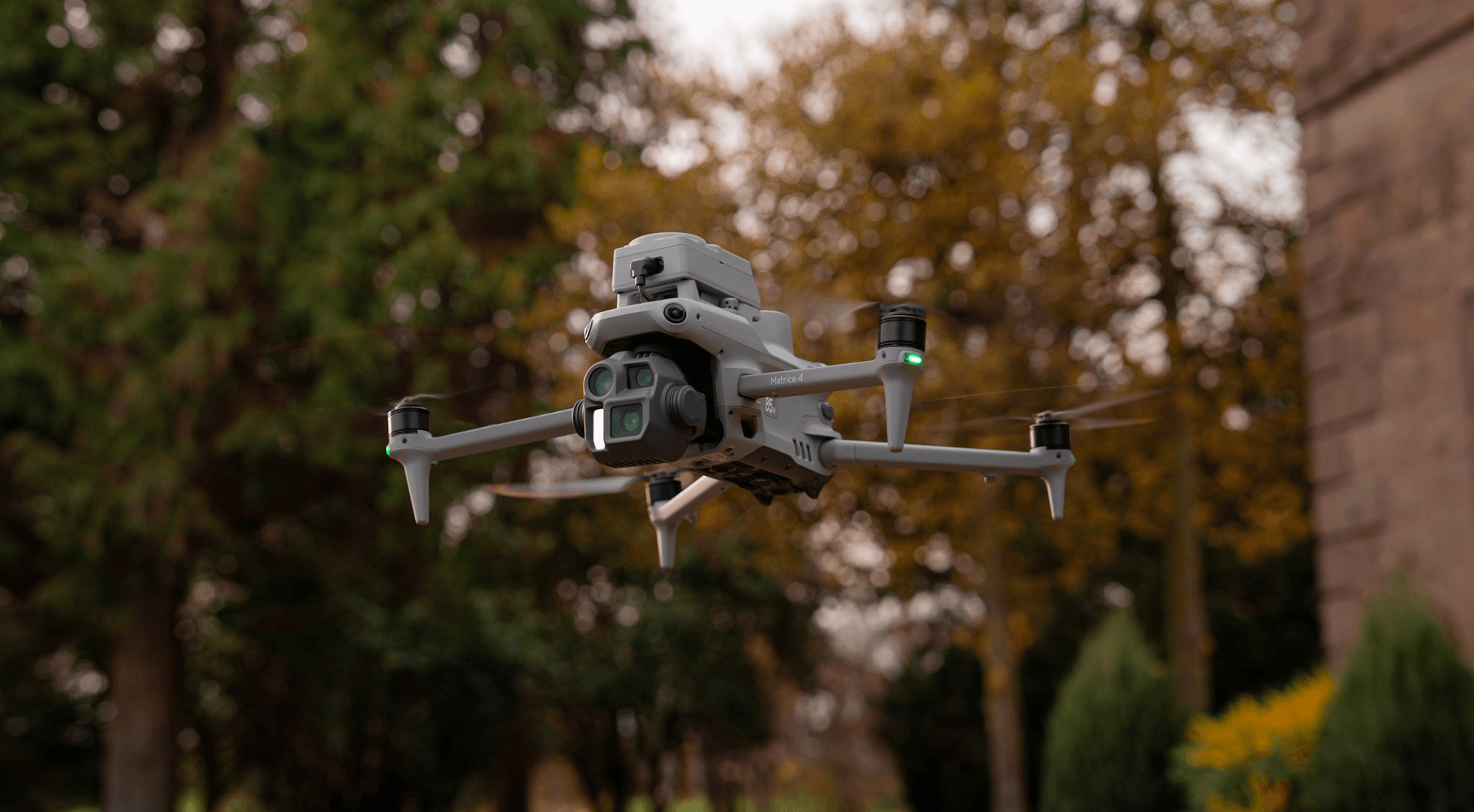
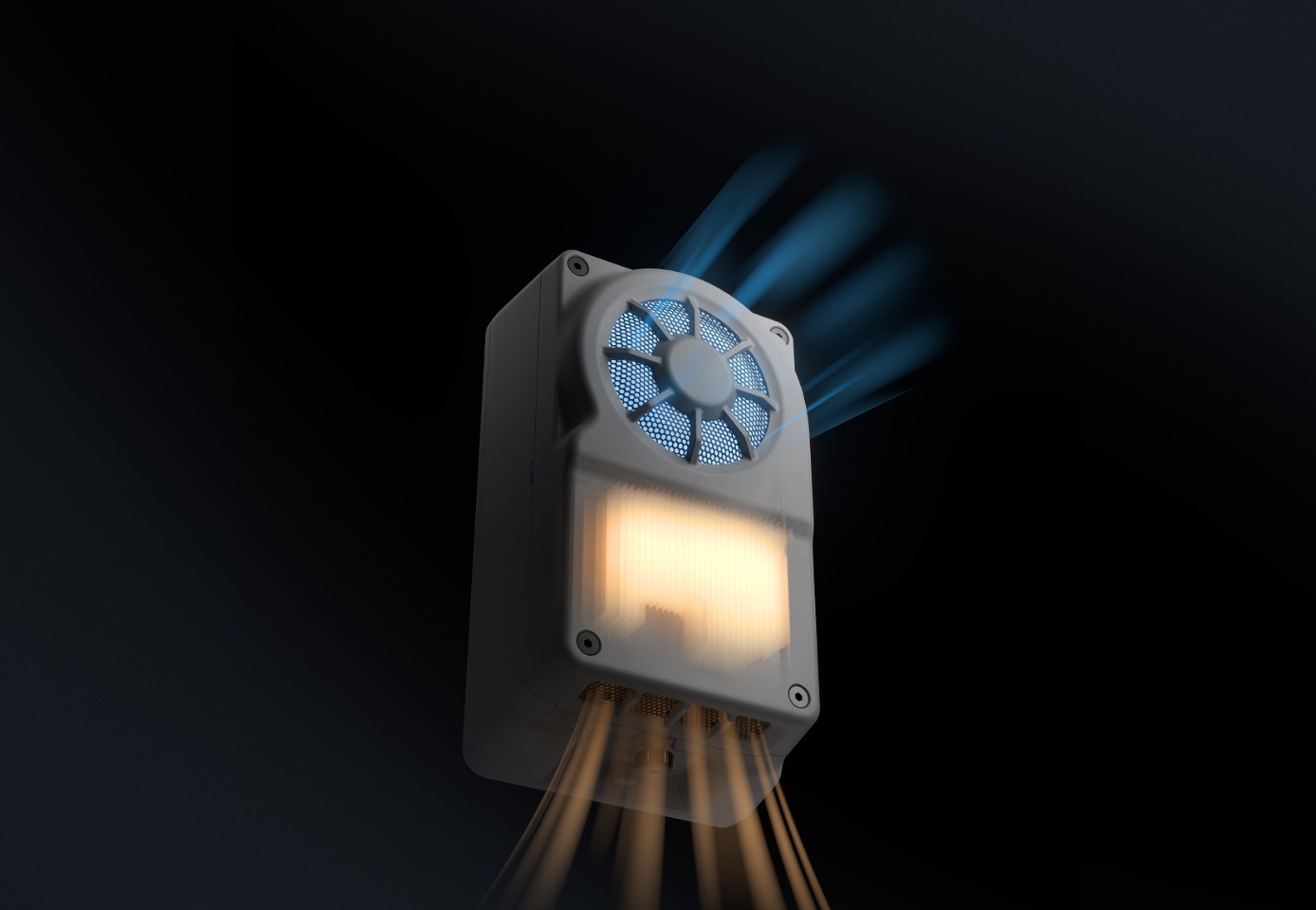
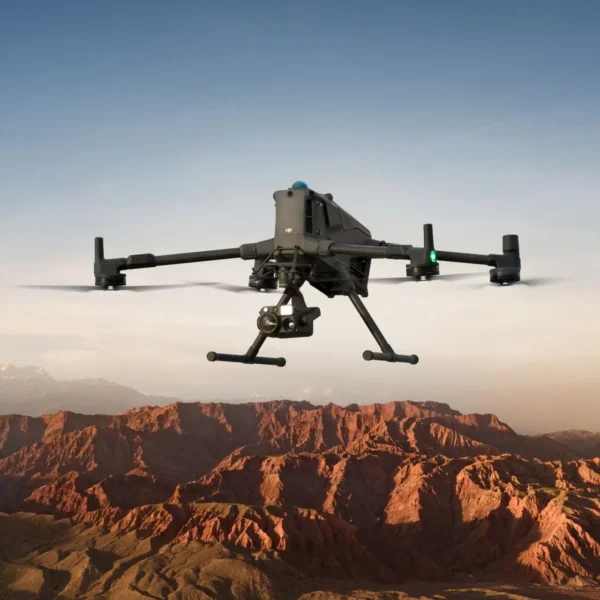
The DJI Manifold 3 is an onboard computing unit designed for use with compatible DJI Matrice aircraft. It provides up to 100 TOPS of compute performance with a sparse INT8 configuration of 60 TOPS GPU and 40 TOPS DLA. It supports PSDK and CUDA development for tailored applications and requires a separate aircraft-specific mounting kit for installation. The Manifold 3 is not an aircraft or a pre-installed AI application.
Specifications
| Computing power | Up to 100 TOPS, measured with sparse INT8, consisting of 60 TOPS GPU + 40 TOPS DLA. Not GPU-only or dense floating-point performance. |
|---|---|
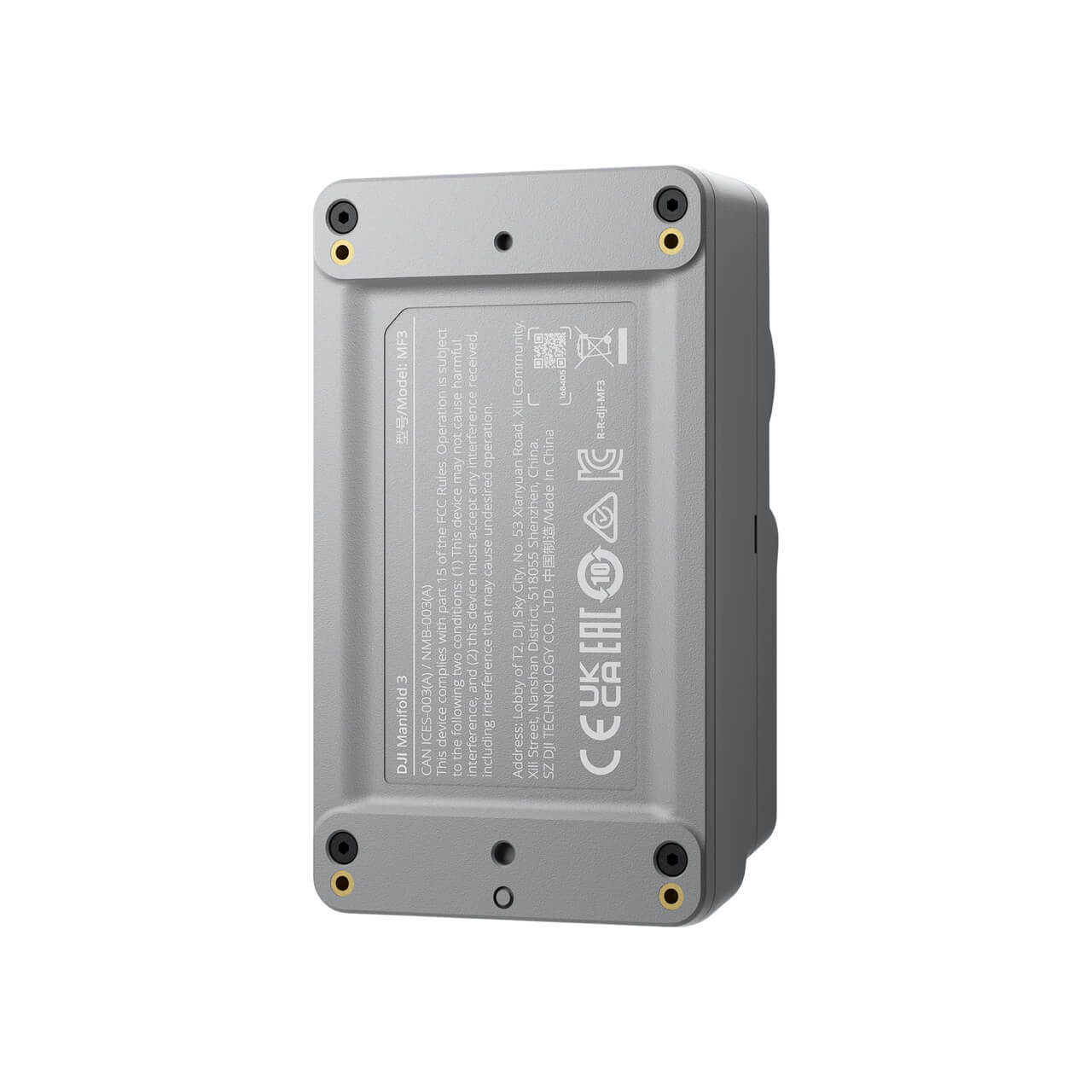
| Dimensions | 98×57×36 mm (L×W×H) |
| Ecosystem | DJI PSDK and CUDA; third-party application packages or custom development. No inspection or AI application is promised as included. |
| Ingress protection | IP55 under controlled conditions; not permanent and may decrease with wear. |
| Installation | Corresponding aircraft-specific kit required and sold separately; kits cannot be mixed. On M400 only E1/E2/E3 are supported; E3 recommended, not E4. M4/M4D use top E-Port. |
| Interfaces | E-Port; USB-C USB3.2 Gen1 up to 5 Gbps and PD power. USB-C does not support HDMI/DisplayPort output. |
| Memory | 16 GB LPDDR5 |
| Operating temperature | −20°C to 50°C |
| Rated power | 33W; achievable power is thermally dependent, not guaranteed continuous output at every temperature. |
| Storage | 256 GB SSD |
| Supported aircraft | DJI Matrice 400, Matrice 4 Series (4E/4T), Matrice 4D Series (4D/4TD) |
Choose the Correct Aircraft Kit
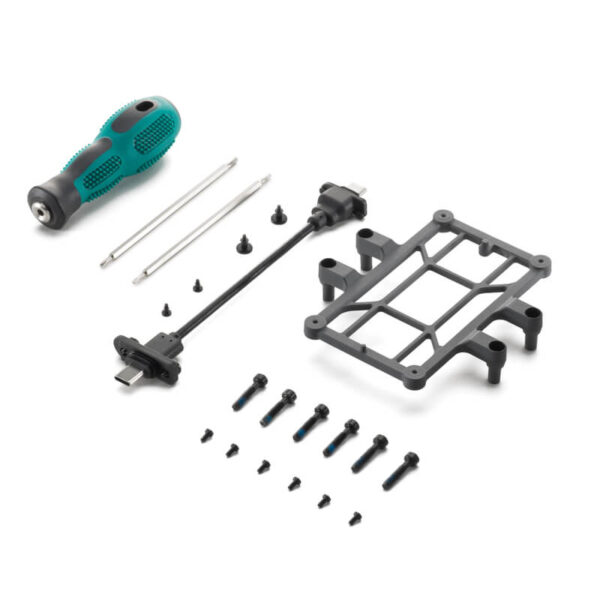
To use it with the Matrice 400, order the Manifold 3 Accessory Kit (Matrice 400) separately. For Matrice 4 Series (4E/4T), use the Manifold 3 Accessory Kit (Matrice 4 Series). For Matrice 4D Series (4D/4TD), use the Manifold 3 Accessory Kit (Matrice 4D Series). The matching mounting kit is sold separately.
The Manifold 3 is compatible with the DJI Matrice 400, Matrice 4E, Matrice 4T, Matrice 4D, and Matrice 4TD aircraft families. A separate mounting kit is required for each aircraft. On the Matrice 400, E1, E2 and E3 ports of E-Port V2 are supported; E3 is recommended. E4 is not supported.
Take a Closer Look
Compute qualification
The Manifold 3 is qualified for compute-intensive tasks with a sparse INT8 performance of up to 100 TOPS, consisting of 60 TOPS GPU and 40 TOPS DLA. This is not GPU-only or dense floating-point performance. It supports PSDK and CUDA development for tailored applications.
Memory/storage
The Manifold 3 includes 16 GB LPDDR5 memory and 256 GB SSD storage. These capacities are suitable for onboard workloads, but workload sizing remains application-dependent. External storage may be required for more demanding tasks.
Compact environmental design
Designed for compact deployment, the Manifold 3 weighs 120 ±5 g and measures 98×57×36 mm. It is IP55-rated under controlled conditions, and its protection may decrease with wear.
Interfaces
The Manifold 3 features an E-Port and USB-C interface with USB3.2 Gen1 up to 5 Gbps and PD power support. It does not support HDMI or DisplayPort output.
PSDK ecosystem
The Manifold 3 supports the DJI PSDK and CUDA development paths, enabling third-party application packages or custom development. No inspection or AI application is included by default; applications are separate choices.
Correct aircraft kits
The Manifold 3 requires a corresponding aircraft-specific mounting kit, which must be selected and purchased separately. Kits cannot be mixed. For the Matrice 400, E1/E2/E3 ports are supported, with E3 recommended. For the Matrice 4 and 4D, the top E-Port is used.
Professional Applications
Infrastructure inspection
Infrastructure inspection workflows may benefit from the Manifold 3’s compute capabilities, depending on the integration of compatible third-party or custom-developed applications. This includes tasks such as 3D mapping, structural analysis, and damage detection, which require tailored payloads and sensor configurations.
Environmental monitoring
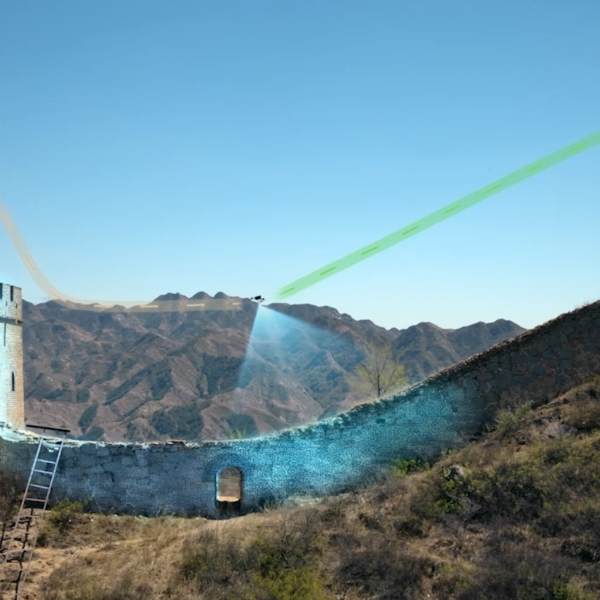
Environmental monitoring applications may leverage the Manifold 3’s processing power, depending on the use of compatible third-party or custom-developed software. This includes tasks such as vegetation analysis, land use tracking, and wildlife monitoring, which require specific sensor payloads.
Public safety
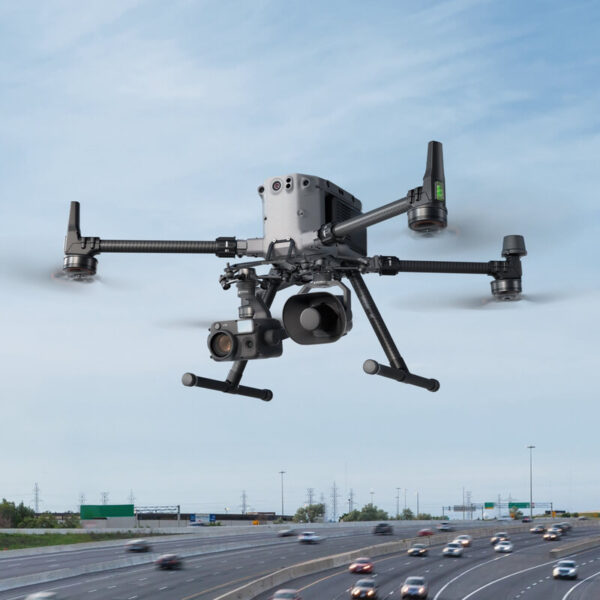
Public safety workflows may be supported by the Manifold 3, depending on the use of compatible third-party or custom-developed applications. This includes tasks such as crowd monitoring, search and rescue, and hazard detection, which require specific sensor and application configurations.
Official DJI FAQs
General
If you are a developer, you can use the PSDK open interface and CUDA computing components provided by Manifold 3 to develop AI applications for drones. You can then apply for mass production review and listing in DJI's Ecosystem Products Catalogue to promote your application.
On the DJI Matrice 4 Series and the DJI Matrice 4D Series drones, it can also be mounted to the top E‑Port.
System firmware upgrade is only supported on the Windows version of DJI Assistant 2; the Mac version is not supported.
1. Install and connect Manifold 3 to the drone platform. Connect an external USB flash drive or portable SSD to Manifold 3 via its USB-C interface, and then use the DJI Pilot app to choose the relevant application and export your data.
2. Install and connect Manifold 3 to the drone platform. Connect the drone platform and your computer with a USB-C cable. Open DJI Assistant 2 to automatically mount Manifold 3's system file directory, then use Windows Explorer to select and copy the data you want to export.
3. Install and connect Manifold 3 to the drone platform. Use third-party applications to export data, such as downloading playback from the Pilot media library or transferring data to a specified cloud platform. Follow the third-party application's instructions for detailed export methods.
If you are a developer, in addition to the three aforementioned means, you can also transfer data during the development and debugging phase through SSH or SFTP protocol channels.
Manifold PSDK Application
Discuss Your Manifold 3 Configuration
For a tailored configuration, please contact us directly. We will confirm the suitability of the Manifold 3 for your specific application and aircraft setup.








Reviews
There are no reviews yet.