
MOBILE THERMAL INSPECTION · THE TEAM AND ITS KIT
Choose the folding Matrice 4T when your team needs a thermal kit to carry between sites. For a mobile team, the choice is about the whole day: carrying, access, charging and useful inspection files. For large solar and wind farms, compare the vehicle-mounted setup below.
Matrice 4T
- Folding, portable kit
- Not waterproof
- Controller with DJI Pilot 2
Matrice 4TD
- Non-folding airframe
- IP55 dust and water resistance
- Controller; Dock 3 optional
Updated 14 November 2026 · Ireland

Technical Director · Irish Drone
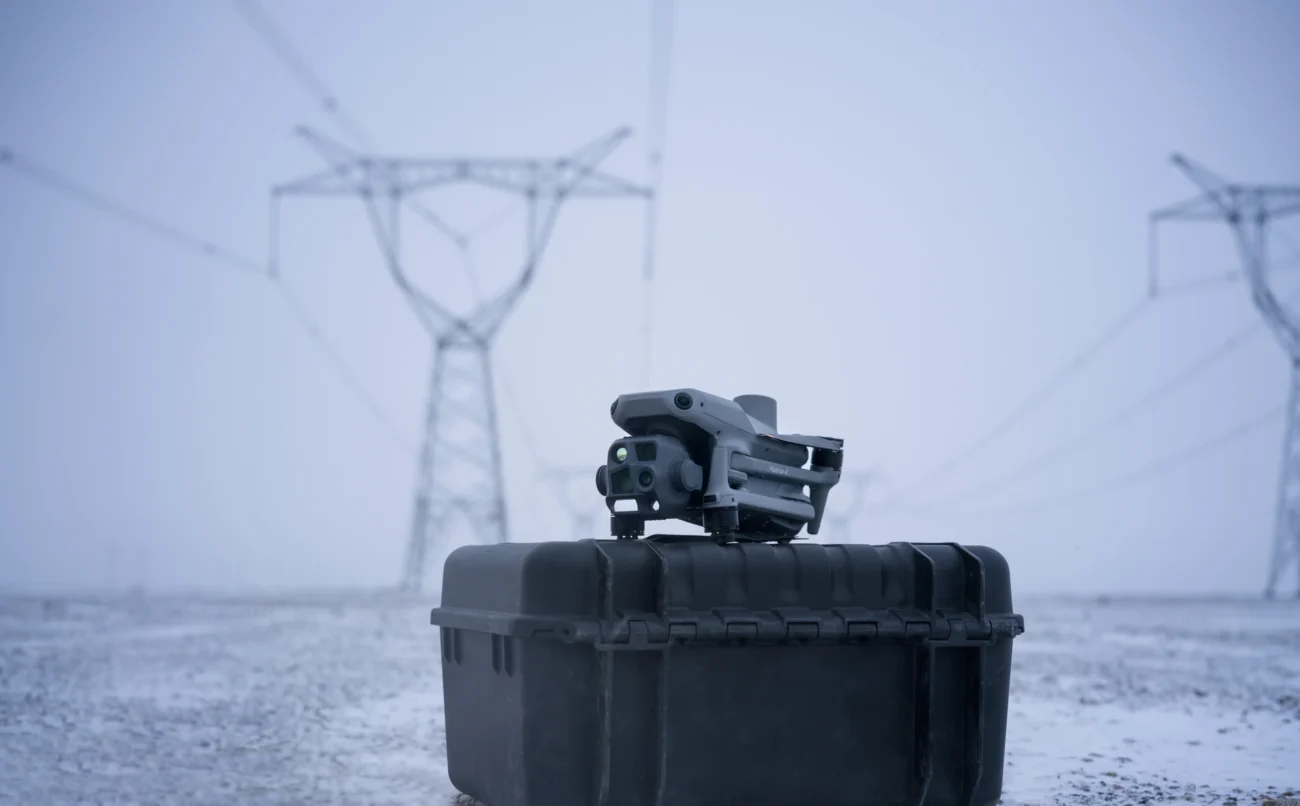
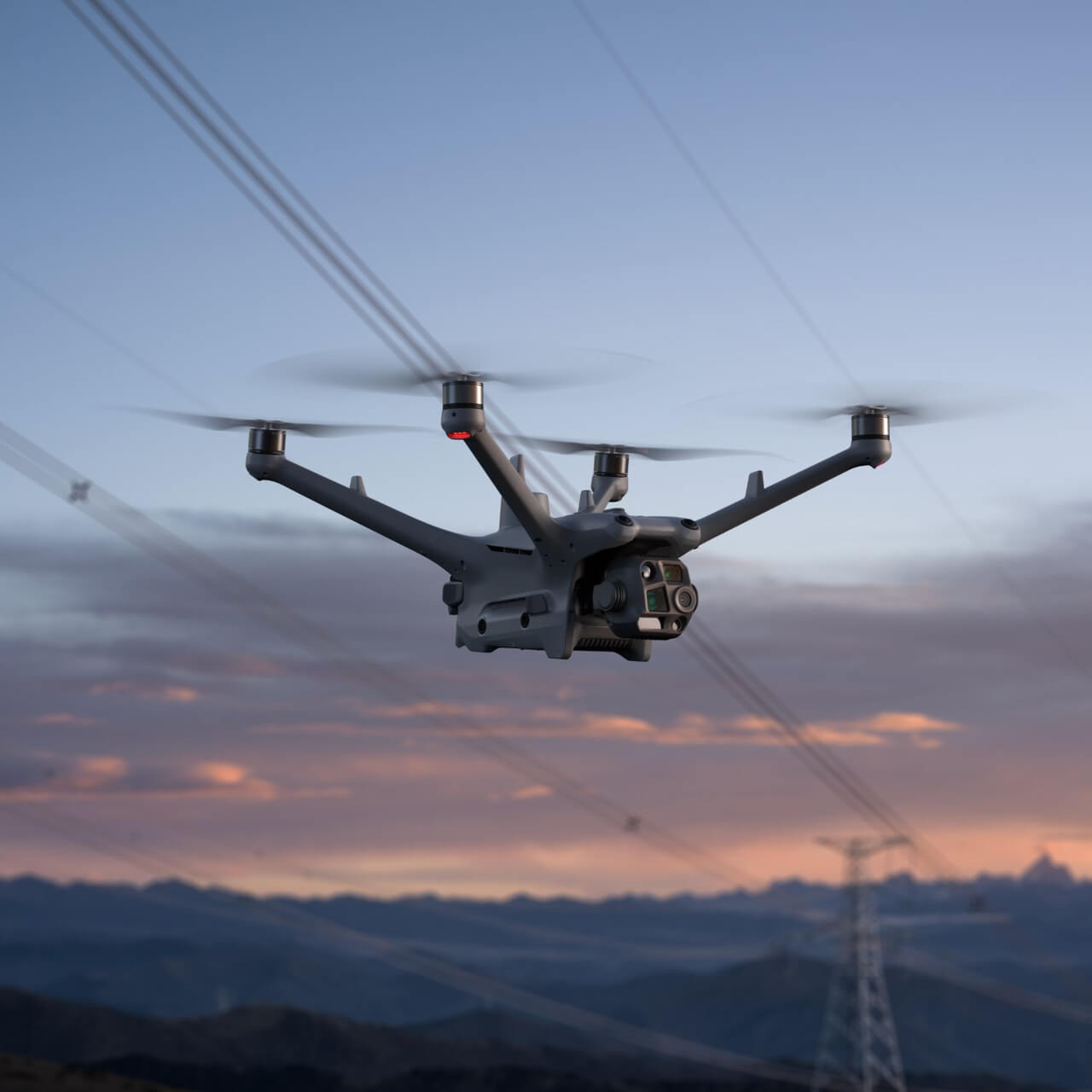
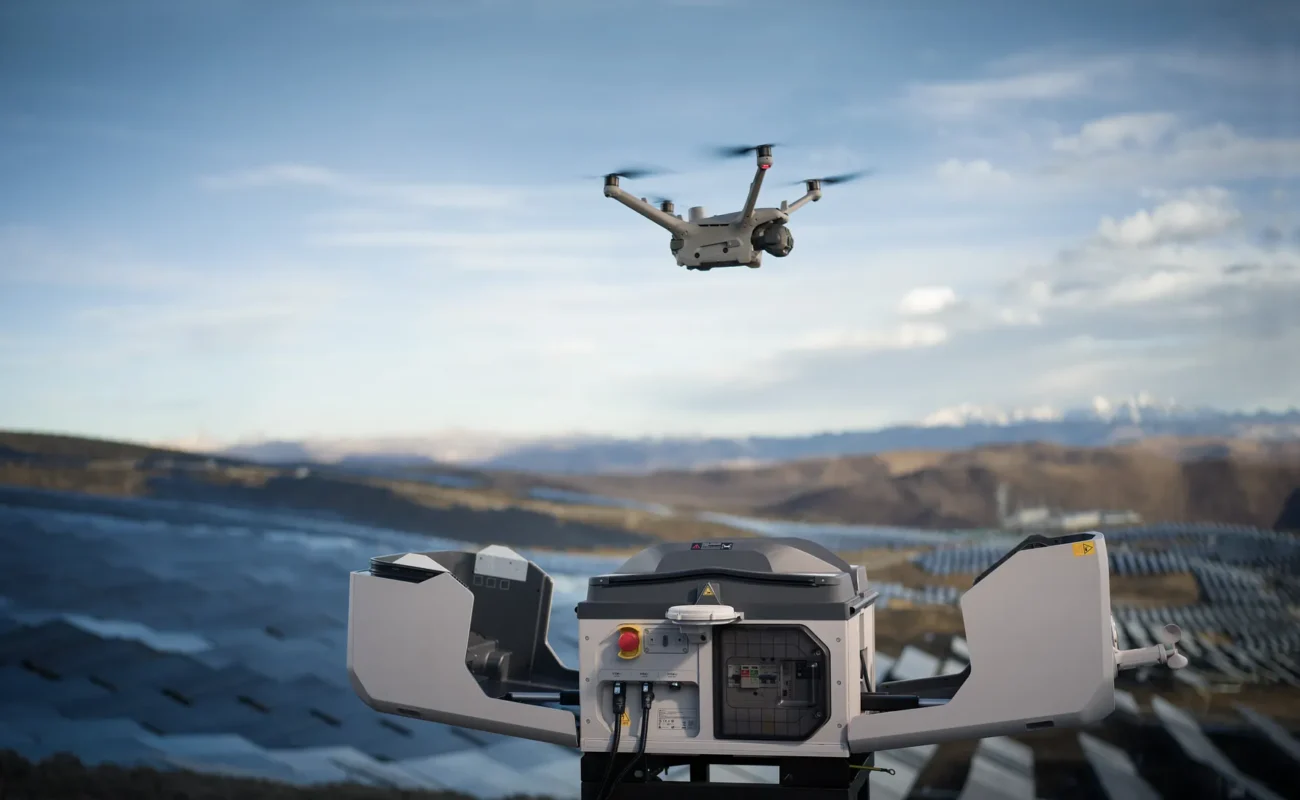
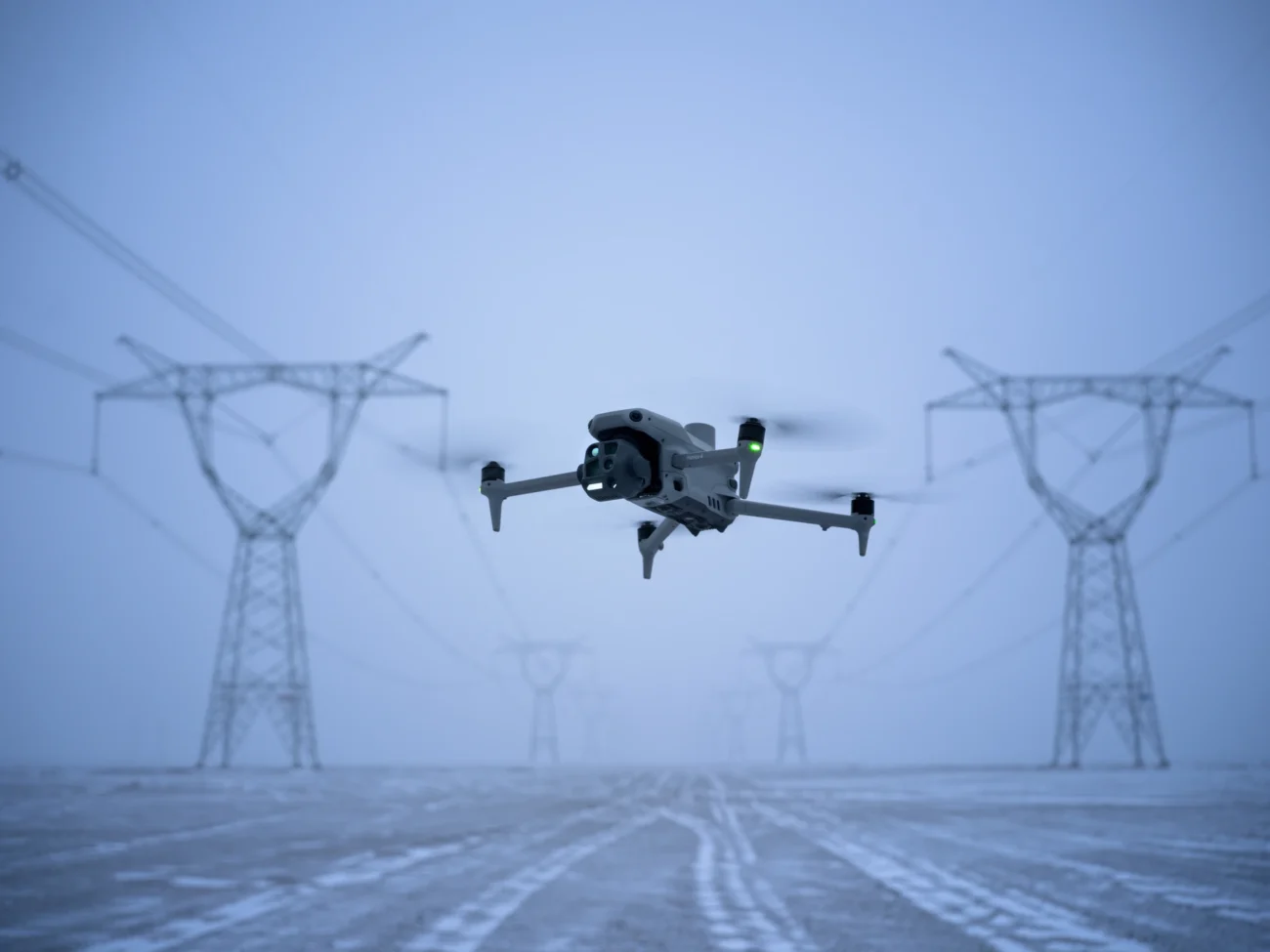
Header image · Official DJI Media · Matrice 4T in a power-inspection field kit. Photo: DJI / DJI Europe. Source and Media Use licence.
4T or 4TD: what will your team carry?
The 4T folds for transport, making it the easier kit to carry between launch points. [M4-SPEC] [D3-FAQ]
A van does not automatically make the 4TD the right choice. Think about the walk from the vehicle to the launch point, the space for the packed kit and the conditions you expect to work in. If the team carries everything a long way, the folding kit has a practical advantage.
The 4T is not waterproof; return and land if rain starts. [M4-FAQ] For a detailed comparison of cold conditions, see the winter deployment guide.
A pickup, Dock 3 and 4TD for large solar and wind farms
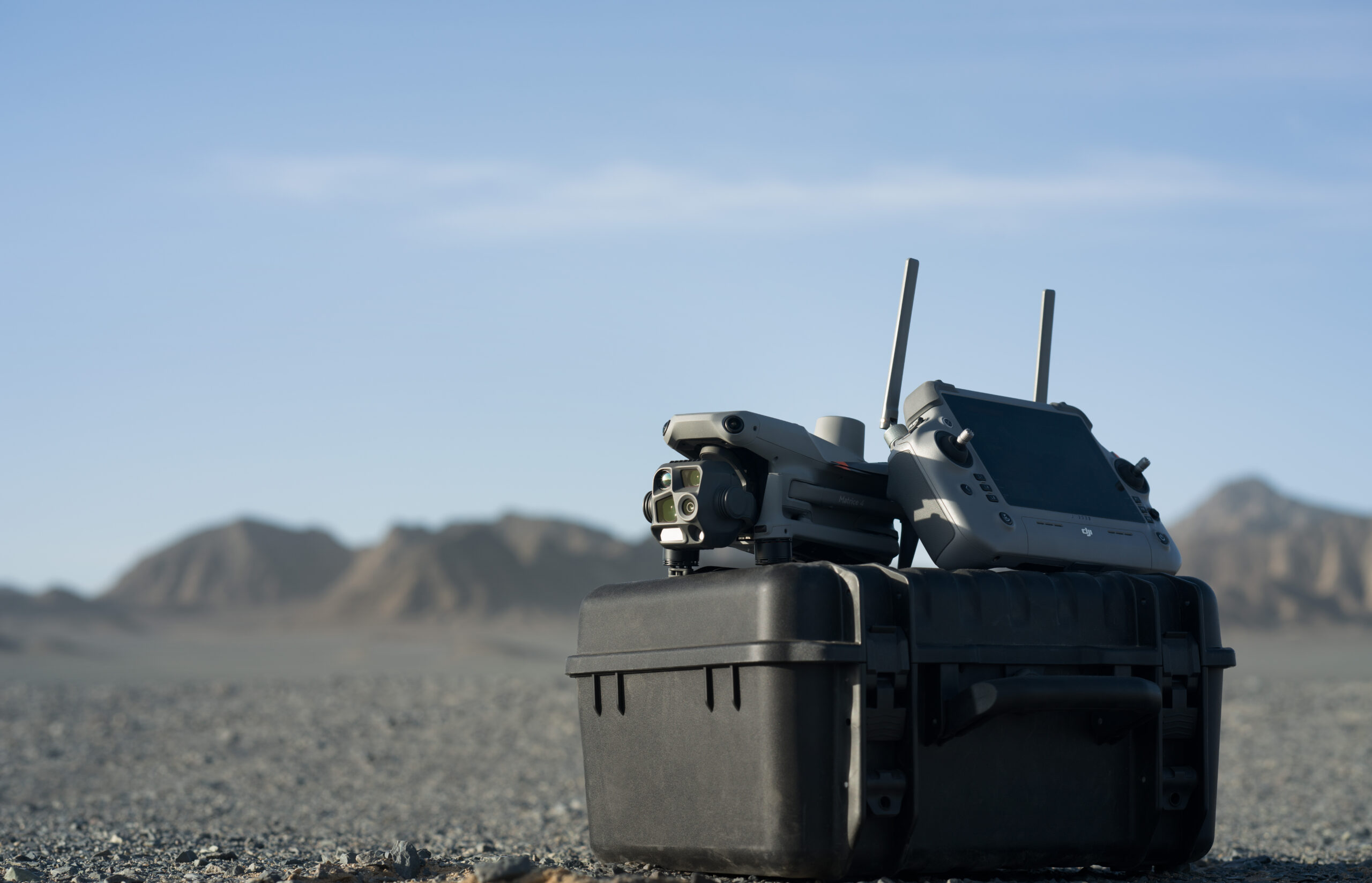
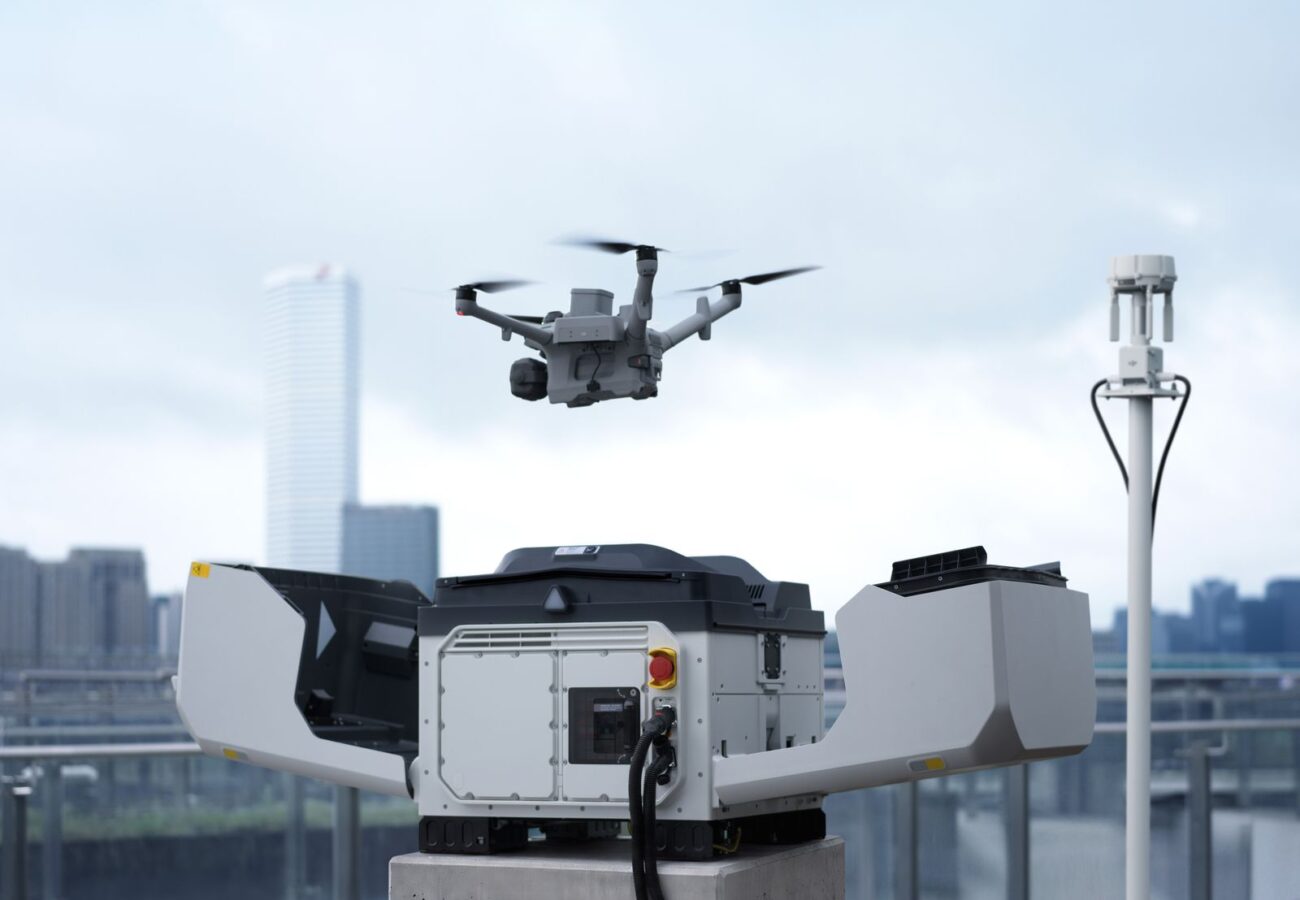
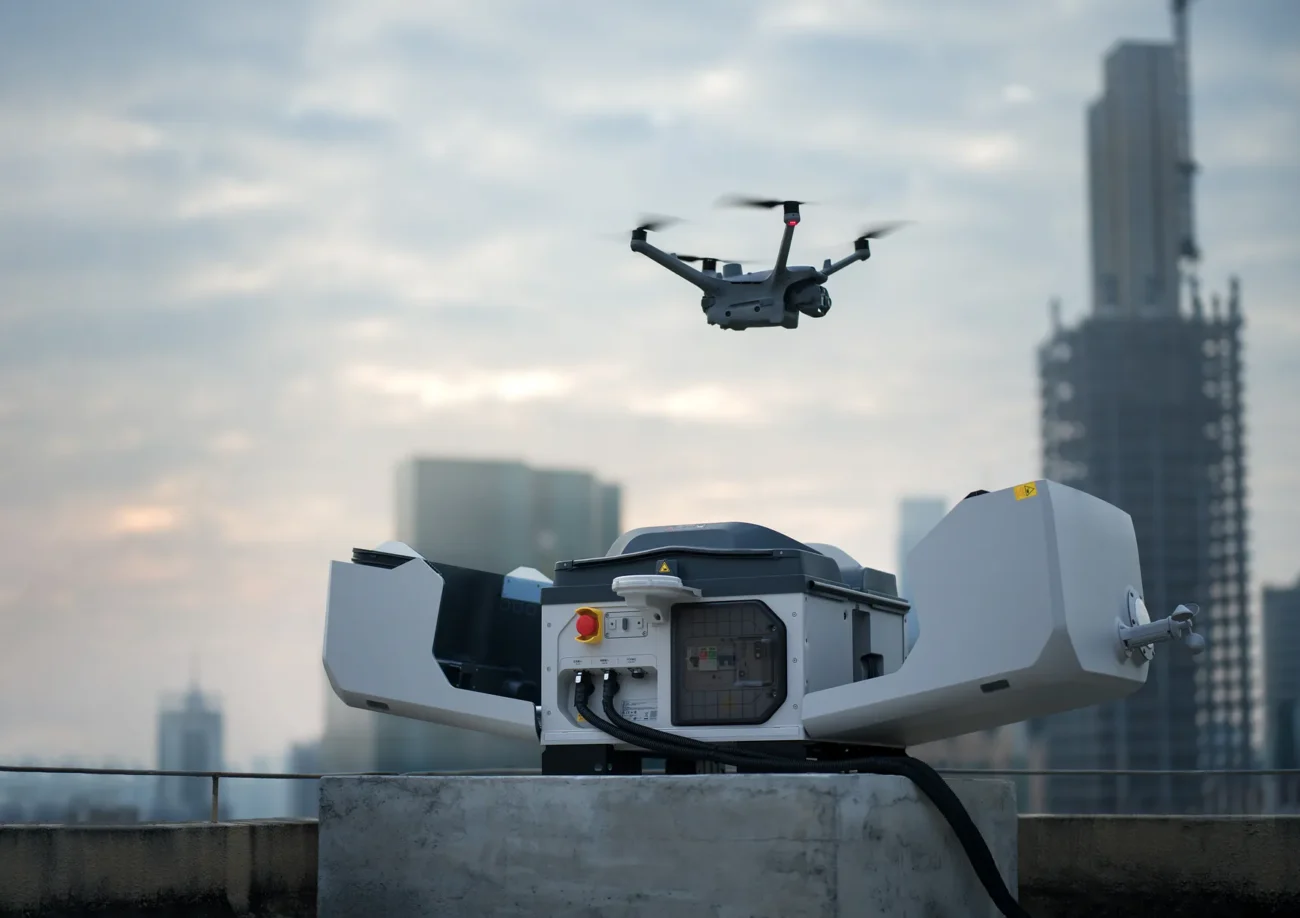
For a team covering a large solar farm or travelling between wind turbines, we recommend considering a pickup with a compatible vehicle mounting system, Dock 3 and Matrice 4TD. It is a practical way to take the launch base around the site, especially when repeat work would otherwise mean unpacking the aircraft at every stop.
The complete setup includes the pickup, a mounting system designed for the vehicle and Dock, a suitable power supply, a network connection and a screen or workstation for monitoring. Check the installation as a complete system. A pickup bed alone is not a Dock mounting system.
Plan the route, then drive to the launch stop
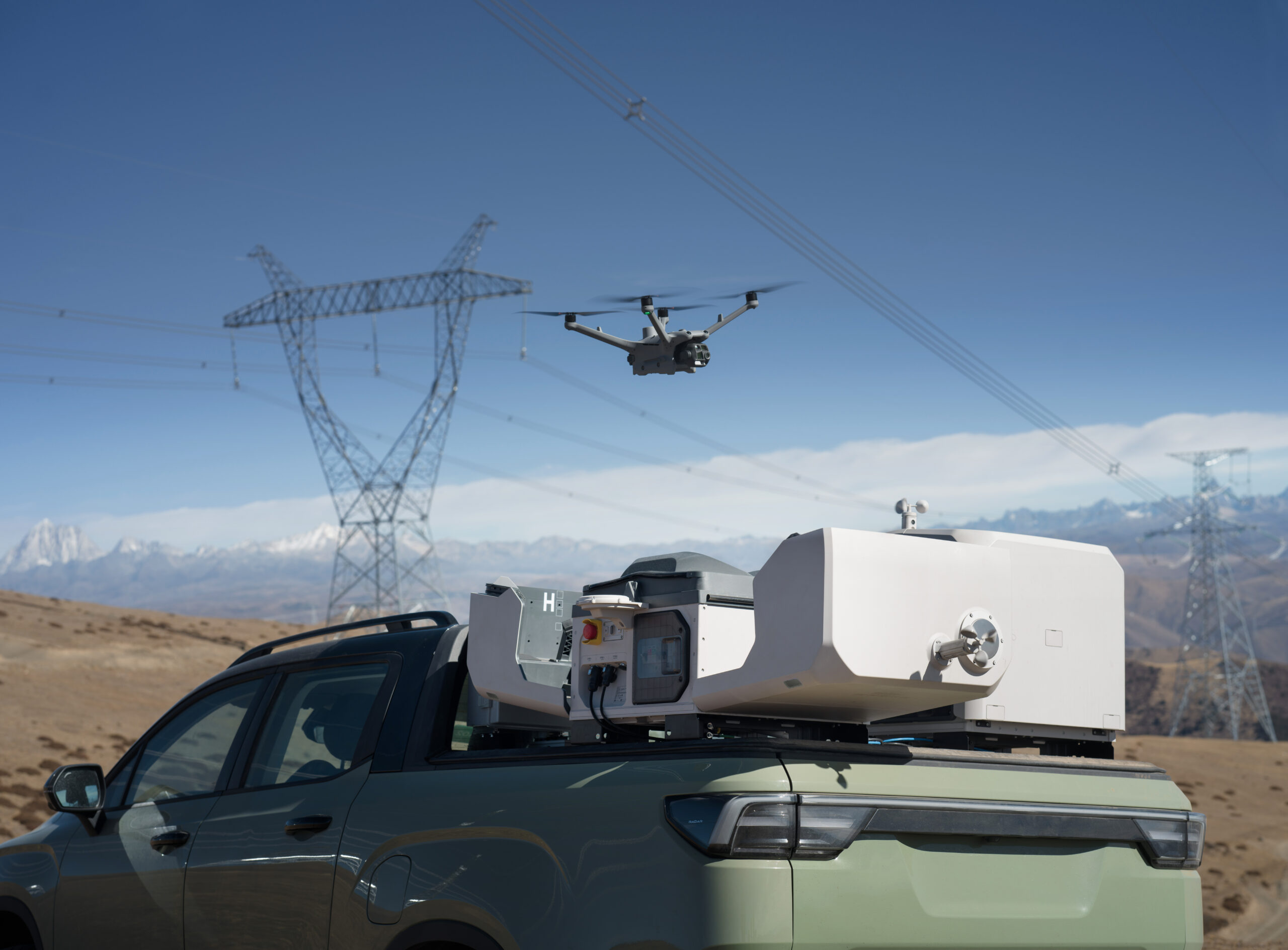
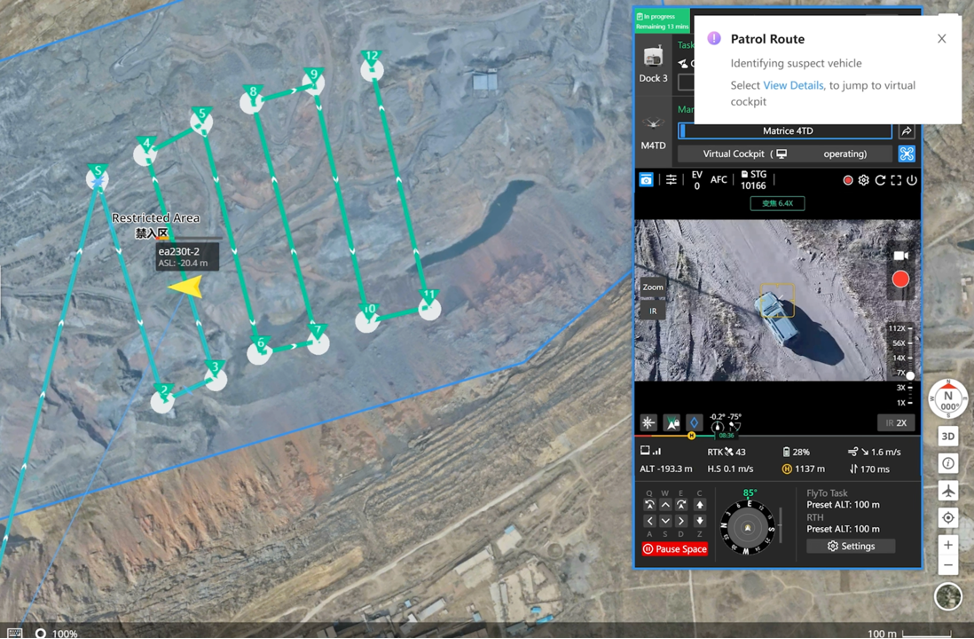
Use DJI FlightHub 2 to prepare routes and tasks, and monitor the flight. [FH2-PLANS] Divide a large site into practical sections, each with an agreed parking and launch point. Plan these stops around site tracks, access and the views the maintenance team needs.
Vehicle-mounted Dock safety checklist
Before operating the vehicle-mounted Dock, verify:
- Park below 3° slope; complete remote Dock calibration in the cloud before operation. [vehicle requirements]
- Keep vehicle and Dock stationary during flight; close covers before driving. [flight manual]
After every relocation, confirm the current site and route before calibration. Our planning recommendation is to check ground access and the route for that stop.
- At the new stop, check the mount, power, network and grounding. Check mounting bolts and retaining steel wires before driving; recover the aircraft before closing for transport. [operation sequence]
- Use the Vehicle-Mounted Gimbal Mount’s specified orientation and screws. Power off for installation/cable work. [mount instructions]
This is the vehicle option we would put first for frequent, large-site thermal rounds. For occasional jobs or long walks away from the vehicle, a folding 4T kit may still be the easier choice. The 4T can also follow planned routes; the vehicle-mounted base is the practical difference here.
For the equipment links, see Dock 3, Matrice 4TD and FlightHub 2. Then read our automated thermal inspection guide for solar-farm checks, wind-farm tasks and reviewing the returned images.
Plan the equipment for your mobile day
Plan the carried kit around your working day and recharging stops.
Pack for the whole working day
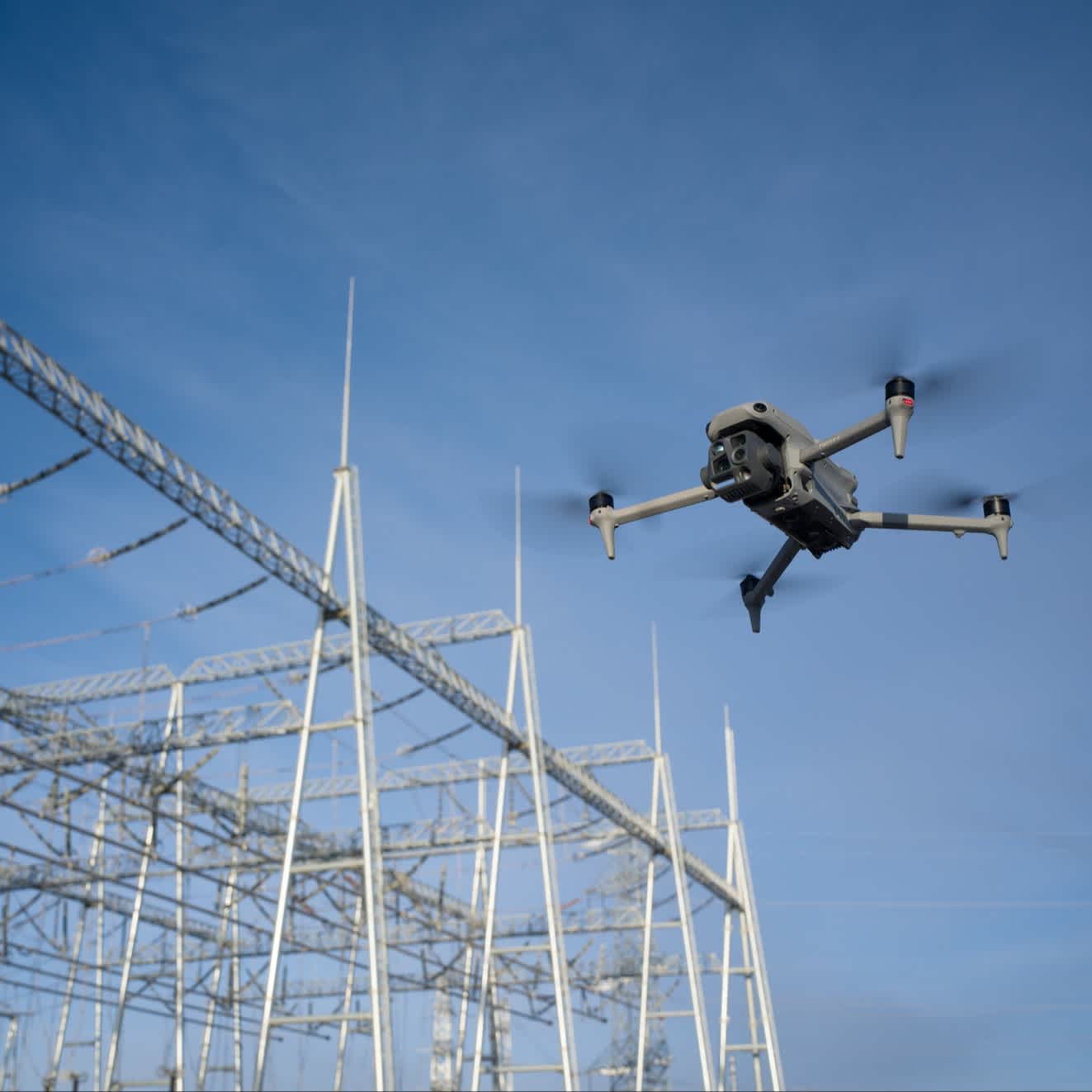
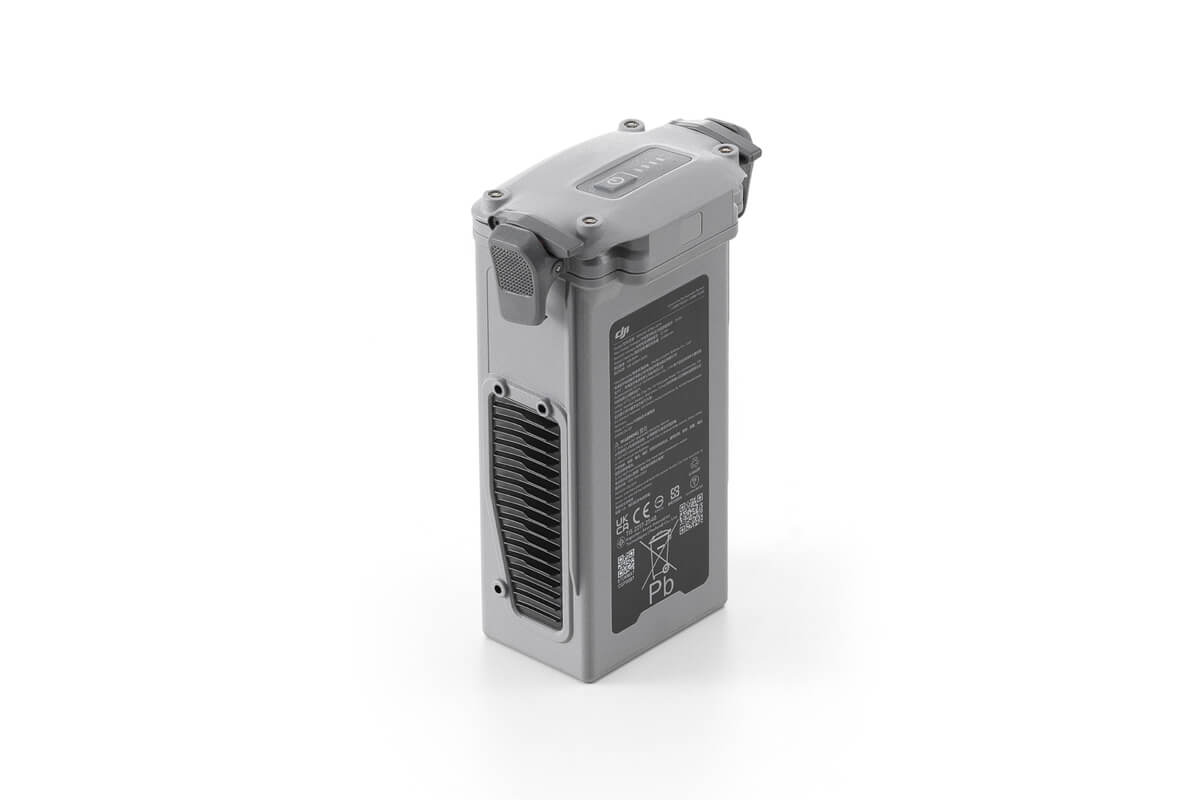
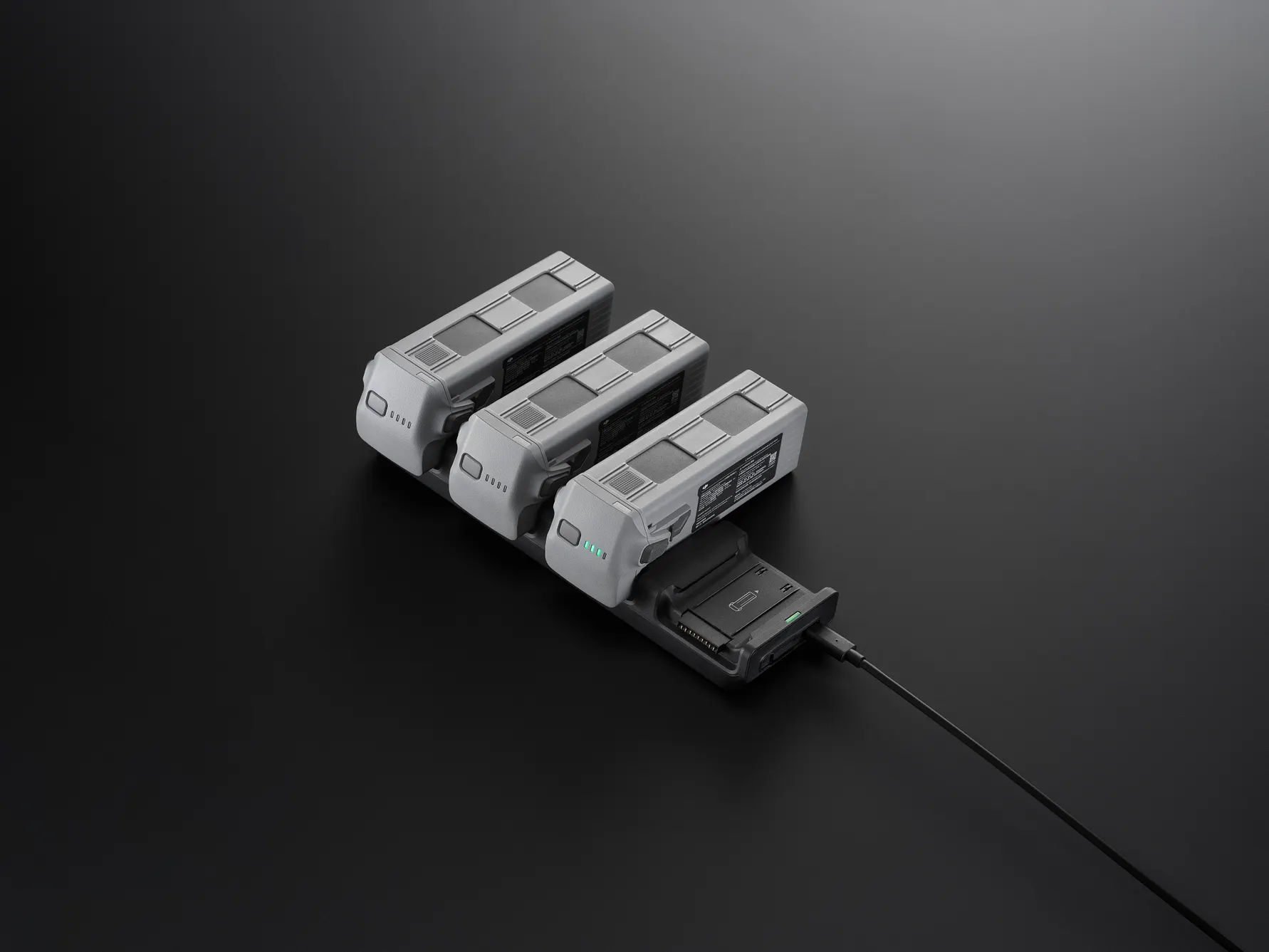
Bring charged spare batteries, the matching charging hub and a suitable power supply. Decide where you can charge before booking several visits. A socket at one site does not help if the next job is a long drive away, and vehicle charging needs its own suitable power arrangement.
Keep the two battery families separate when choosing the kit:
| Aircraft configuration | Battery and charging links |
|---|---|
| Matrice 4T | Matrice 4 Series battery · 100W hub |
| Matrice 4TD | Matrice 4D Series battery · 240W hub |
Also pack the controller, memory cards, a protected transport case and a separate backup drive. Try the actual carry from the vehicle to a launch point with the complete kit. That will tell you more about handling than looking at the aircraft alone.
A useful routine at each site
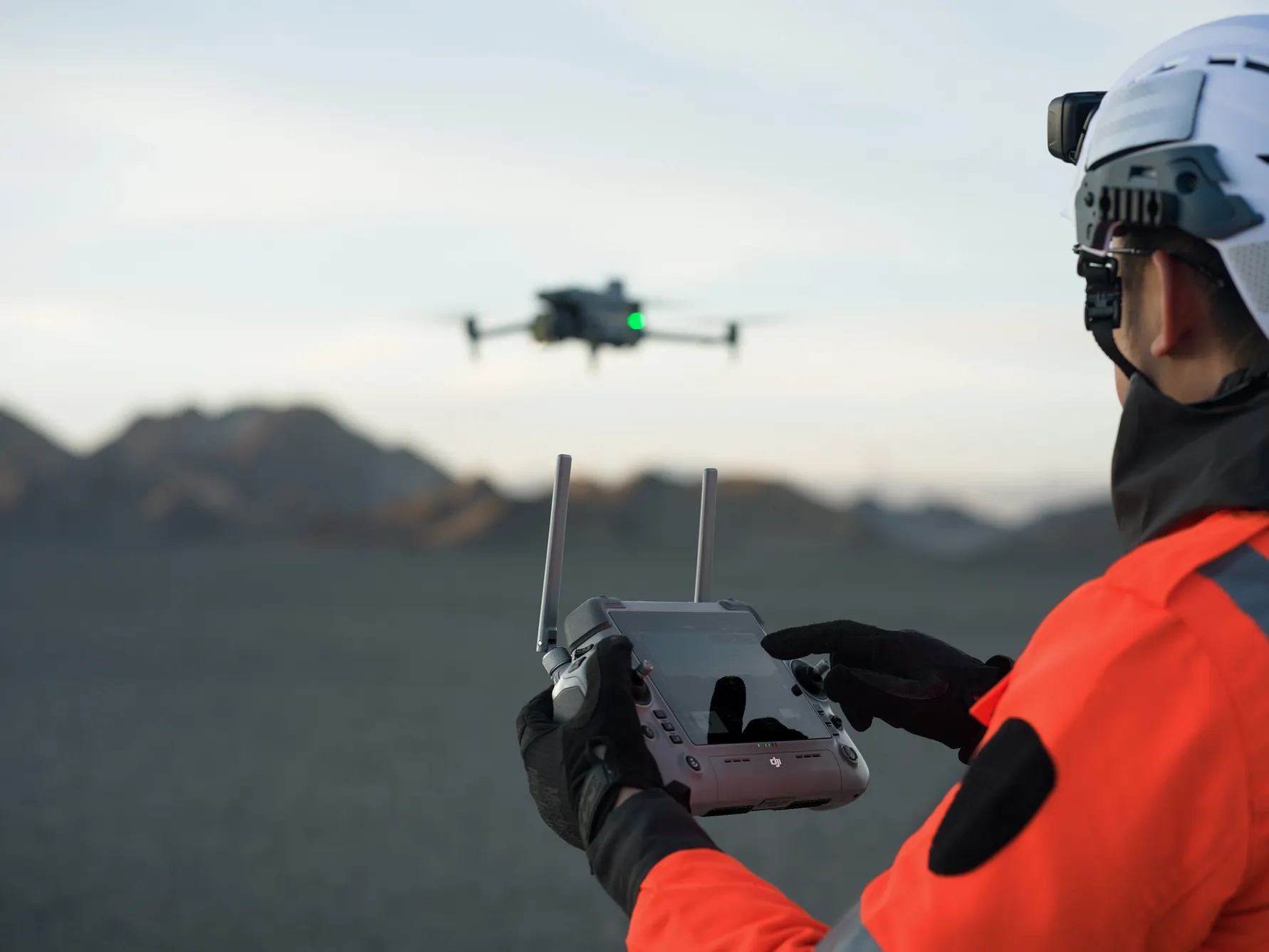
- Confirm the job. Agree which assets and views the client needs, and check the launch and recovery area.
- Capture both views. Take a normal context photograph and the required thermal views of the same target.
- Check before packing. Look for missed areas, blur or views that do not identify the asset clearly.
- Back up, then move on. Copy the originals, open a sample of the copied files and note any return visit needed.
Allow time for access, setup, recovery, charging and travel as well as the flight. Use a few representative jobs to plan the working day. A longer flight or a larger battery alone will not tell you how many complete client visits fit into that day.
An Irish Drone Matrice 4T field example
We captured these side-by-side thermal and RGB views of a rooftop solar PV array with a DJI Matrice 4T. The visible view helps locate a thermal pattern on the modules so that the reviewer can decide what needs closer inspection.
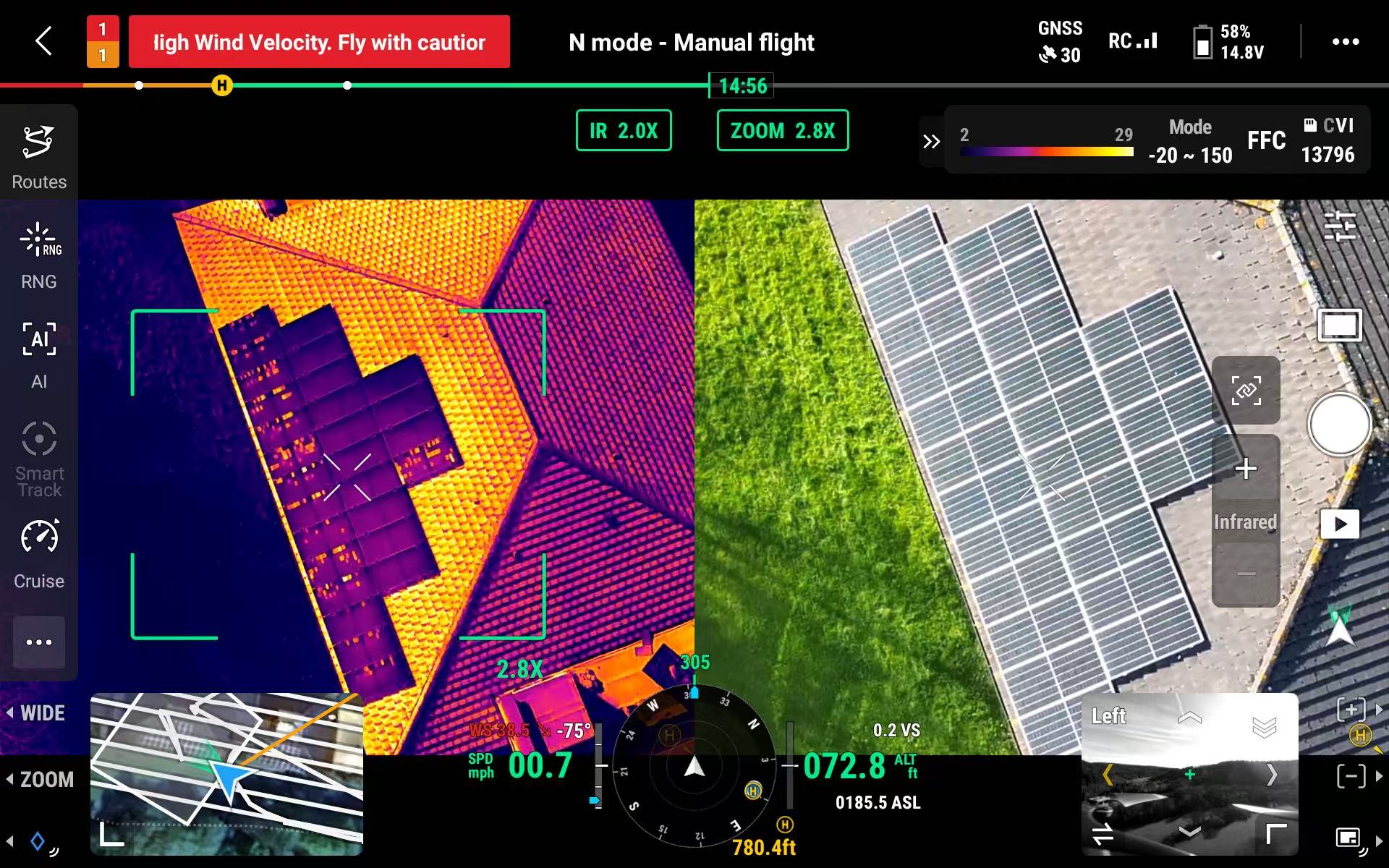
The colours show a thermal pattern, not a confirmed fault. Interpreting it requires the original files and the inspection conditions.
Our solar PV thermal inspection guide covers image capture, follow-up checks and reporting.
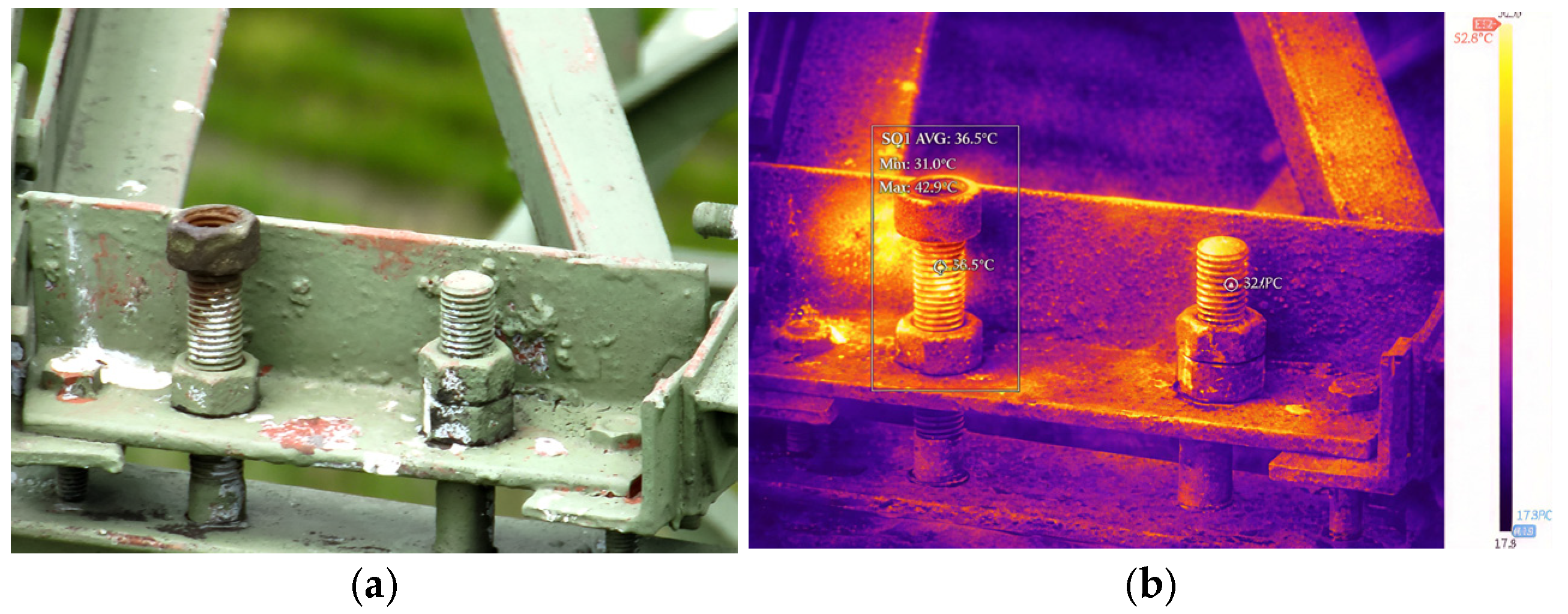
Published technical example
Give the client files they can use
Organise the files by site, asset and date. Keep original thermal files alongside context photographs, and make it clear which view belongs to which asset. Add a short note for anything the team could not capture or needs to revisit.
Agree who will review the images and decide the next step. A warm area can prompt a closer check; the file set should help that person find the right asset and understand what was seen.
If the same site needs frequent repeat flights, compare a separate Dock 3 thermal setup. For a team travelling between customers, start with the kit, power and file handling that make each visit practical.
Tell us about your mobile inspection day
Tell us the sites you visit, the driving and walking involved, the files each client needs and where you can charge. For a vehicle-mounted setup, include the proposed pickup, mounting arrangement and available power and network. We can help choose the aircraft, compatible batteries and charging kit.
Discuss your inspection setup →Sources
DJI documents and image credits
- DJI Matrice 4 Series specifications · Checked 14 November 2026.
- DJI Matrice 4 Series FAQ · Checked 14 November 2026.
- DJI Dock 3 FAQ · Checked 14 November 2026.
- FlightHub 2: Single-Dock Plans · Checked 14 November 2026.
- Flight manual v1.2 · Checked 14 November 2026.
- DJI Dock 3 Vehicle-Mounted Gimbal Mount product information, v1.0 · Checked 14 November 2026.
Image sources and permissions are credited beside each image.
Leave a comment