
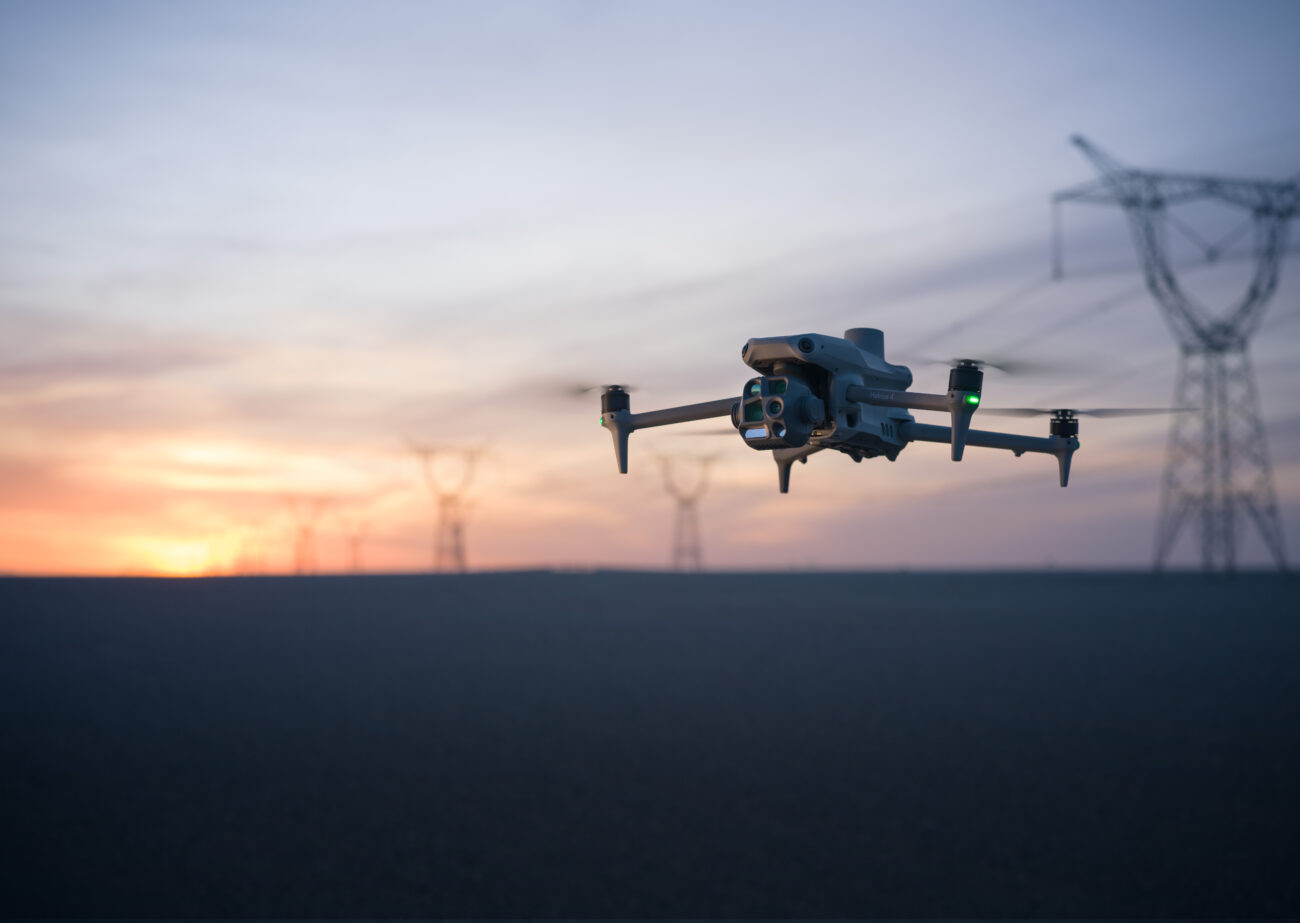
POWER-GRID INSPECTION · MATRICE 4T VS 4TD
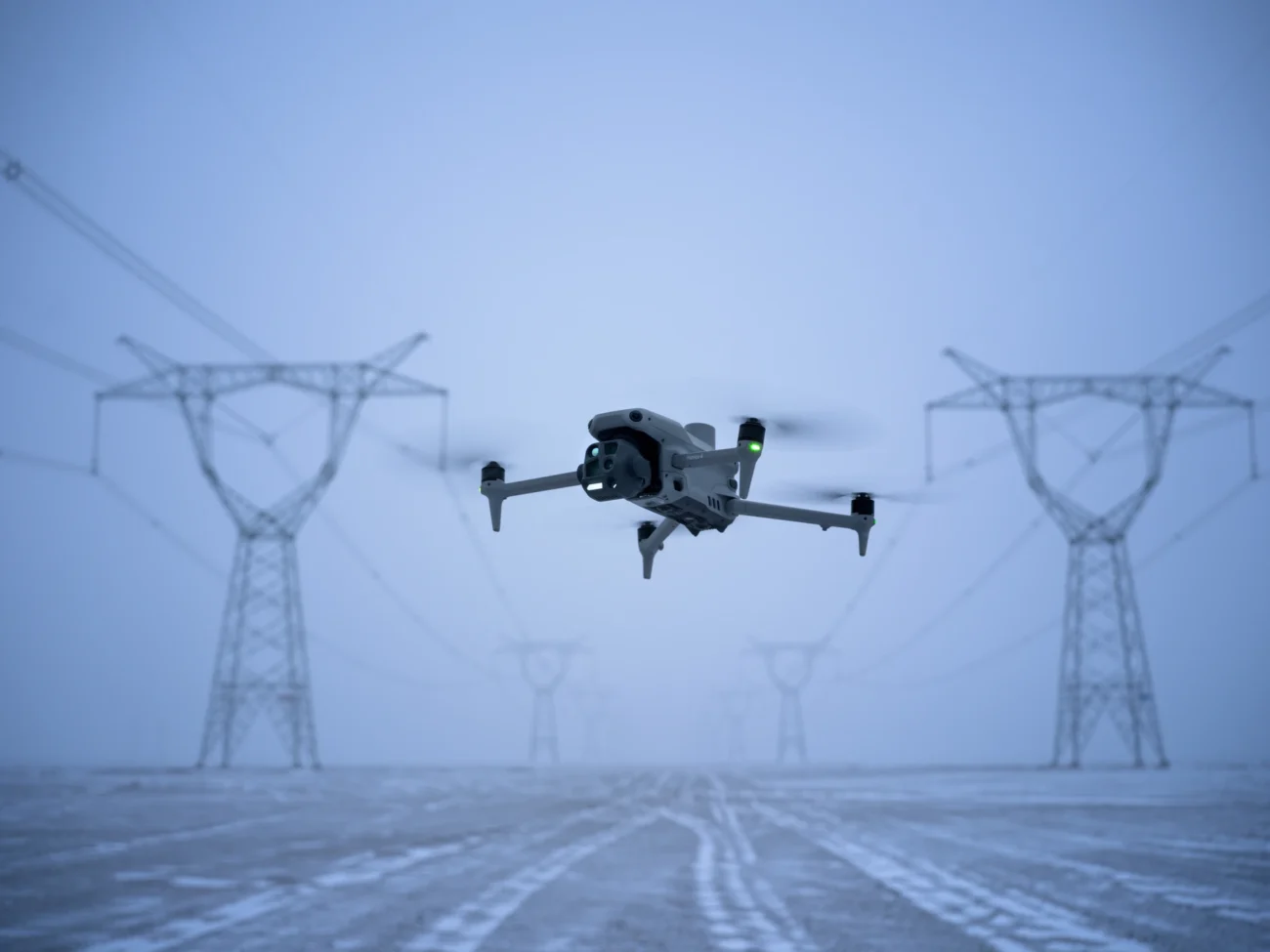
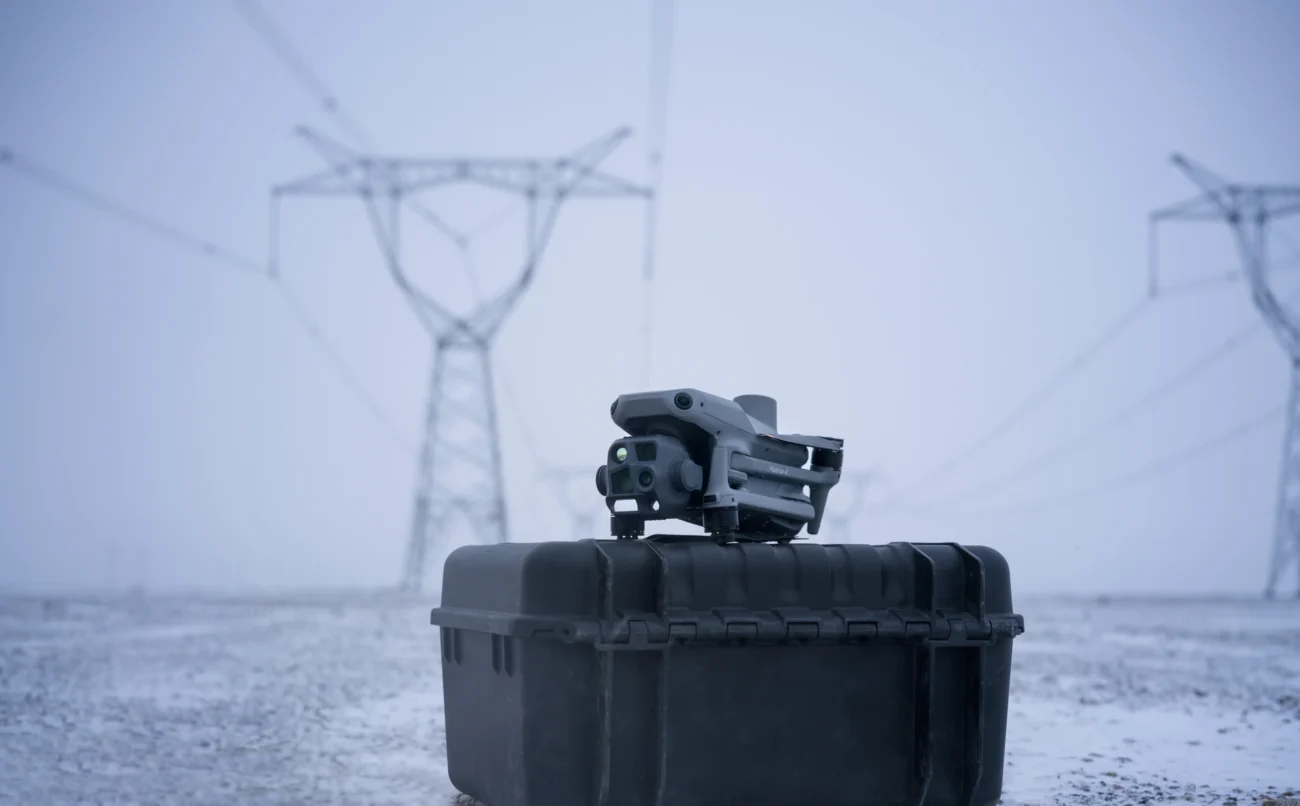
For power-grid inspection, the Matrice 4T folds for easy transport. The Matrice 4TD has IP55 water protection.
Compare the work on the ground
Matrice 4T
A team moving between inspection locations
Consider the access route, the stops and the views the reviewer needs.
Matrice 4TD
A recurring inspection programme
Consider whether the same site, or a sequence of planned stops, justifies a supported base.
Original editorial comparison. Published model and workflow details: [M4-SPEC] [M4-FAQ] [D3-FAQ]
Updated 14 November 2026 · Ireland

Technical Director · Irish Drone
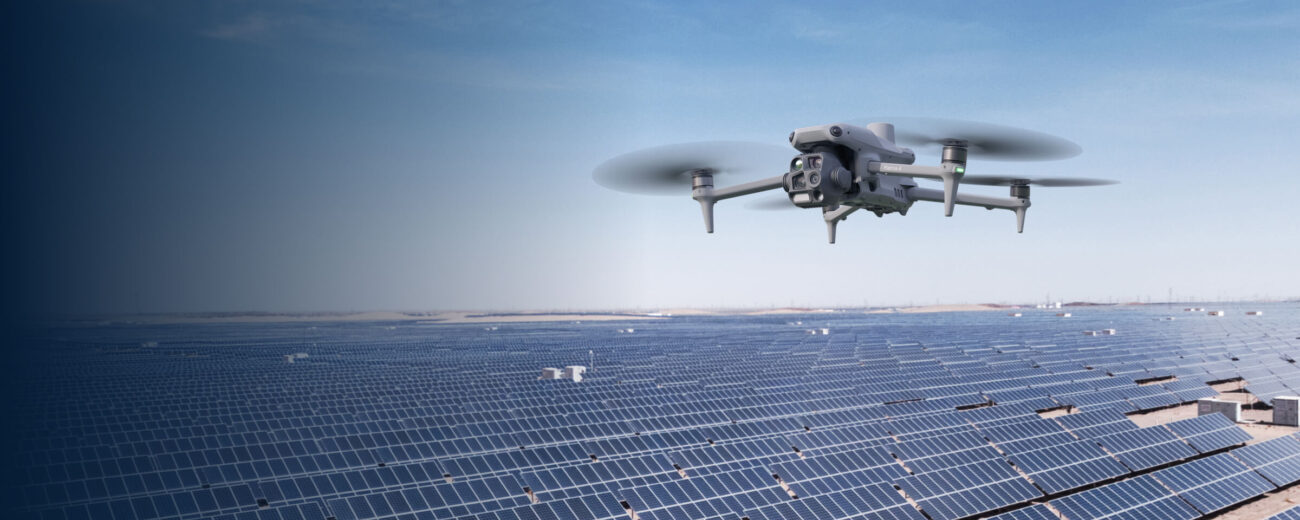
Header photo — Official DJI Media: DJI / DJI Europe. Source and Media Use licence.
Matrice 4T: fold it, carry it, inspect the next tower
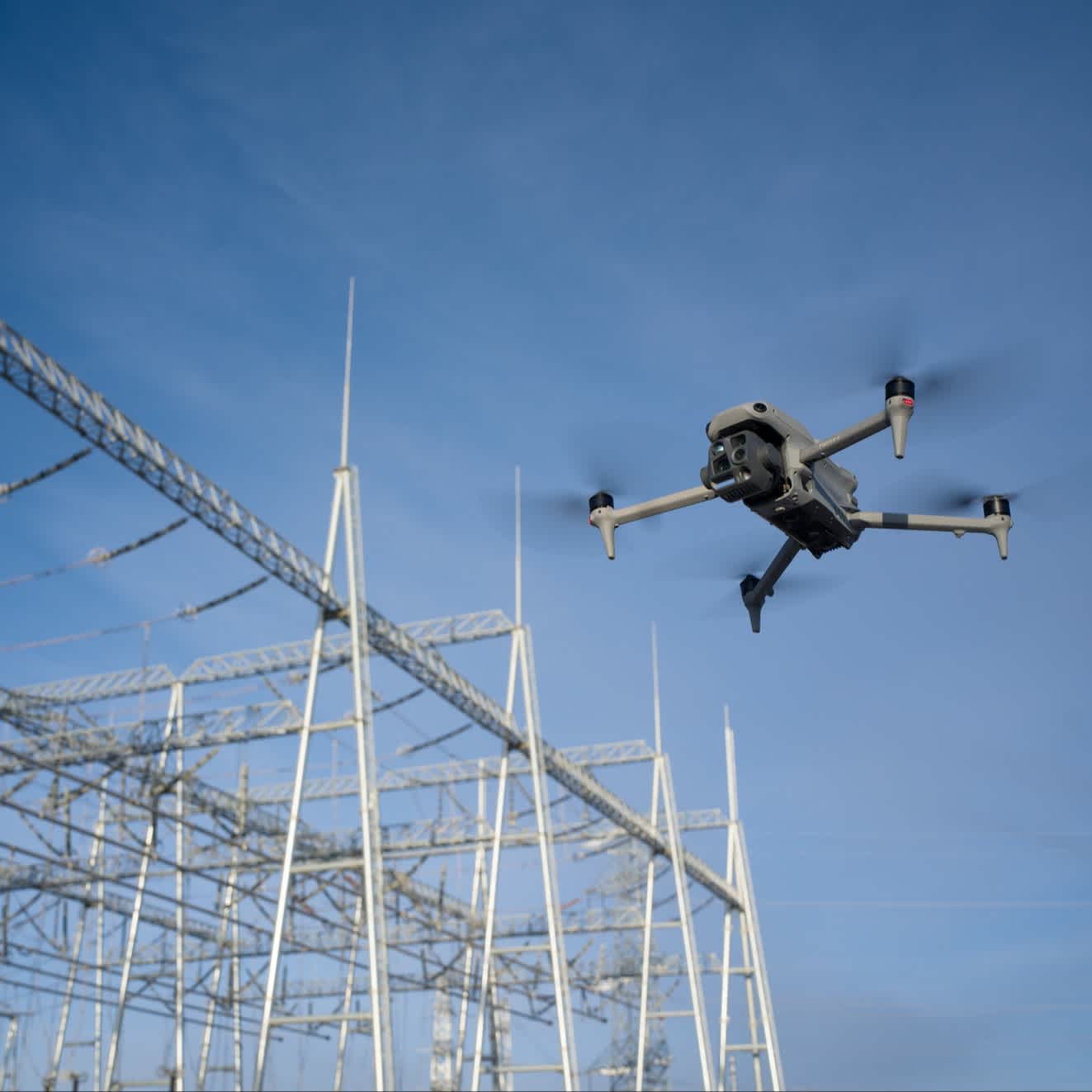
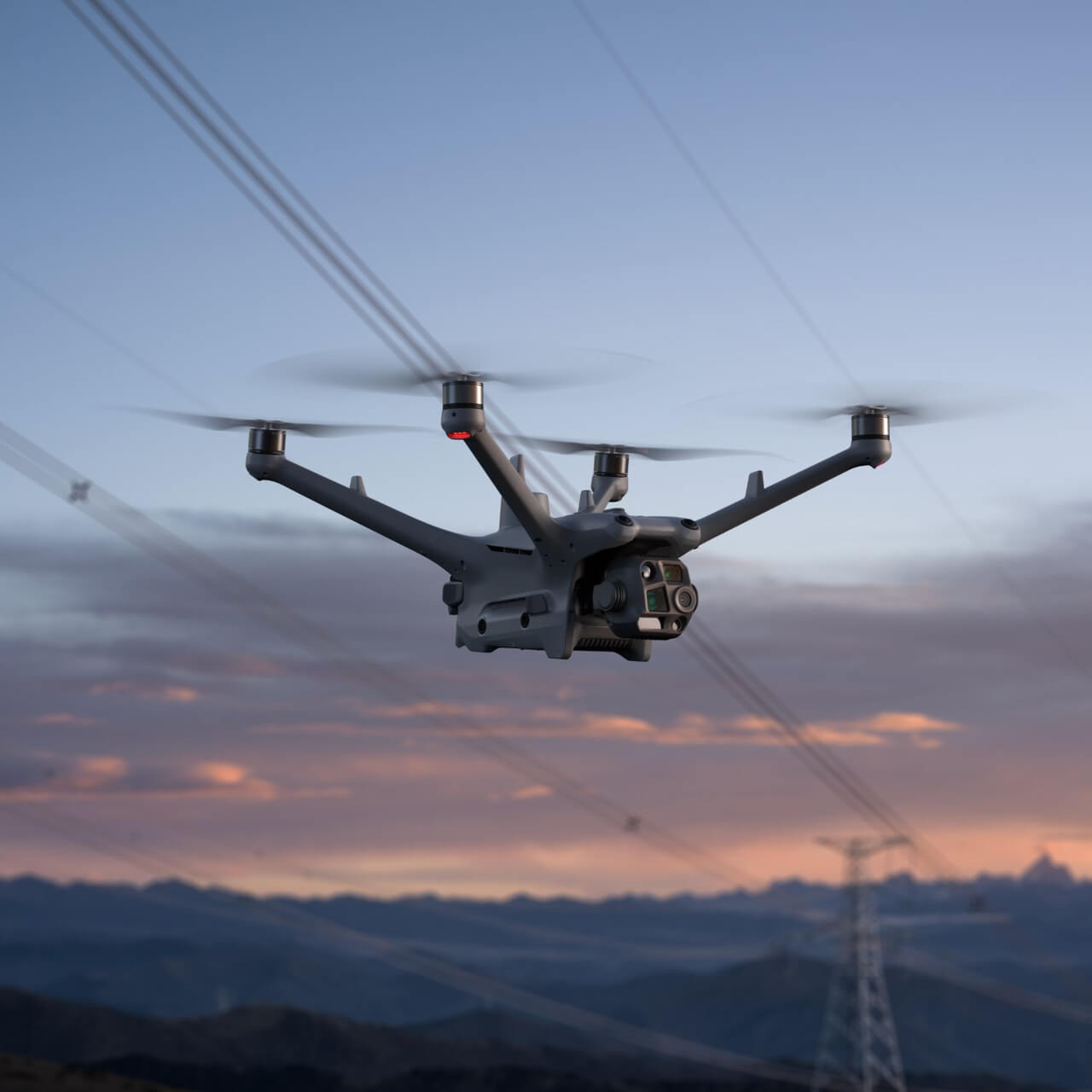
The Matrice 4T is a good fit for a team visiting different poles, towers or substations during the day. It folds down for transport, so you can take the drone, controller and spare batteries to the next launch point. [M4-SPEC]
At each stop, the team takes the aircraft out, checks the launch area and starts the inspection. Use the cameras to look at insulators, clamps and connections, then bring the drone back and pack it away. DJI Pilot 2 runs on the controller. It also supports prepared inspection routes, so the 4T is not limited to flying with the sticks. [POWERLINE]
The practical difference is the work on the ground: someone still sets up and handles the aircraft at each stop. For occasional jobs and changing locations, that portable kit is a straightforward choice.
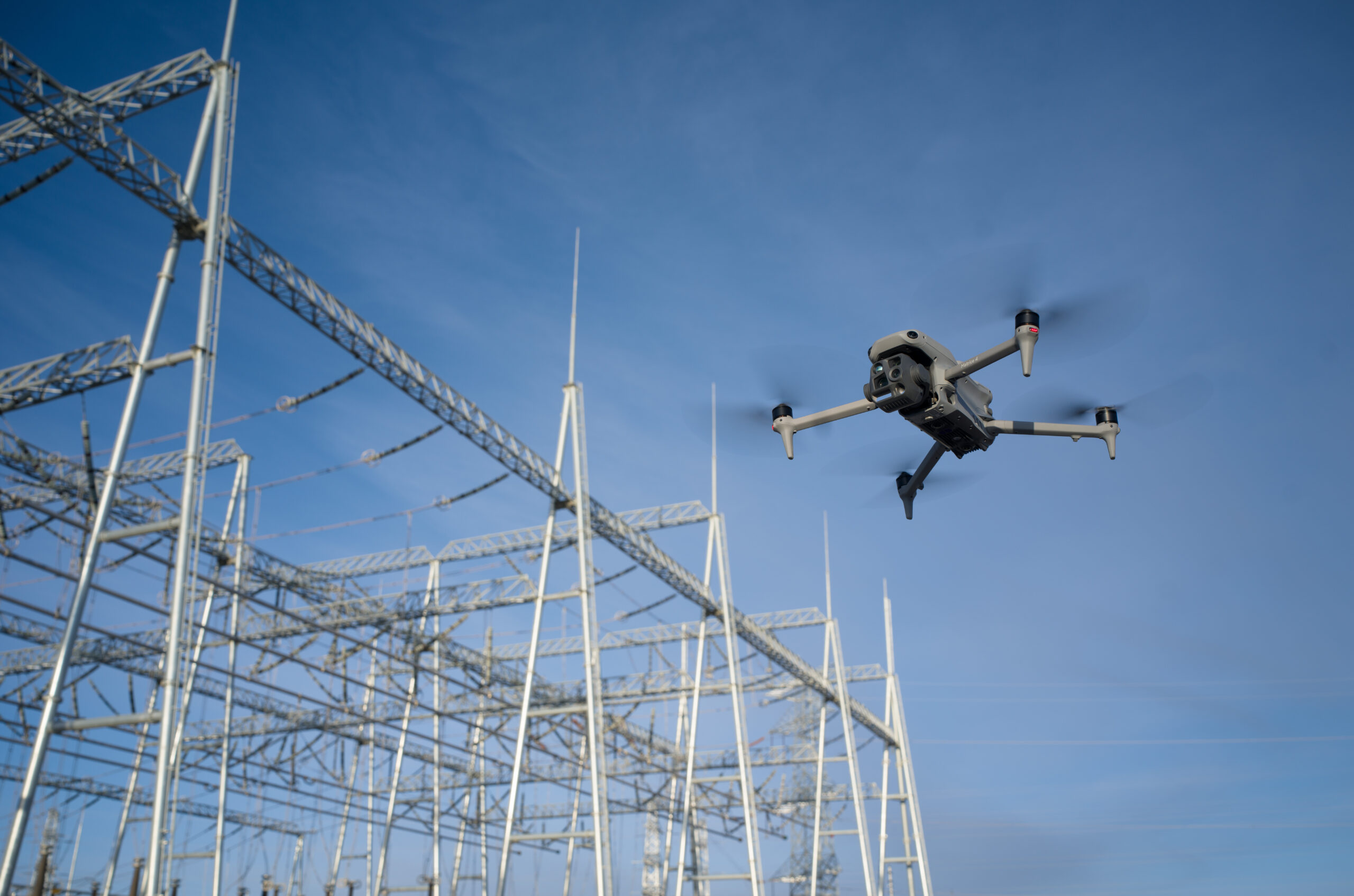
Water protection: where the 4TD has the advantage
The 4T is not waterproof: if rain starts, return and land. [M4-FAQ] The 4TD has IP55 aircraft protection. [D3-SPEC] IP55 is laboratory-rated: official battery firmly fitted, unused ports closed and accessories secured. Keep battery contacts dry; wear or seal damage can reduce protection. [VC-FLIGHT] The rating does not remove the manufacturer’s flight-weather limits.
What the normal and thermal pictures show
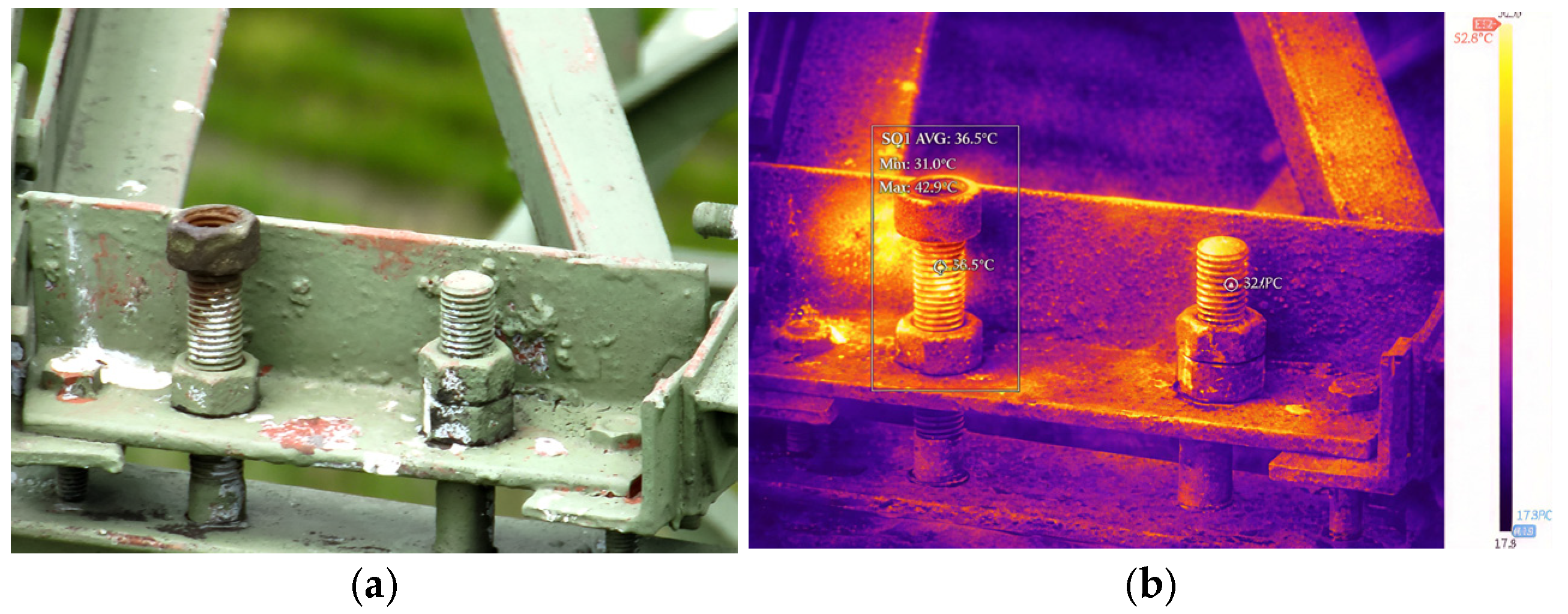
A normal photograph shows the part and its visible condition. A thermal image adds a view of its heat pattern. Look at both views of the same part to see which connection or fitting needs a closer check.
Official Matrice 4T thermal demonstration
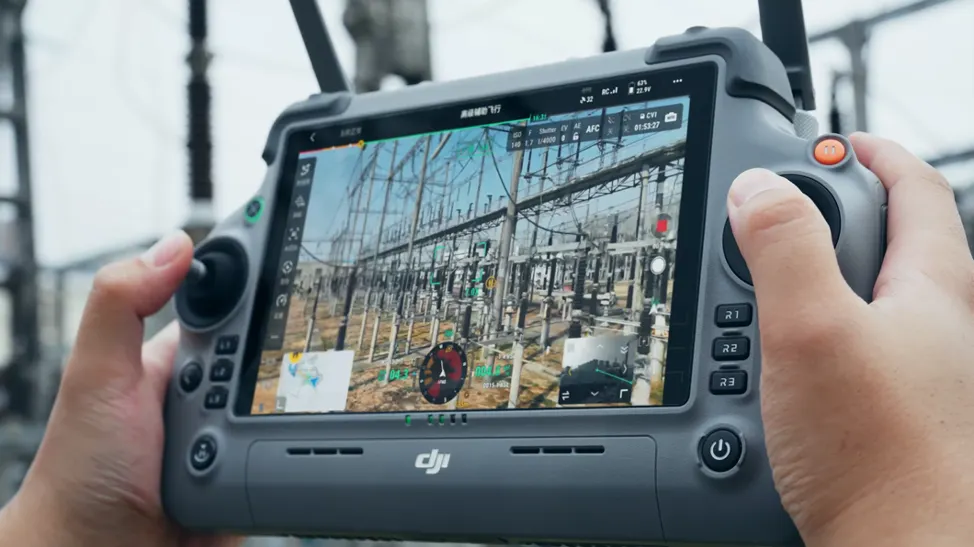
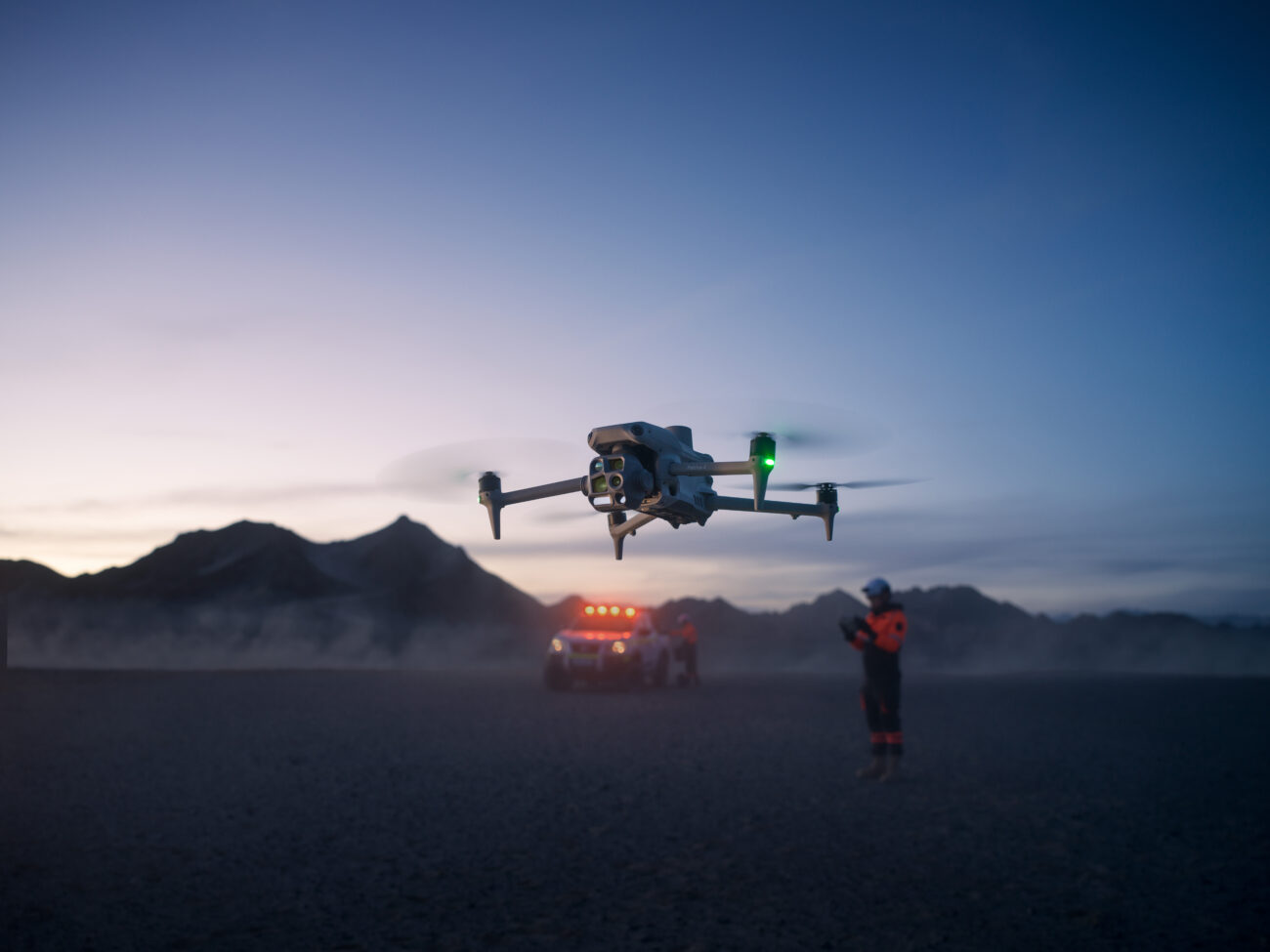
The controller photograph below is a separate visible-light example. It is not an RGB/IR pair of the same asset as the video.
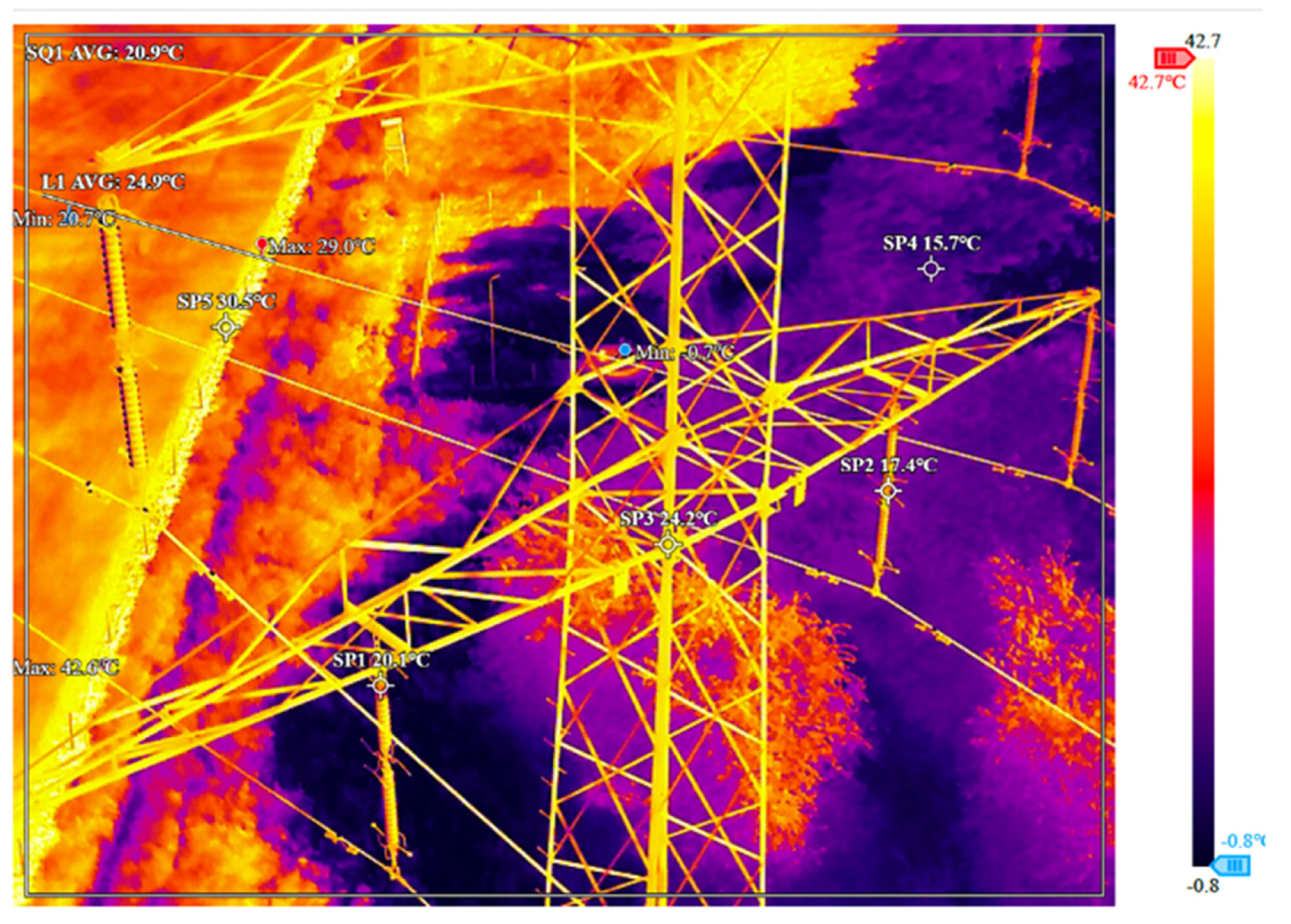
For an independent example of a pylon and matching visible/thermal views, see the research references below. A warm area is a reason to investigate, not a diagnosis by itself.
Both the 4T and 4TD have a native 640 × 512 thermal sensor. The main choice here is portability, weather protection and how the drone is launched and recovered. [M4-SPEC] [D3-SPEC]
See DJI’s Matrice 4T thermal demonstration in the manufacturer’s Thermal Imaging section. This is an infrared demonstration, not a verified paired RGB/IR fault report.
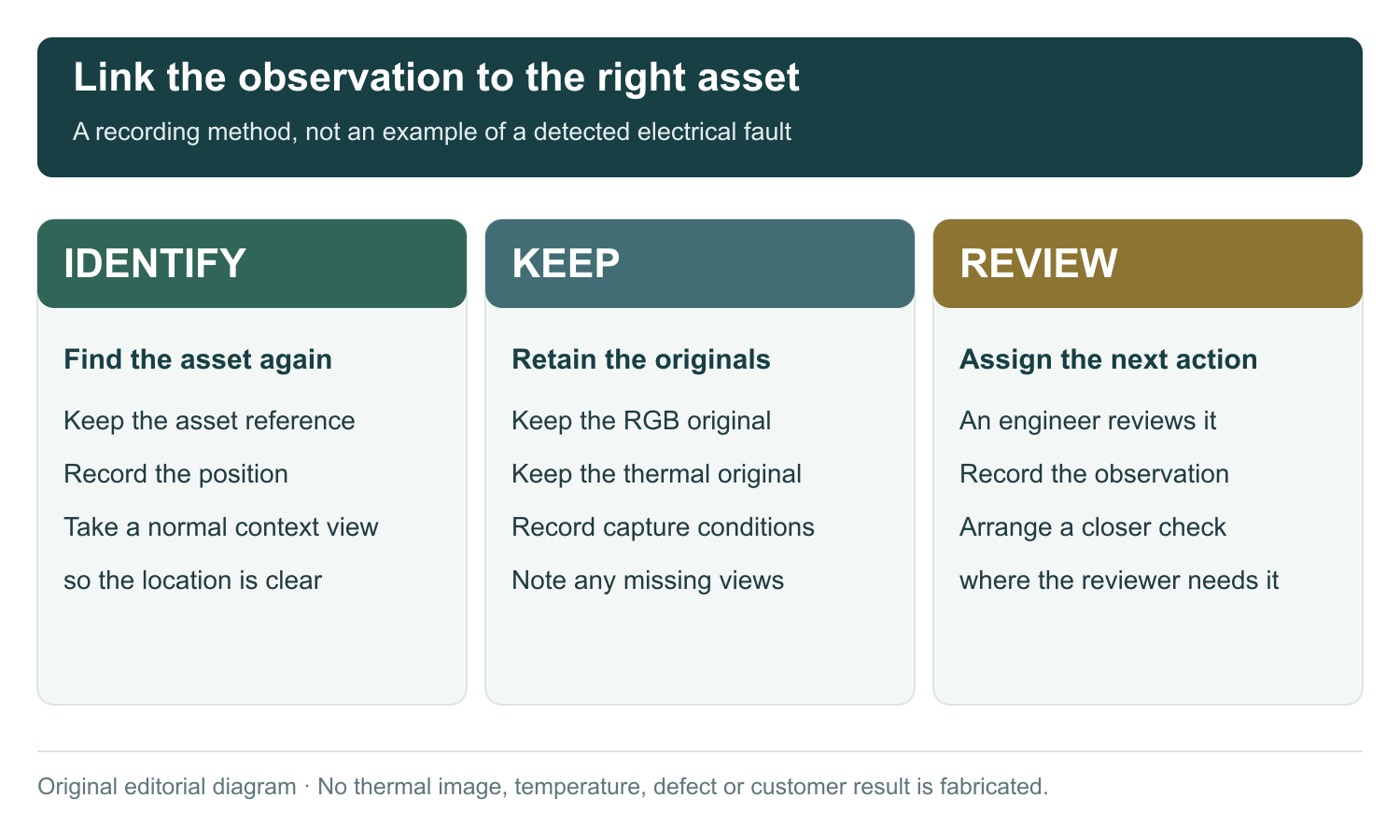
Keep the measurement conditions with the image
Emissivity and reflected radiation affect the apparent temperature, especially on reflective metal. [VC-FLIR] Our suggested record below links the settings to the asset and original files. Record unknown information as unknown; agree the measurement method and interpretation with the engineering reviewer.
| Record item | What to enter | Site record |
|---|---|---|
| Asset and evidence | Site, asset ID, date/time and matching original RGB/IR filenames. | — |
| Emissivity | Setting used, its basis and any uncertainty. | — |
| Reflected apparent temperature | Value used and how it was established. | — |
| Distance and angle | Actual camera-to-target distance, viewing angle and any obstruction. | — |
| Load and operating state | Asset-owner information, its source and timestamp. | — |
| Environment | Ambient temperature, wind, solar exposure and relevant recent weather. | — |
| Measurement and software | Camera/range, analysis settings, spot/area identity and software version. | — |
| Engineering follow-up | Reviewer, limitations, required confirmation and next action. | — |
Agree electrical access and the ground plan first
Using a drone does not remove electrical exclusion rules or site permission. Agree access, parking, launch/recovery points and the asset owner’s required separation with the site lead before the task. ESB Networks advises against flying near overhead lines and against retrieving an entangled drone yourself. [VC-ESB] Obstacle sensing does not establish an electrical safe distance. If the required view cannot be obtained within the authorised plan, record the gap for engineering follow-up.
Choose the equipment for your inspection route
Match the equipment to route visits or a repeat-site base.
Matrice 4TD with Dock 3: check the same site regularly
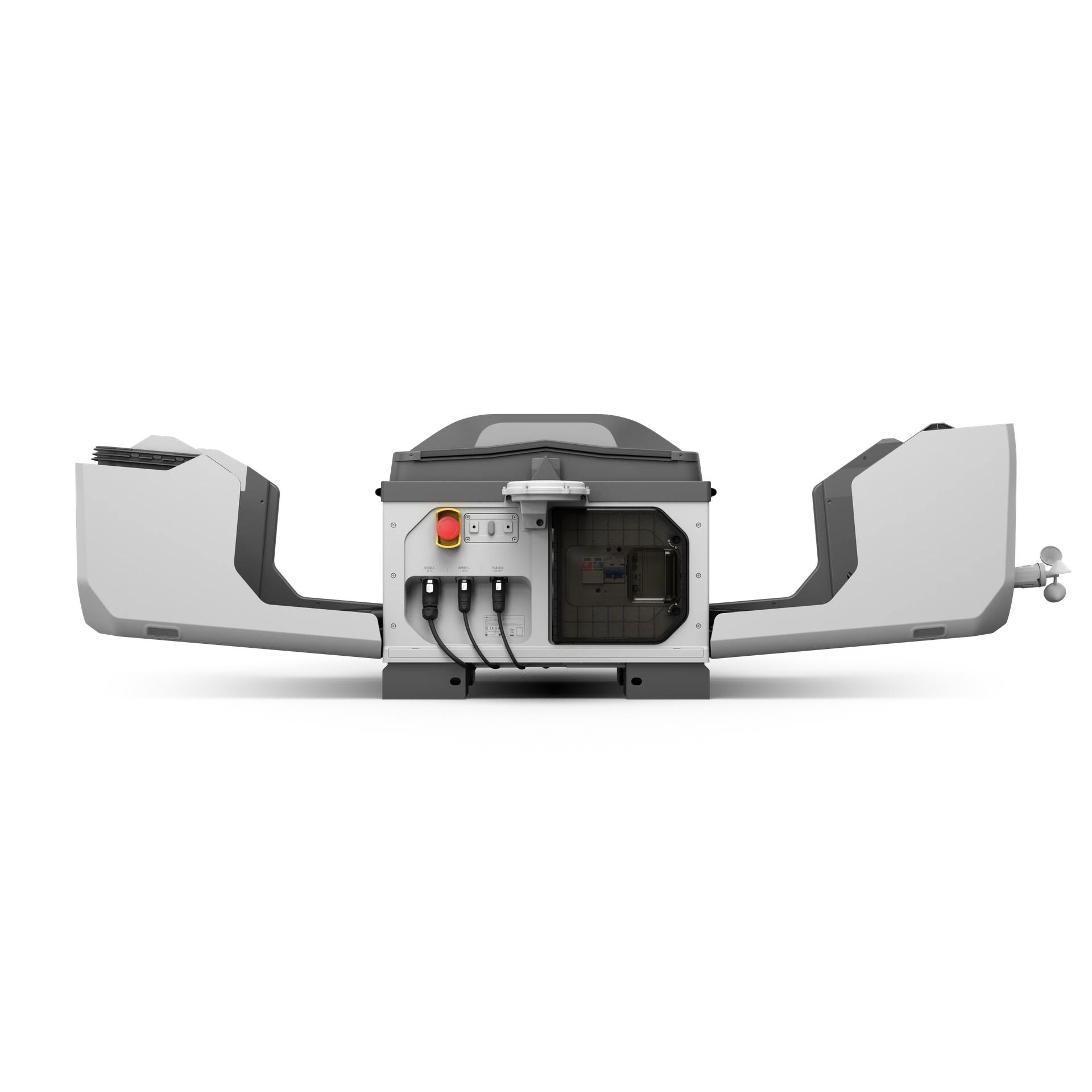
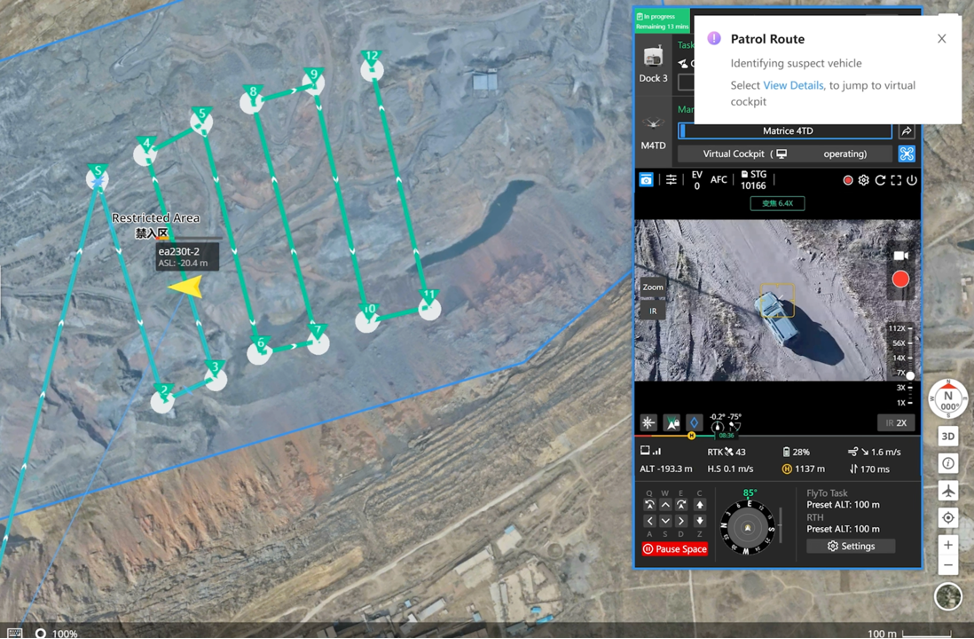
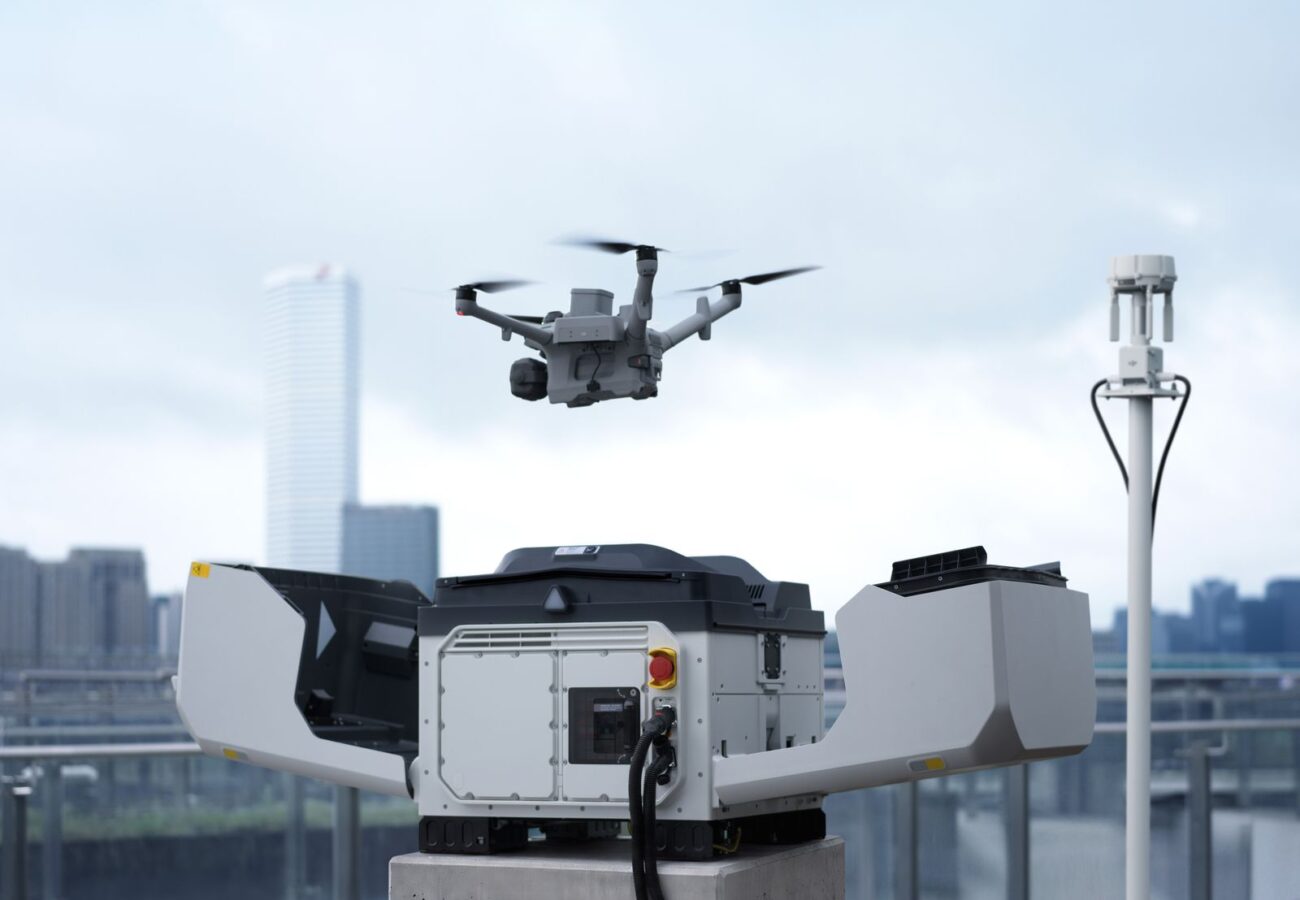
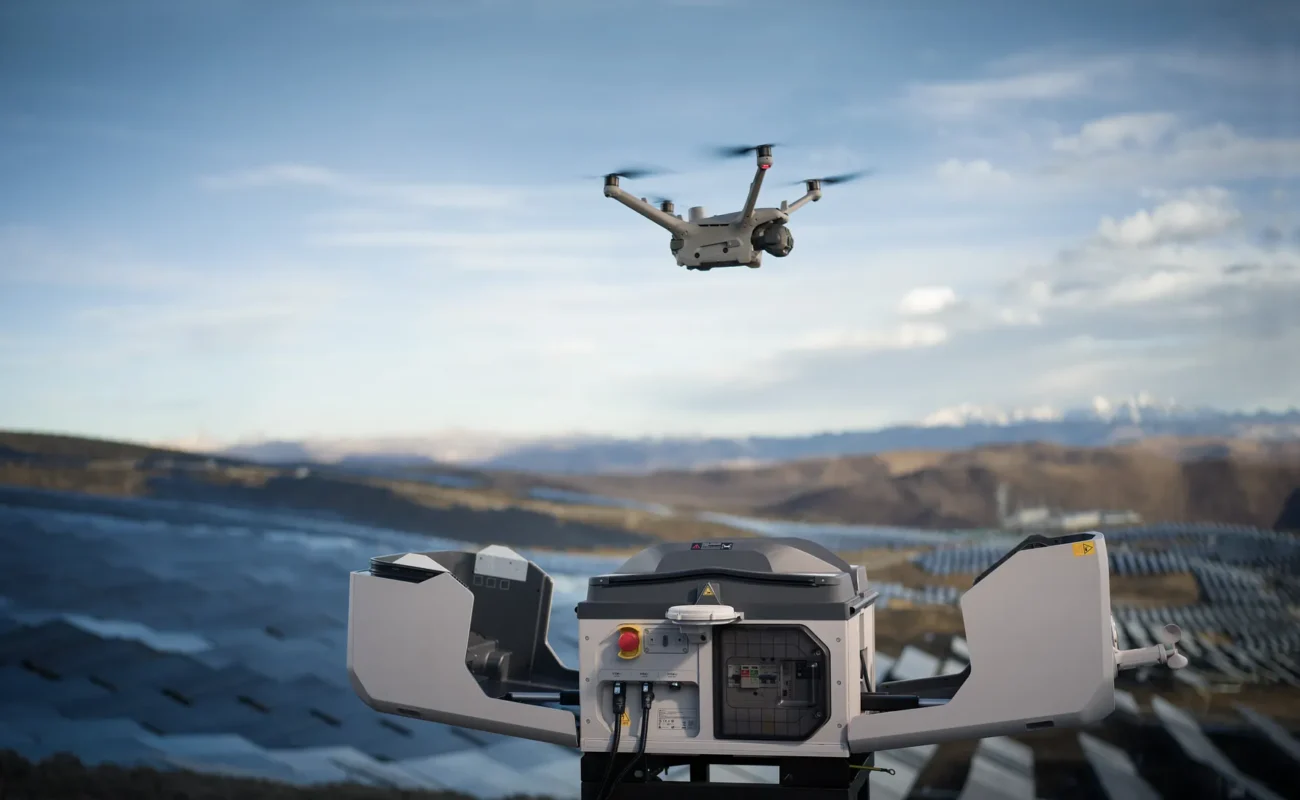
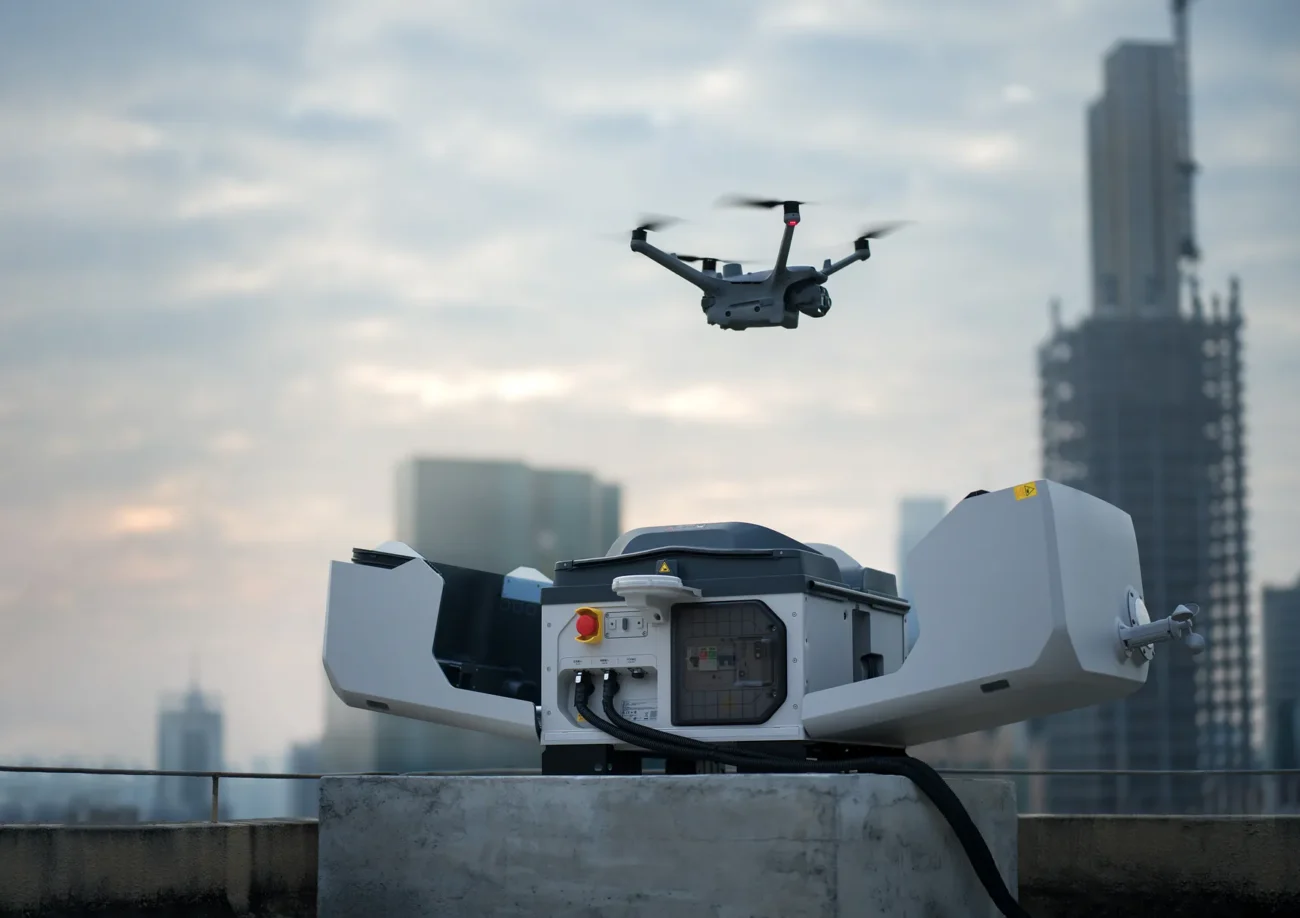
For regular checks at the same outdoor substation or agreed line section, we recommend looking at Dock 3 with the Matrice 4TD. Once the Dock is installed, the aircraft has a base to take off from, return to and charge at.
The software is DJI FlightHub 2. Prepare the route, choose the Dock and arrange when the inspection should run. When the task starts, the 4TD takes off, flies the route and returns to the Dock automatically. The Dock then charges it for the next job. The team checks the site conditions and monitors the flight. [FH2-PLANS] [D3-SPEC]
From an office or control station, the operator can watch the camera feed and see the aircraft’s position and battery status in FlightHub 2. [FH2-VIEW]
Use the guide to repeat thermal inspections and capacity planning to check visit frequency and review workload before choosing a fixed base.
Vehicle-mounted Dock 3: inspect a long route in sections
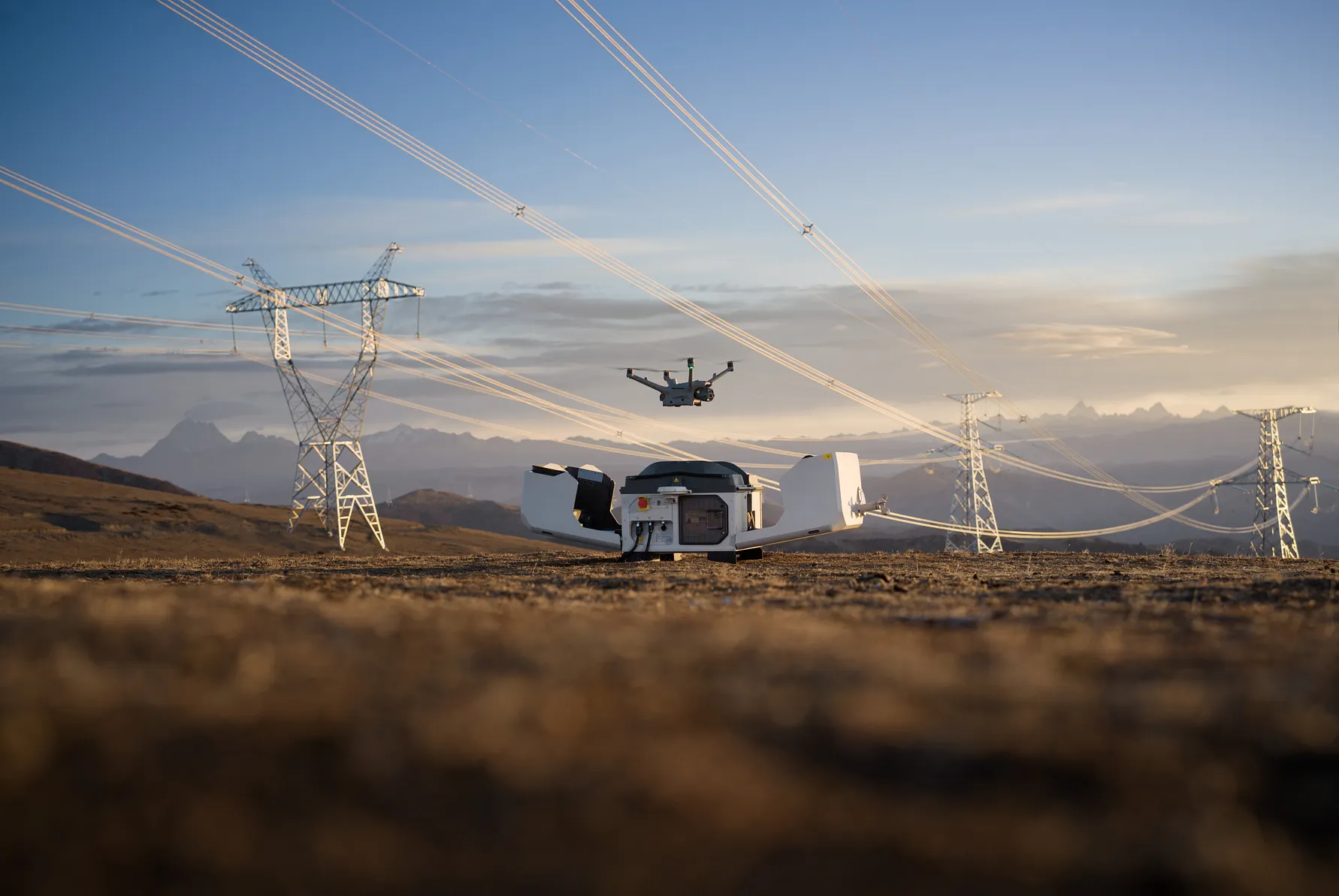
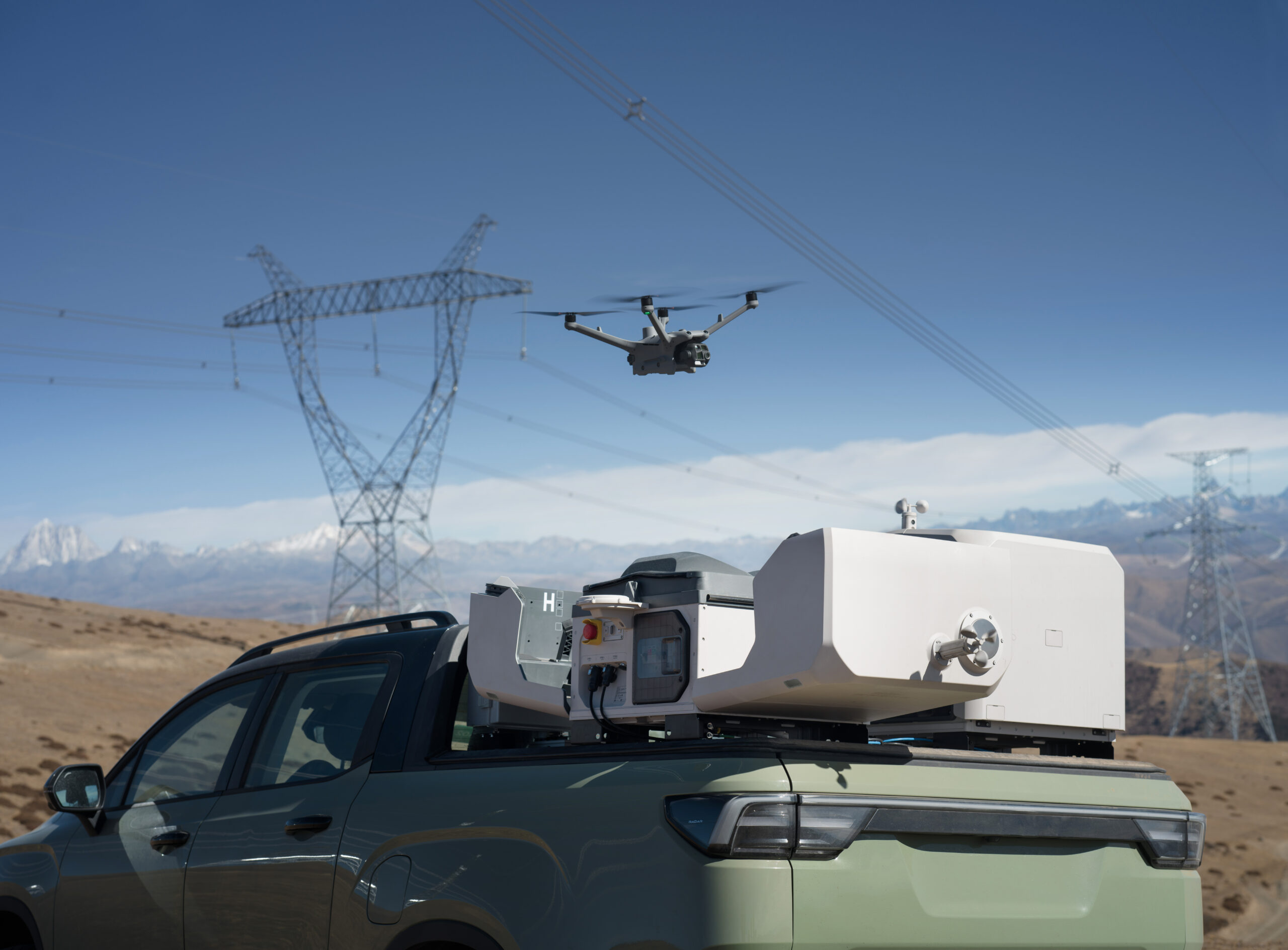
A long inspection route may need several launch points. A vehicle-mounted Dock 3 and 4TD can let the team work along that route, one section at a time.
A van-based system would combine a suitably mounted Dock 3, the 4TD, vehicle power, a network connection and a monitoring screen or workstation. FlightHub 2 provides the route planning and live monitoring. The vehicle needs a suitable external mounting arrangement; the drone does not take off from inside a closed van.
Park, check, inspect, recover, then move
A portable Matrice 4T crew can move between access points; a vehicle-mounted Dock 3 with Matrice 4TD needs a planned parking/deployment point for each route segment.
See the guide to mobile thermal inspection team setup for crew roles, equipment and image handover.
- Park below 3° slope; complete remote Dock calibration in the cloud before operation. [vehicle requirements]
- Keep vehicle and Dock stationary during flight; close covers before driving. [flight manual]
- Check fastenings, retaining wires, power, network and grounding; assess and calibrate the current Dock location in FlightHub 2, then recover and close before moving. [operation sequence]
Confirm the present Dock location and route segment before launching. Our recommendation is to agree the ground area and access with the asset owner. Fit the Vehicle-Mounted Gimbal Mount correctly. [mount instructions]
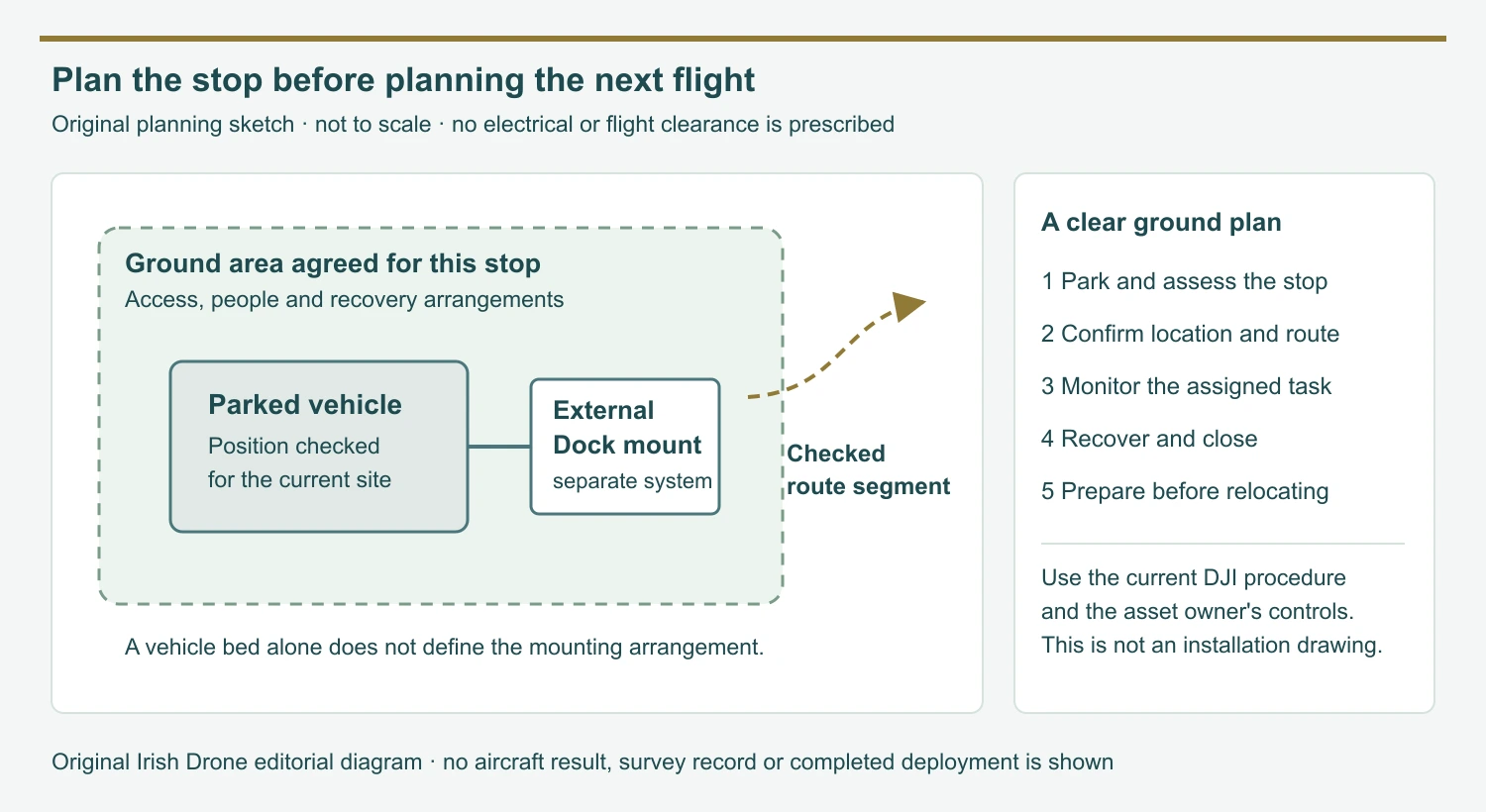
This setup can reduce repeated unpacking of a hand-carried kit. It is worth considering for a larger inspection programme spread over several stops. The team still checks each deployment point before starting.
For frequent checks at one site, our recommendation is Dock 3 + Matrice 4TD + FlightHub 2. For a long route with several stops, consider the vehicle-mounted version. For a portable drone used at changing locations, choose the Matrice 4T.
The main differences at a glance
| What matters | Matrice 4T | Matrice 4TD |
|---|---|---|
| Packing and carrying | Folding aircraft for a portable team kit | Non-folding aircraft |
| At each location | The team sets up and retrieves the drone | Remote-controller use; Dock 3 optional. |
| Water protection | Not waterproof; land if rain starts | IP55 dust and water resistance — stronger protection than the 4T |
| Route software | Pilot 2 on the controller | Pilot 2 on the controller; FlightHub 2 with optional Dock 3 |
| Typical choice | Changing sites and portable inspection work | Outdoor work needing stronger protection; optional fixed or vehicle-mounted Dock |
Tell us how you want to inspect
Tell Irish Drone which lines or substations you need to check, and whether the team will carry the drone, work from a fixed base or travel between stops in a vehicle. We can help you choose the aircraft, Dock, software and power equipment.
View Dock 3 · View FlightHub 2
Discuss your power-line inspection setup →Sources
DJI documents and image credits
- DJI Matrice 4 Series specifications · Checked 14 November 2026.
- DJI power-line inspection · Checked 14 November 2026.
- DJI Dock 3 / Matrice 4D Series specifications · Checked 14 November 2026.
- FlightHub 2: Single-Dock Plans · Checked 14 November 2026.
- FlightHub 2: live feed and aircraft status · Checked 14 November 2026.
- DJI Dock 3 FAQ: aircraft and vehicle deployment · Checked 14 November 2026.
- DJI Matrice 4 Series FAQ · Checked 14 November 2026.
- Flight manual v1.2 · Checked 14 November 2026.
- DJI Dock 3 Vehicle-Mounted Gimbal Mount product information, v1.0 · Checked 14 November 2026.
- FLIR: emissivity and reflected radiation · Checked 14 November 2026.
- ESB Networks: outdoor activities and drone safety · Checked 14 November 2026.
The research images carry their author and CC BY 4.0 credits beside each figure.
Independent research: published pylon and fastener examples
Leave a comment