



Description
Take a Closer Look
Metashape Standard is suited to reconstructing objects and scenes as point clouds and textured models. Typical uses include collection objects, archaeological features and visual assets for presentation or further 3D editing. Start by deciding whether the audience needs an interactive visual model, a mesh for another application or a panorama; that choice helps keep capture and delivery focused.
Photo-based 3D for objects and visual records
Capture a connected set of photographs
Work around a stationary subject with overlapping views from several heights. Keep the focal length consistent and connect the upper, middle and lower views instead of taking isolated photographs of attractive details. The Fitzwilliam Museum's practical workshop uses this approach for sculpture capture. Plan access and lighting first so the object can stay stable throughout the sequence.
Make the source photographs usable
Keep the subject sharp, use a shutter speed appropriate to movement and retain the original image geometry. Avoid cropping, resizing or geometrically transforming the photographs before reconstruction. Stable focal length and reliable camera metadata help the calibration process. Take connected coverage of recesses and difficult edges while you still have access to the subject.
Match the method to the surface
Photogrammetry needs recognisable surface detail. Transparent, highly reflective or featureless objects can be difficult because their appearance does not provide stable points to match across photographs. Use diffuse, consistent lighting and avoid moving light sources during the sequence. For a turntable setup, plan background masking so stationary background detail does not compete with the rotating object.
Follow a practical reconstruction workflow
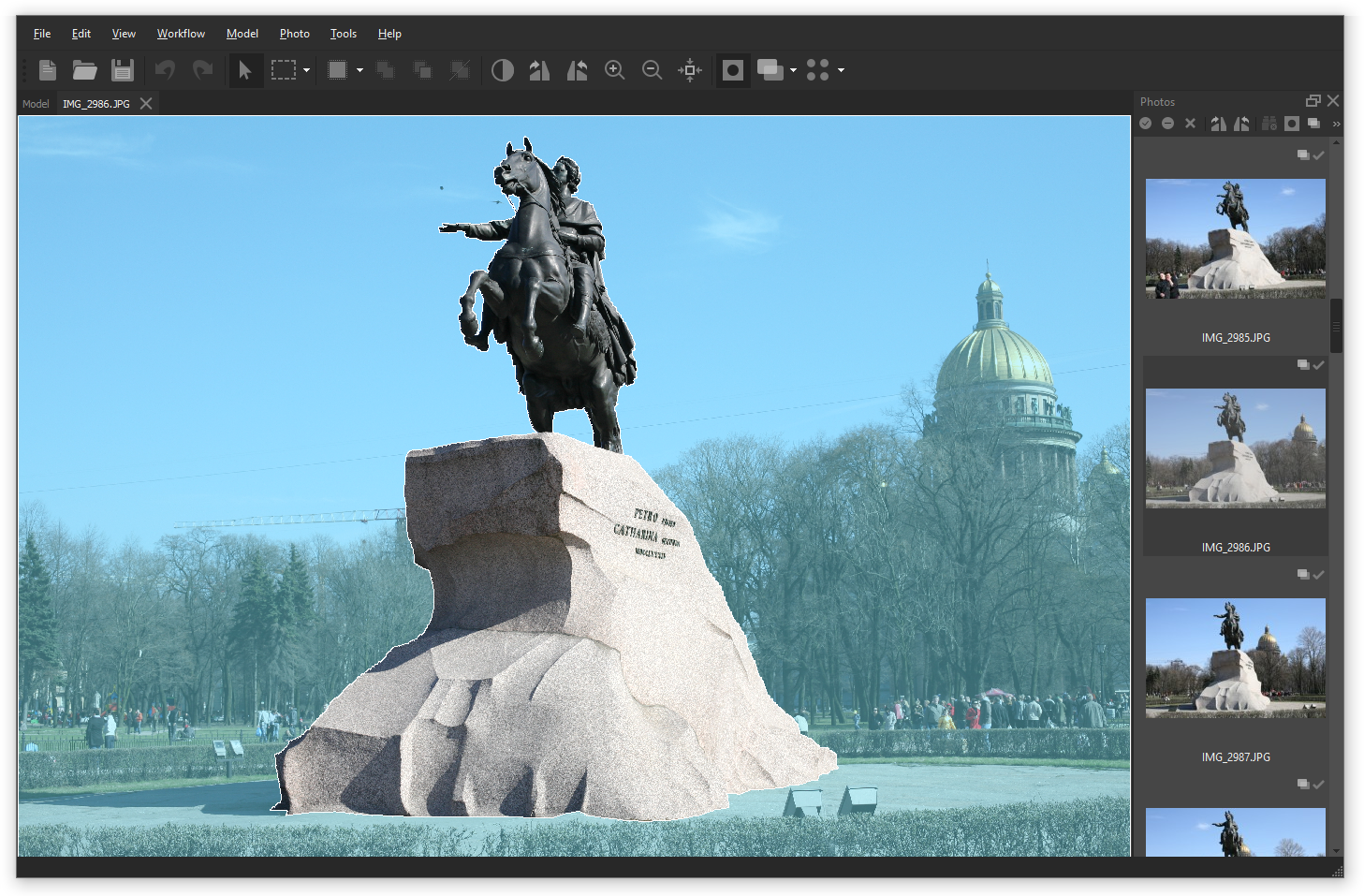
Add and align the photographs, inspect the estimated camera positions and check the reconstruction region. Build the model geometry, inspect it, then build the texture. Geometry and texture are separate outputs: a coloured point cloud or vertex-coloured model is not the same as a textured mesh. Export only after checking the areas your audience will actually examine.
Deliver a model that opens correctly
Choose the mesh format for the receiving application and check the exported result there. Some formats store texture images separately, so keep the geometry and its associated texture files together. Retain the Metashape project and original photographs for later revisions; project files can refer to photographs by their folder paths, which need to remain available when the project is moved.
Frequently asked questions
Can I use a turntable for small objects?
Yes, with appropriate capture and masking. Agisoft describes taking an empty-background frame to help create masks. Keep the lighting diffuse and consistent, and exclude irrelevant background features so the reconstruction follows the object rather than the room.
Why does the model have holes or missing areas?
Check whether the source images actually show those surfaces from connected viewpoints. Missing coverage can leave missing geometry. Capture additional views where practical; a higher processing setting cannot invent the detail that was never photographed.
Why does my exported model look untextured?
Confirm that a texture was built and exported. For formats that keep texture images separately, transfer those files with the geometry and preserve their relative location. Test the exported model in the intended viewer before handing it over.
Which model formats are available?
The Standard 2.3 manual lists formats including OBJ, PLY, STL, FBX and binary glTF. Texture support varies by format, so choose for the destination workflow rather than assuming every format will preserve the same appearance.
Can Standard stitch a spherical panorama?
Yes. Agisoft provides a workflow for photographs taken from a single camera station, followed by panorama building and export. Plan the capture around the station rather than mixing unrelated viewpoints and expecting a single panorama.
When should I choose Professional instead?
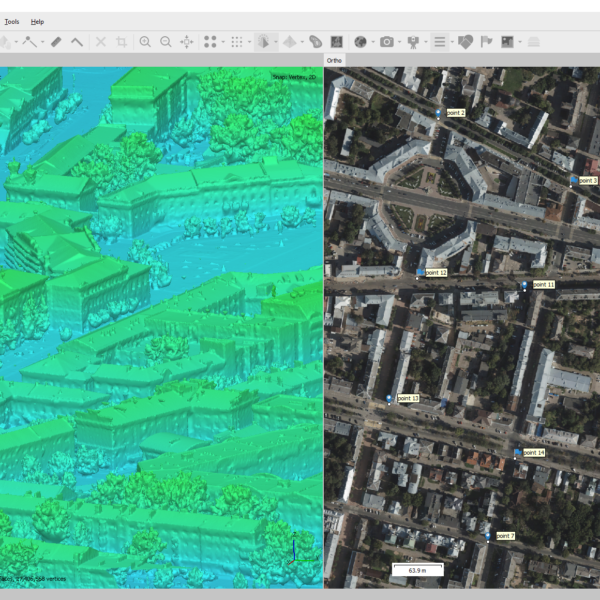
Choose Professional when the job requires ground-control and check-point workflows, georeferenced orthomosaics, DEMs or survey measurement tools. Standard's focus here is photo-based 3D modelling and presentation, rather than those Professional mapping and reference functions.
Can I test my own photographs before purchasing?
Yes. Download the official installer and start the 30-day full-function trial from the activation dialogue. Test a representative dataset and the final export workflow. The separate demo mode blocks saving and export.
Documentation, tutorials & brochure
Product documentation
Workflow tutorials
Brochure & trial
Licence and evaluation information
- A fully functional 30-day trial is available for evaluation. Download the official installer and choose the trial option in the activation dialogue. The separate demo mode cannot save or export.
- The desktop licence is not time-limited. It includes software updates through version 2.x and 12 months of email support. This does not promise free updates to every future major version.
- Educational licences are available to eligible accredited educational institutions, their students and employees, solely for academic use. Commercial use is prohibited.
- All licences in a multi-licence pack must be for the same end user. Packs cannot be split between separate customers.
- Standard uses a node-locked licence: one licence is activated on one machine at a time and can be transferred to another computer.
Final price and VAT treatment confirmed on quotation.
Sources and further reading
- Agisoft: Metashape Standard Edition features
- Fitzwilliam Museum, University of Cambridge: Your photographic strategy
- Fitzwilliam Museum, University of Cambridge: Taking your photos
- Agisoft: General image capture tips
- Agisoft: Close-range objects scanning
- Agisoft: 3D model reconstruction
- Agisoft: Metashape User Manual, Standard Edition 2.3
- Agisoft: Spherical panoramas generation
- Agisoft: Metashape Professional Edition features
- Agisoft: Metashape Installer and free trial
- Agisoft: Licensing Options

Reviews
There are no reviews yet.