
BUILDING & ROOF INSPECTION · PRACTICAL SELECTION GUIDE
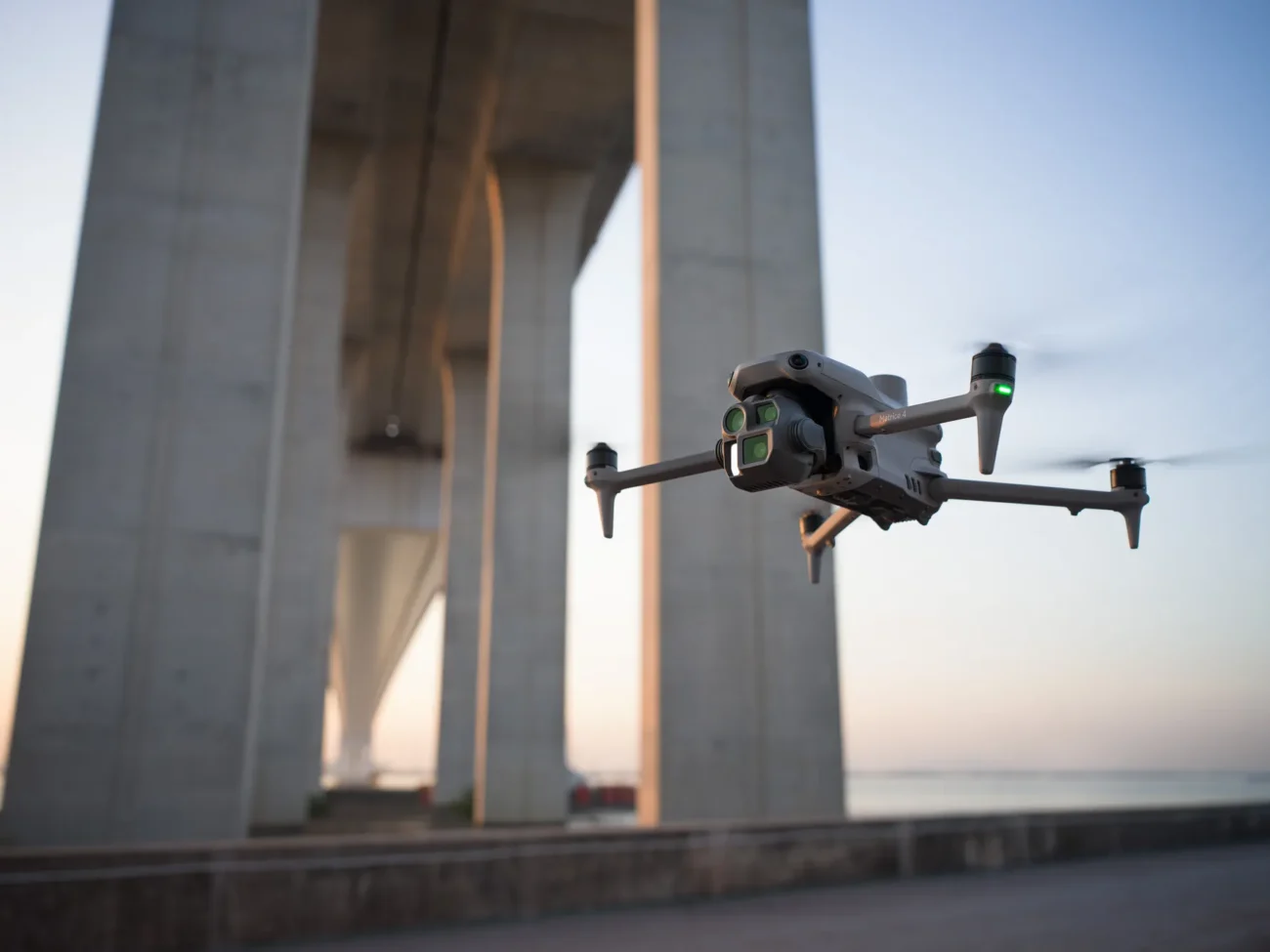
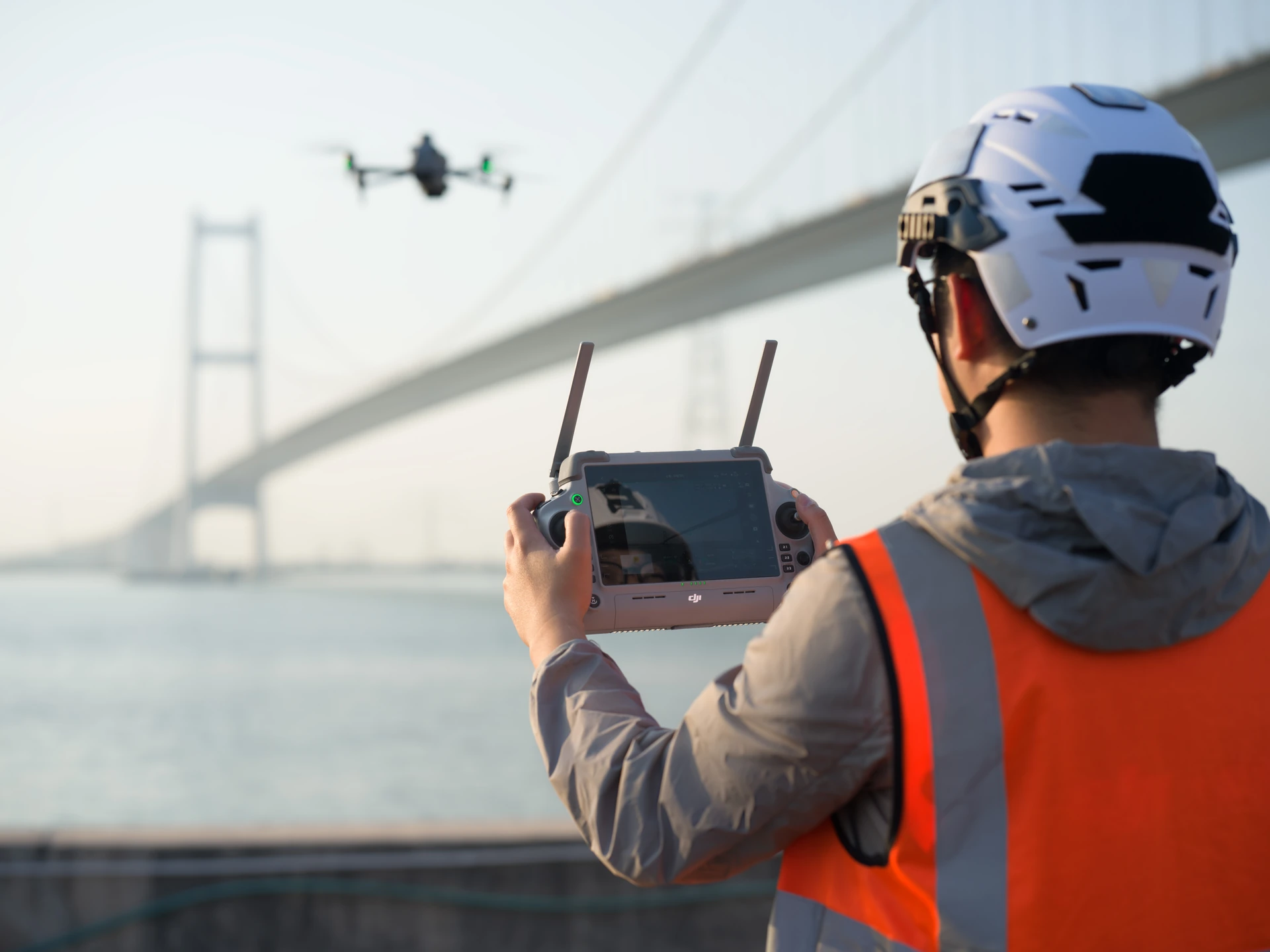
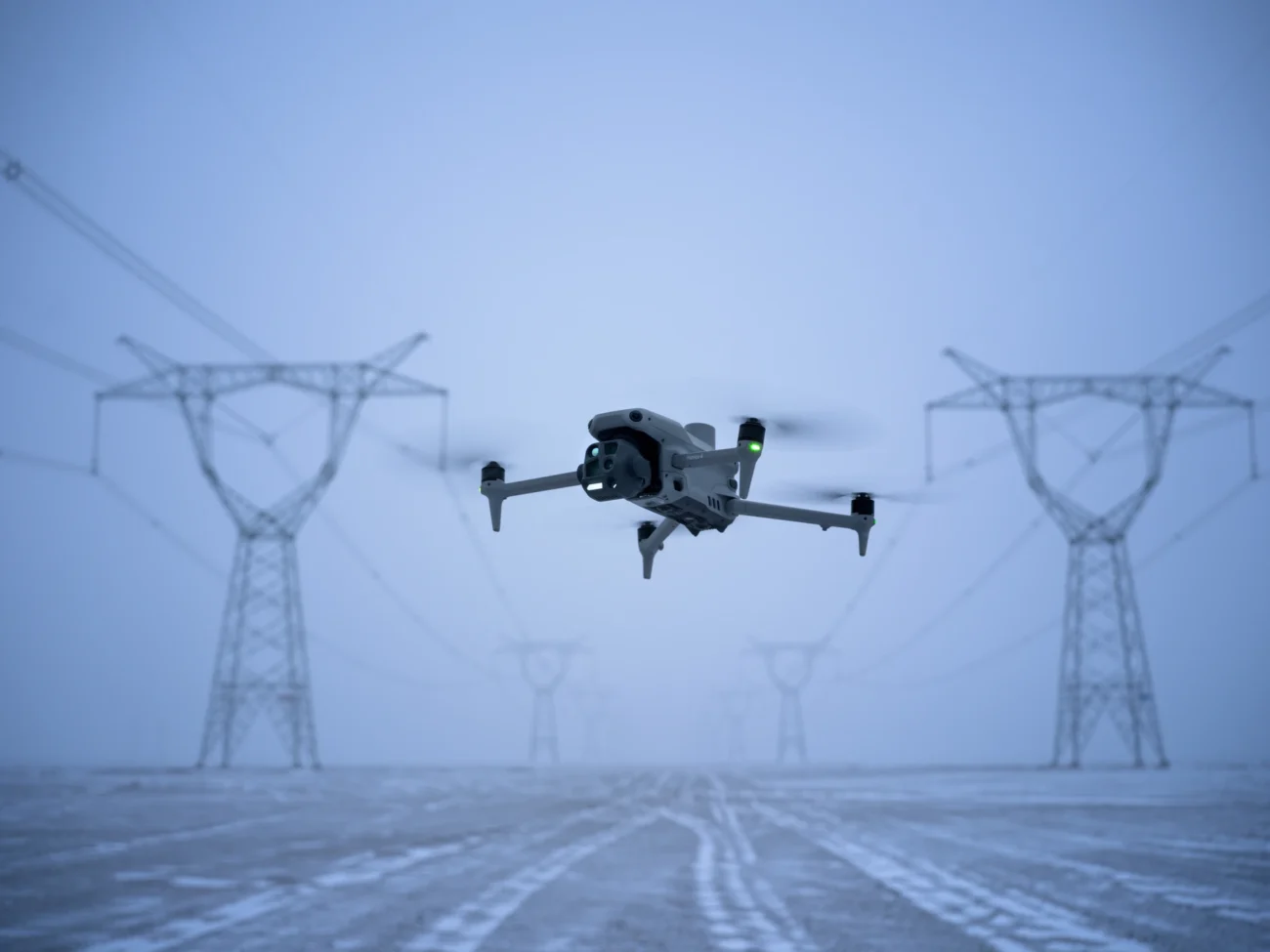
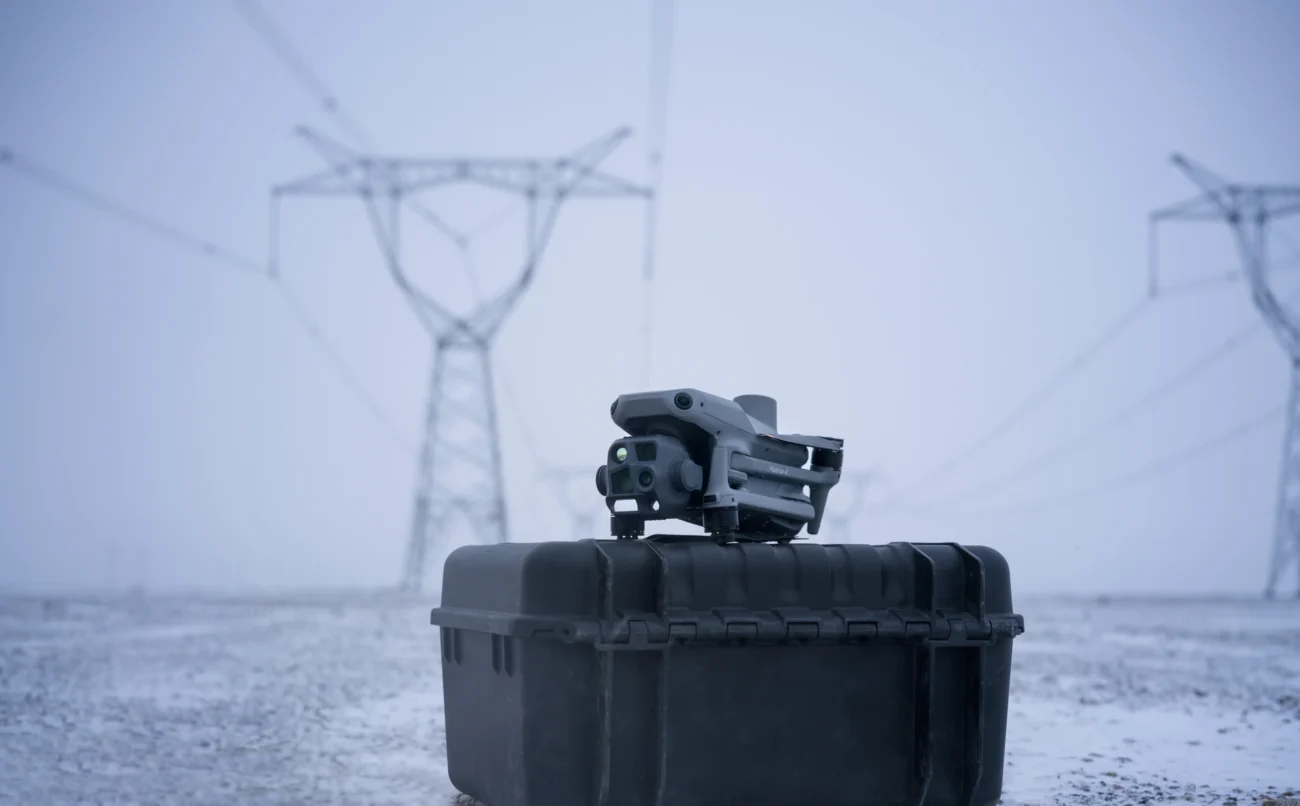
Official DJI Media: Matrice 4E in a bridge scene. DJI / DJI Europe. Source/licence.
Start with the defect evidence the engineer needs: visual detail, thermal screening or a measured model. Then assess access, coverage and deployment.
Evidence reviewed 14 November 2026 · Ireland

Author · Irish Drone
Published by Irish Drone
The model choices and workflow checklists below are editorial recommendations. Manufacturer statements, research findings and regulatory guidance are cited separately. No Irish Drone field test or customer case is claimed.
Inspection Task: Defining the Evidence Type
Before selecting a Matrice 4 or 4D Series drone for building and bridge inspections, it is critical to determine the type of evidence required. Are you seeking to document visible defects, screen thermal patterns, or capture measured geometry? Our recommendation is to define the inspection objective before choosing the airframe.
For building and roof projects, use our guide to choosing a drone inspection package to match the aircraft to the records your team needs.
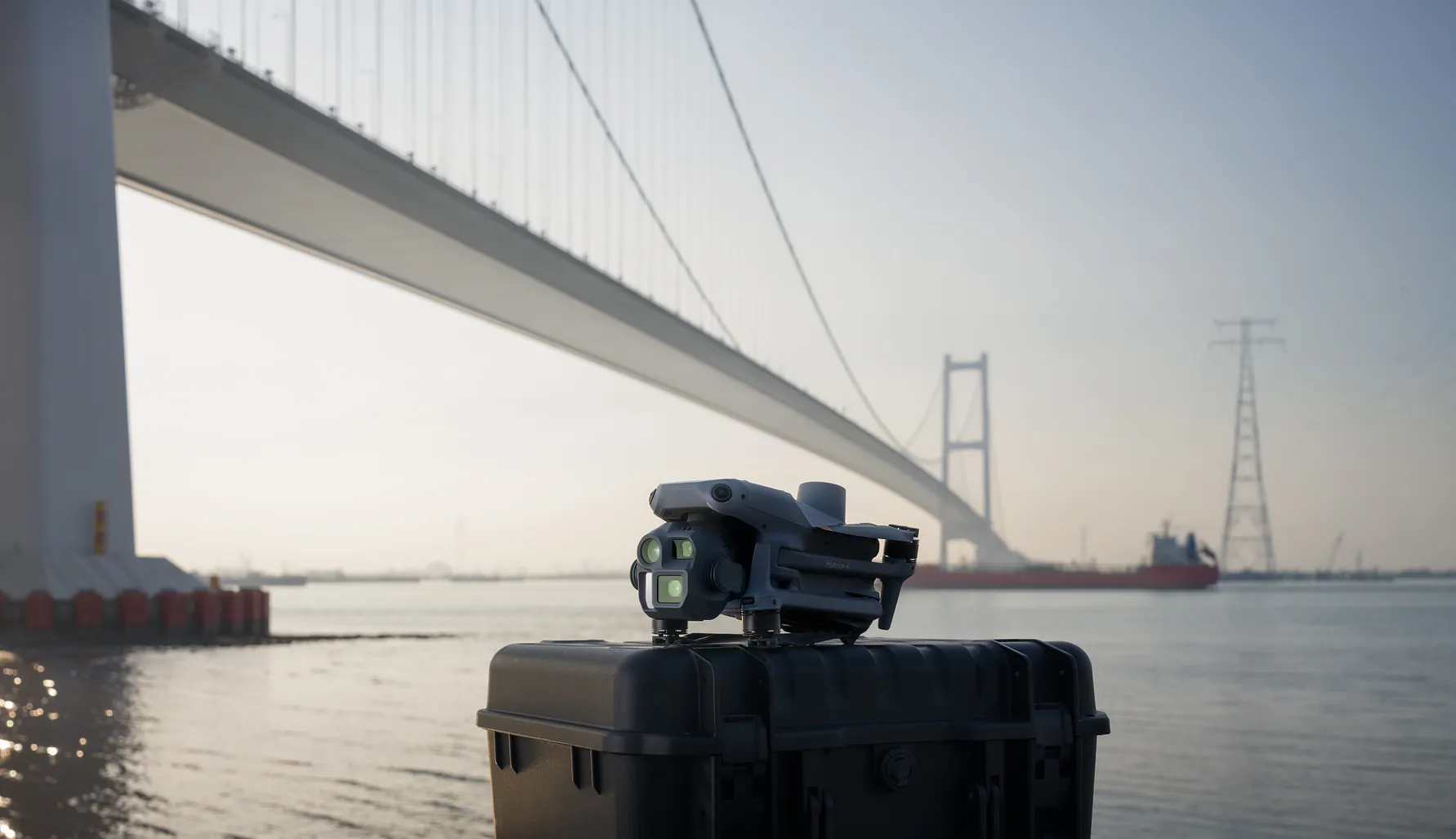
For photogrammetric capture, a mechanical shutter helps avoid rolling-shutter distortion, but it does not establish output accuracy.
Four models: practical starting points
| Inspection Method | Platform | Camera Type |
|---|---|---|
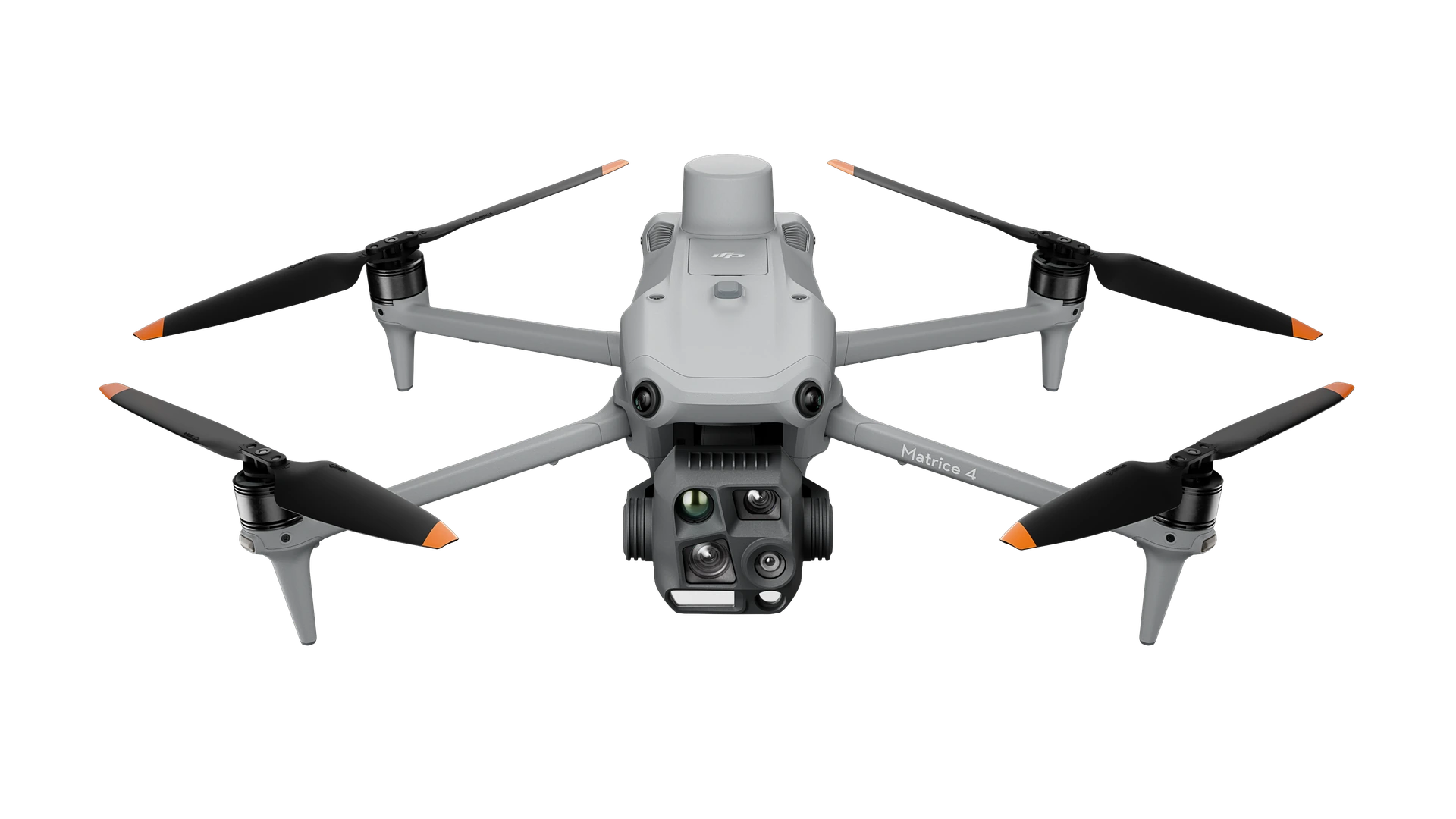
| Visible fabric/condition photography | Matrice 4E[1] | Visible only |
| Thermal-anomaly screening | Matrice 4T[1] | Visible and thermal |
| Repeated fixed-site visible inspection | Matrice 4D[2] | Visible only |
| Repeated fixed-site thermal screening | Matrice 4TD[2] | Visible and thermal |
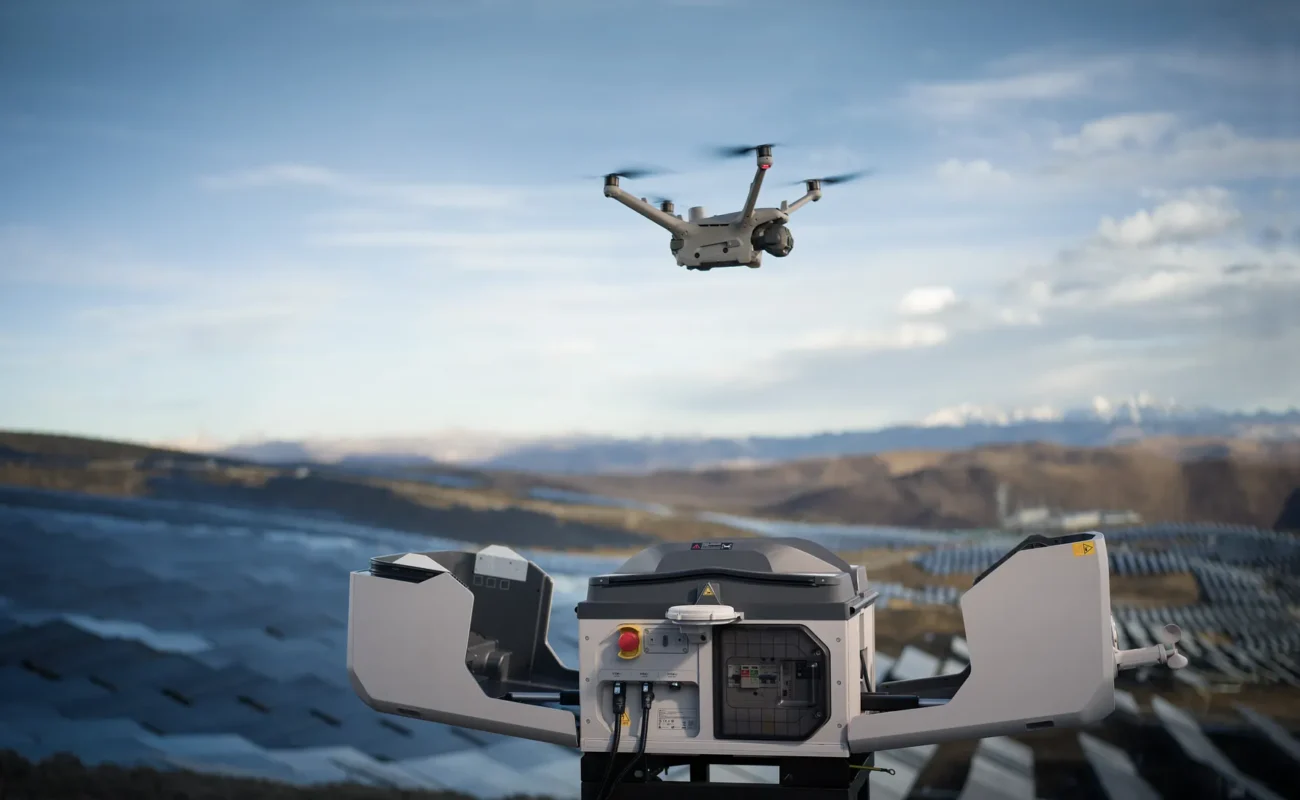
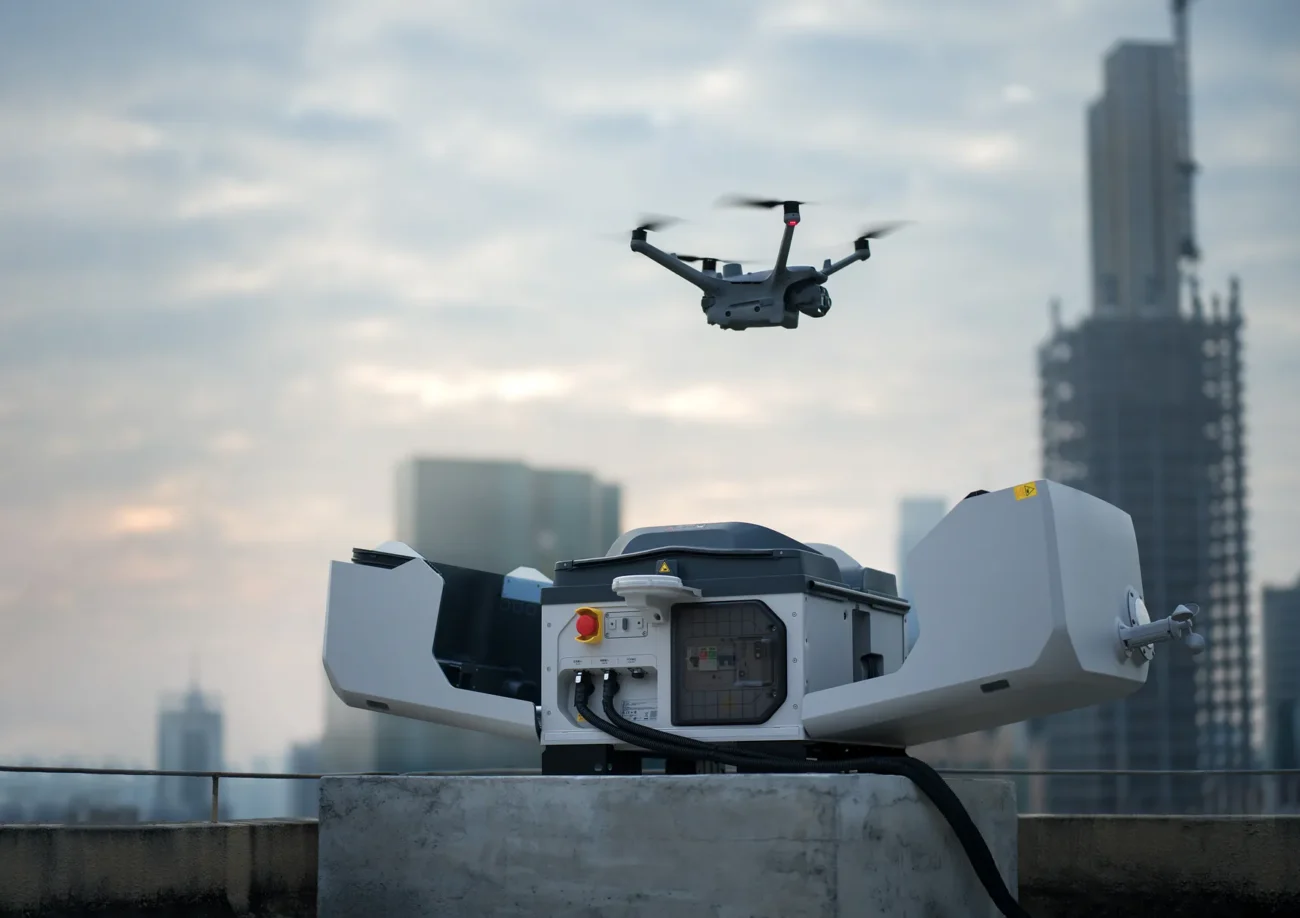
Use this as an editorial starting point for a project trial. Matrice 4D Series aircraft can fly with a compatible controller; Dock 3 is optional.[6] Agree the components, useful views and unseen areas with the reviewing engineer.
Inspection Coverage and Workflow
The workflow for drone-assisted inspections should begin with the asset owner or engineer defining components, known risks, and report templates. Marking inspection zones on a plan—especially facade or bridge sections—is essential for maintaining context.
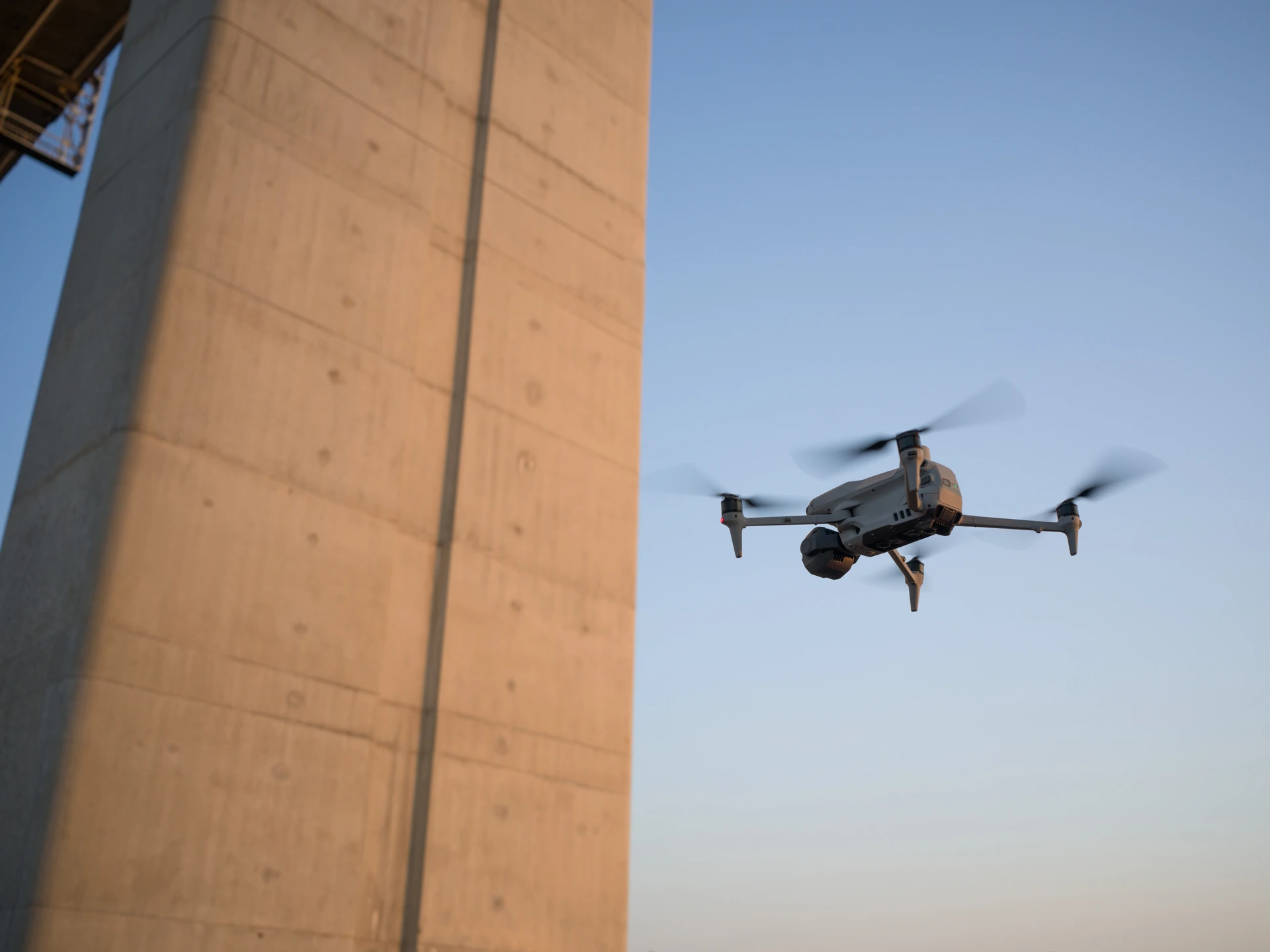
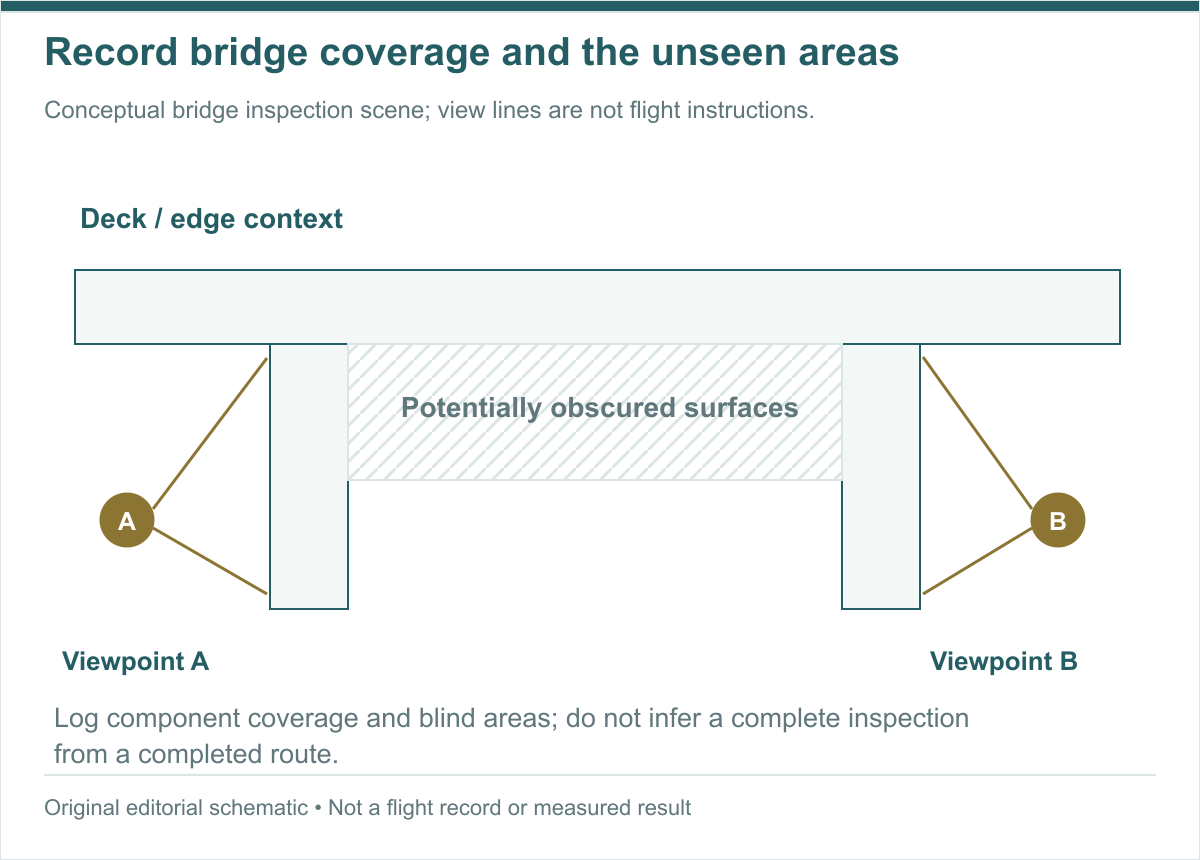
Start with wide-context photographs before zooming in on specific details. Log areas not captured so the responsible reviewer can decide what further access or evidence is needed. The drone’s role is to support the inspection process, not to replace competent review of findings. Send observations for expert analysis rather than attempting to diagnose structural causes from a single image.
Transport Infrastructure Ireland’s EIRSPAN principal inspection manual is structured around bridge inspection protocols and does not certify DJI tools[3]. Our recommendation is to organise aerial records within the asset owner’s component and reporting system, preserving context and recording unseen areas.
Camera Considerations: Stand-off, Zoom, and Pixel Coverage
Effective inspection requires a balance between stand-off distance, zoom capability, and adequate pixel coverage. While zoom can magnify details, it does not reveal concealed defects or replace physical testing at close range.
Choose image sampling and stand-off for the smallest feature that must be reviewed. GSD describes surface pixel spacing; finer sampling does not itself establish geometric accuracy[4]. On 4TD, the airframe can obstruct upward views[2]. Do not treat a mechanical limit as a promise of an unobstructed inspection view.
Risks such as shadowing from underneath, GNSS signal loss, reflective water surfaces, thin wires, and moving traffic must be pre-planned for. Establish escape routes and contingency plans according to your operations manual. Obstacle sensing must not be relied on to detect every cable or prevent every collision.
Inspection Deployment Considerations
When deploying a Matrice 4 or 4D series drone for building and bridge inspections, operational logistics play a critical role in determining the most suitable model. Our recommendation is to assess the DJI Matrice 4E or 4T first for teams moving between properties. Test the carry arrangement, setup, access and contingency plan against the intended job rather than assuming a deployment time.
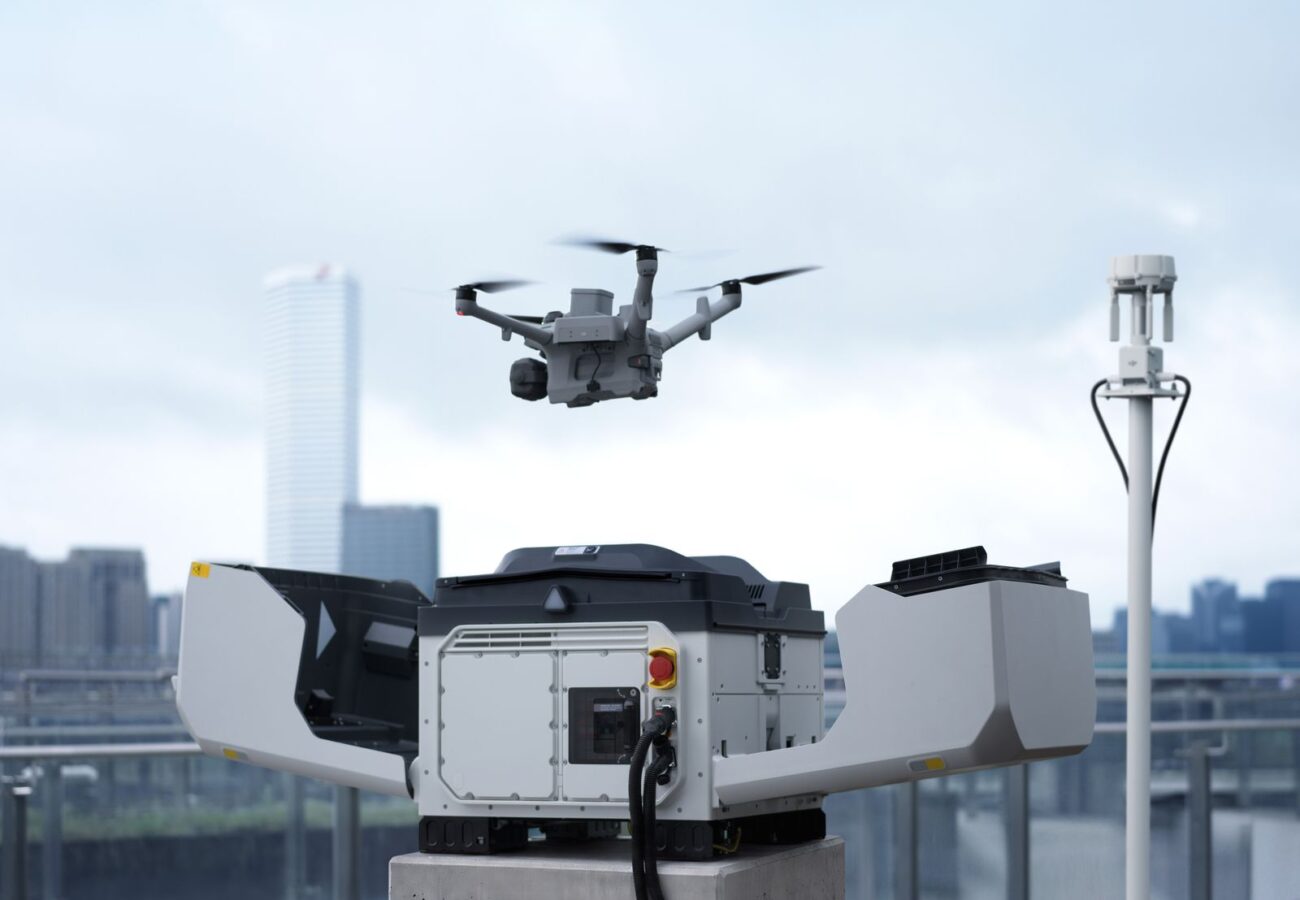
Consider the DJI Matrice 4D or 4TD for a justified recurring-site programme. Check each aircraft’s operating limits against the proposed conditions. DJI states that the 4E/4T are not waterproof[5].
Our recommendation is to evaluate the frequency of use and site accessibility before selecting a model. For instance, if inspections are conducted at fixed locations with reliable power and network access, a docked deployment may be justified. For visiting crews, compare this with a staffed field operation and its battery turnaround and access needs.
Delivery Workflow and Data Management
The workflow for delivering inspection data must ensure traceability and usability. Original images should be indexed with context details such as component IDs, orientation, date, and annotated observations. Thermal settings used during the flight must also be recorded to support interpretation.
For thermal inspections, it is important to note that observed patterns may not directly equate to diagnosed defects. Our recommendation is to label a pattern as an observation and arrange the appropriate qualified follow-up before assigning a cause. The raw data should be exportable and include traceable asset IDs for review by engineers or asset owners.
Software trials are essential to confirm that image exports carry sufficient metadata and can be processed across different platforms. Not all processors support thermal JPEG formats, so compatibility testing is advised before committing to a system.
A component record the engineer can follow
Blank record template—not a completed inspection. Use a separate record for each agreed element.
| Field | Record or agree before delivery | Project record / evidence reference |
|---|---|---|
| Element identification | Record the bridge/asset and actual pier, bearing, expansion-joint or connection identifier. | To be completed |
| Context and detail views | Link a locating overview and a detail image of the same element using their original file names. | To be completed |
| Capture conditions | Record distance, viewing angle, obstruction and whether the detail is sharp enough for the stated question. | To be completed |
| Visible observation | Describe what is visible; do not assign a structural cause from a photograph alone. | To be completed |
| Unobserved areas | List under-deck, rear or other parts that could not be safely observed. | To be completed |
| Follow-up decision | The responsible engineer decides whether repeat access or another test is required; record that action. | To be completed |
Selection FAQ
- Does the 4TD upward tilt guarantee an underside view? No, this depends on obstruction and coverage. A clear flight path must be planned regardless of tilt capability.
- Can AI identify all cracks in inspection footage? No. Review automated indications and image coverage; the responsible inspector must assess their meaning and limitations.
- Can drone inspection replace principal inspection? The responsible engineer or asset owner defines the accepted method and any additional access or investigation required.
Selection Table: Key Requirements vs Starting Models
On a phone, swipe horizontally to read the full table.
| Requirement | Recommended Starting Model | Test Before Buying |
|---|---|---|
| Facade geometry measurement | Matrice 4E / Matrice 4D | Verify control and coverage |
| Visible condition recording | All models | Check detail/obscuration |
| Thermal inspection | Matrice 4T / Matrice 4TD | Verify conditions and interpretation |
| Under-deck access | Site-specific assessment | Demonstrate safe access; record unseen areas |
For the building-envelope brief, read our roof and building thermal inspection guide. For measurement-led work, see construction and stockpile surveying. Discuss your bridge inspection requirements with an asset/component list, access restrictions, required images or model formats, repeat frequency and the reviewing engineer’s requirements.
References and technical evidence
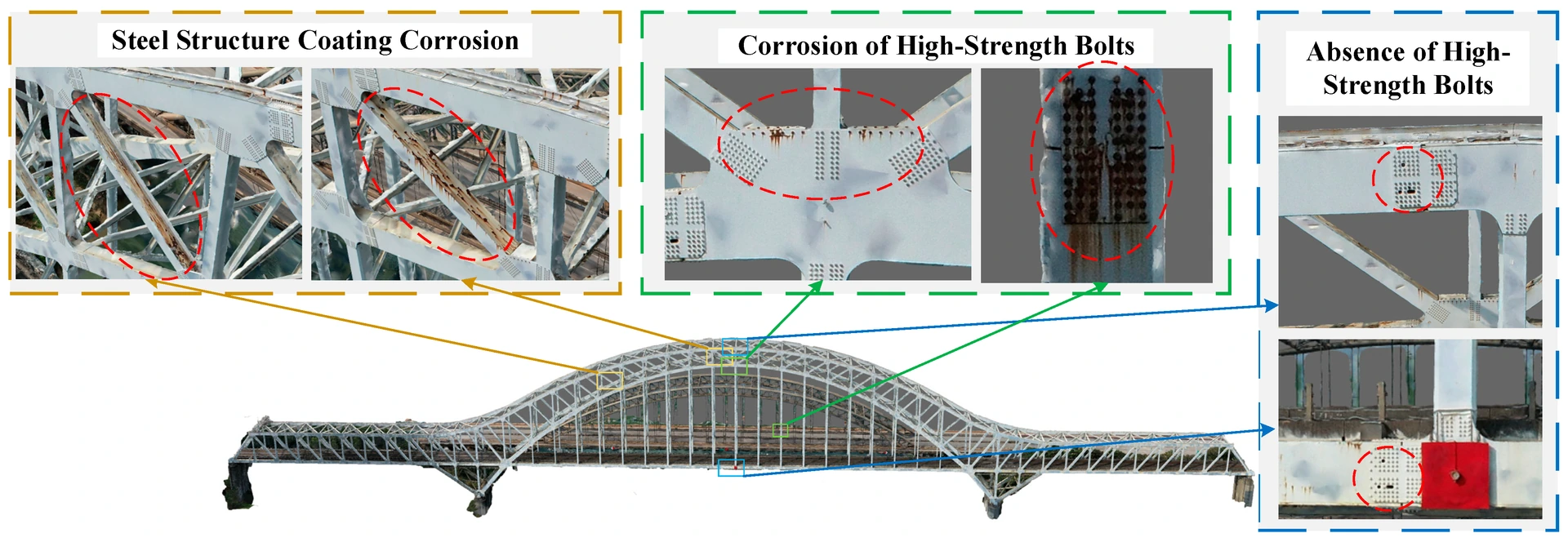
Historical method reference: Phantom 4 RTK / ContextCapture
The paper is retained as a historical method reference. These published images are not a Matrice 4/4D deliverable or an Irish Drone project.
Sources, versions and access dates
- DJI Matrice 4 Series — Specifications
DJI · n.d.; current page accessed 2026-11-13 · manufacturer
https://enterprise.dji.com/matrice-4-series/specs
Accessed 13 November 2026. - DJI Dock 3 — Specifications, including Matrice 4D/4TD
DJI · n.d.; current page accessed 2026-11-13 · manufacturer
https://enterprise.dji.com/dock-3/specs
Accessed 13 November 2026. - EIRSPAN Bridge Management System Principal Inspection Manual
Transport Infrastructure Ireland · September 2022 on PDF; August 2022 in catalogue · Irish public-authority manual
https://cdn.tii.ie/publications/AM-STR-06054-02.pdf
Accessed 13 November 2026. - Computing the Flight Height for a given GSD — PIX4Dmapper
Pix4D · n.d.; current page accessed 2026-11-13 · software documentation
https://support.pix4d.com/hc/en-us/articles/202557469
Accessed 13 November 2026. - DJI Matrice 4 Series — FAQ
DJI · n.d.; current page accessed 2026-11-13 · manufacturer
https://enterprise.dji.com/matrice-4-series/faq
Accessed 13 November 2026. - DJI Dock 3 FAQ
DJI. Compatible-controller operation. Official FAQ. Accessed 14 November 2026. - Tang et al. (2024). Buildings 14(1), 26. Source · Licence.


Leave a comment