
UTILITIES · SELECTION GUIDE
For utility teams, the useful comparison is the maintenance question, the capture method and who will act on the result.
Evidence reviewed 3 November 2026 · Ireland
Choose the guide for your task
The practical answer
Choose UT-01 for team-led thermal asset visits, UT-02 for an M400/L3 corridor-data workflow, or UT-03 when an approved fixed site needs repeated Dock 3 capture. UT-04 and UT-05 add Power 2000 to the corresponding portable systems. Start with an agreed sample deliverable and an asset-owner-approved operating plan.
Begin with the decision after the flight
A maintenance manager asking for a closer view of a suspect component has a different brief from a survey team updating corridor geometry. A site manager wanting an agreed view every week has a third brief. Write down the decision, the asset list and the person responsible for accepting the evidence before comparing aircraft.
A useful first request is a sample record: one identified asset, the required views, capture context, an observation and the next action. This exposes gaps in the proposed workflow early. It also helps the buyer assess training and software against the work the team will actually perform.
Compare the three routes
| Maintenance need | Existing route | First proof to request |
|---|---|---|
| Portable visible and thermal asset visits | UT-01: M4T; UT-04 adds Power 2000 | An asset-linked observation record |
| Corridor geometry and classified point-cloud handover | UT-02: M400/L3; UT-05 adds Power 2000 | A checked sample section in the receiving software |
| Repeated capture at an established site | UT-03: Dock 3 with M4TD | An accepted repeat route and exception log |
These are alternative operating arrangements, rather than a universal small-to-large ladder. A thermal visit may need a flexible field team. A corridor project may need a survey specialist. A dock programme needs an accountable local site and a remote review process.
Make thermal observations traceable
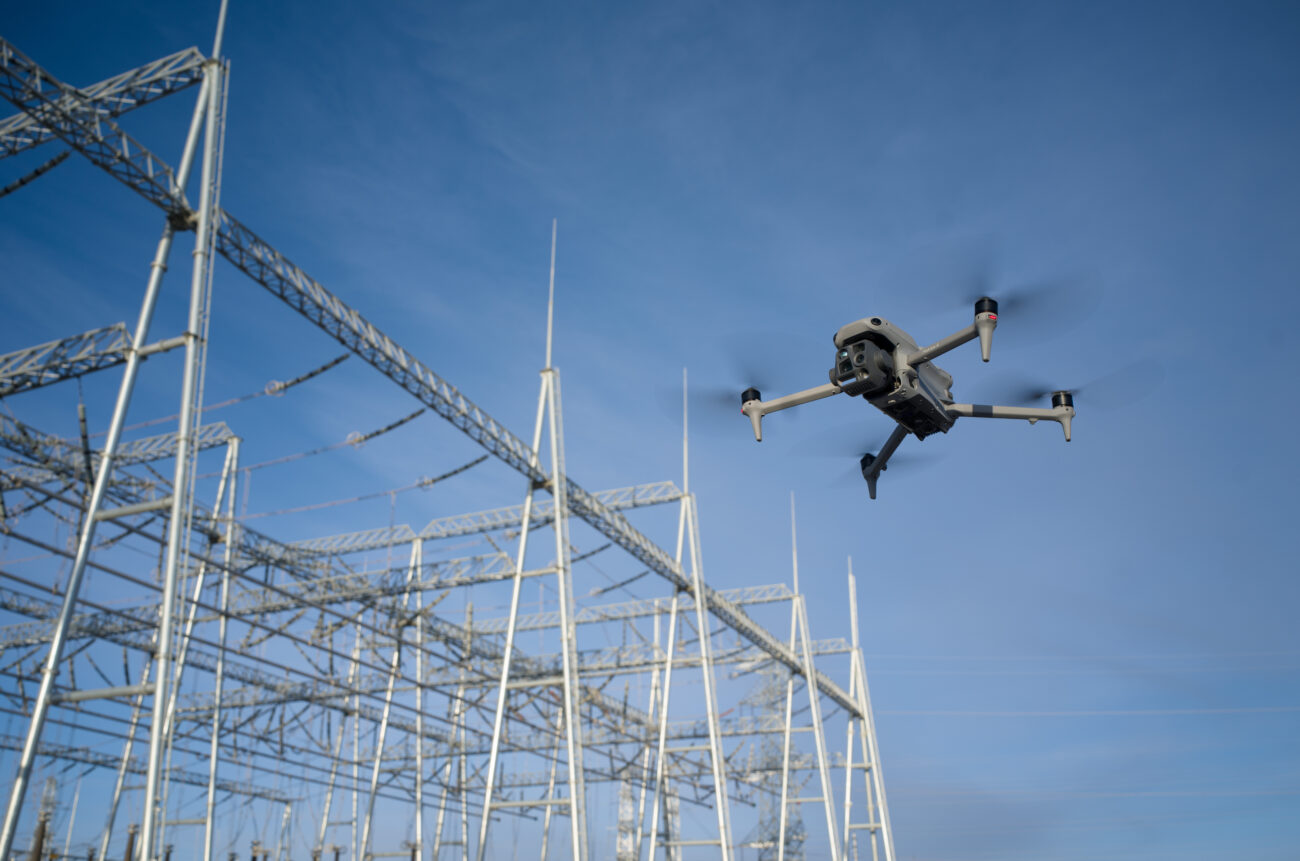
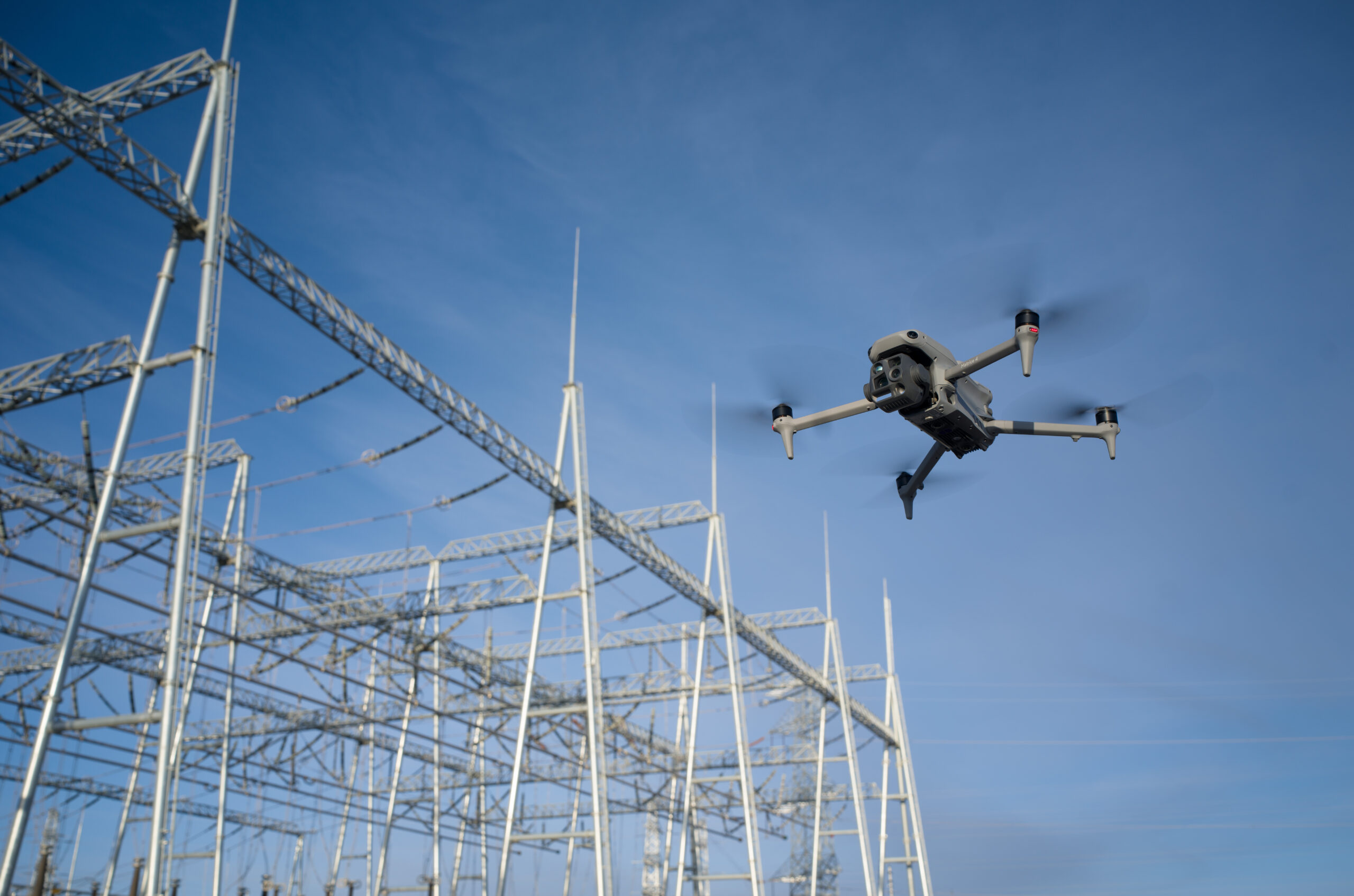
For a portable thermal programme, organise the job around asset identity. Agree the site, component reference, necessary overview and detail views, condition notes and the recipient of a potential concern. Pair the observation with a visible reference so the maintenance team can locate the correct item.
Thermal interpretation is influenced by reflections, surface properties, load and ambient conditions. [1] The buying question is therefore broader than whether an image looks sharp. Ask whether the operator can retain the original files, record the relevant context and deliver a reviewable observation to a competent maintenance reviewer. Read the thermal records workflow for a practical handover structure.
Specify what a corridor dataset must contain
A corridor brief should identify the section limits, asset references, coordinate and height basis, intended classes and the output format required by the receiving team. Include a sample drawing or data schema where one exists. The team should agree how obscured areas and uncertain classifications will be flagged.
The UT-02 and UT-05 route is M400 with L3. It is a different capture and processing task from the portable M4T thermal route. Ask the survey reviewer to define the evidence needed for the proposed use, then test a representative section. A point cloud is useful source material; a clearance decision also needs an agreed engineering method and responsible sign-off.

Consider a dock when the site can support the programme
The strongest reason to consider UT-03 is a recurring site question with a defined review owner: for example, whether an agreed set of asset views remains current between planned visits. Map who requests a capture, who checks completion and who follows up an exception. Repetition is only useful when somebody uses the results.
Assess the physical location, power and network provision alongside the air operation. UT-03 combines Dock 3 and M4TD with the listed twelve-month FlightHub 2 subscription and Terra Flagship entitlement. Confirm the current FlightHub 2 plan, resource quotas and deployment scope in the quotation. The fixed-site pilot guide explains how to turn that list into an acceptance plan.
Keep the asset owner’s operating process central
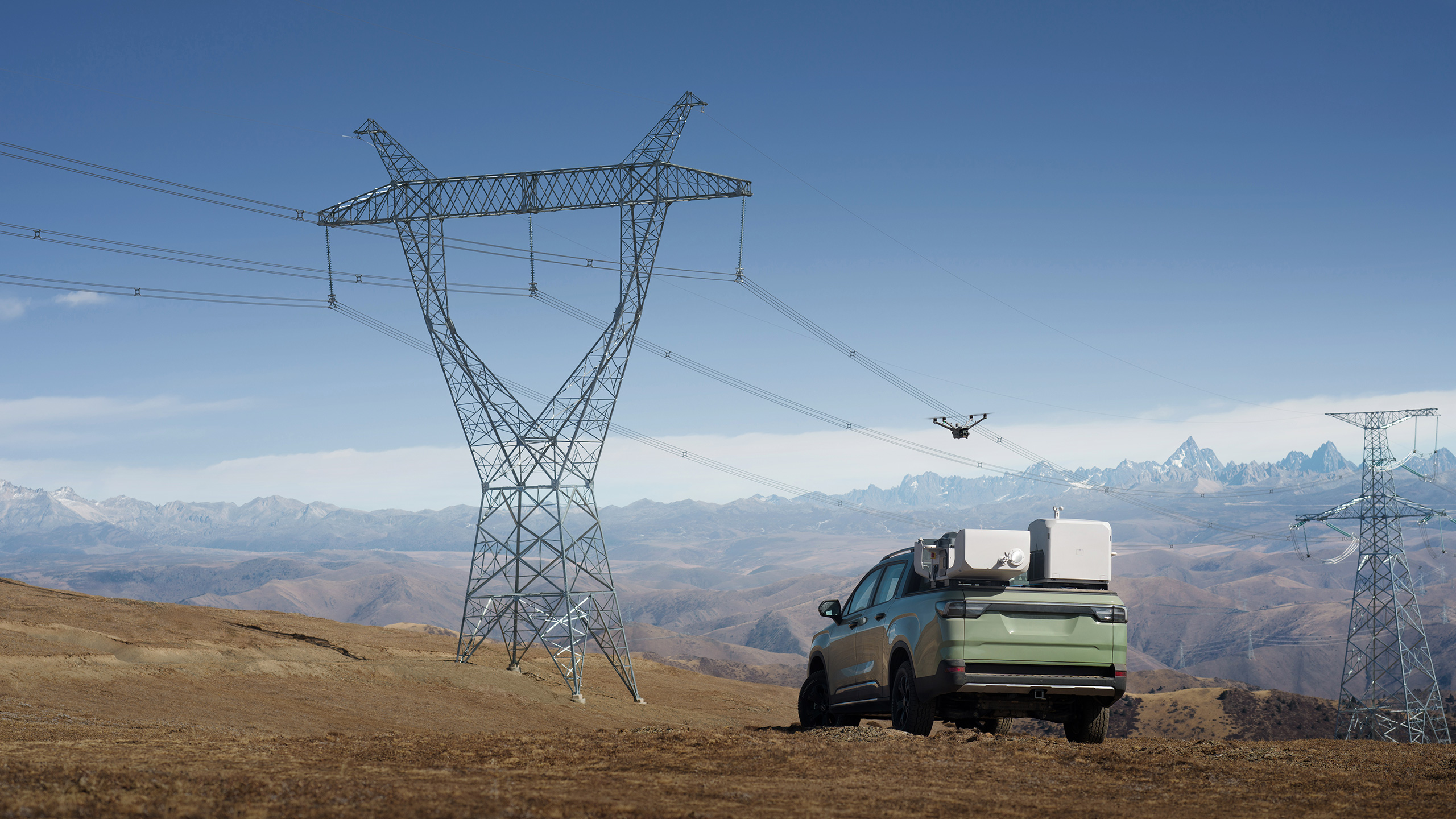
Utility assets require site-specific coordination. ESB Networks’ public guidance warns against flying drones near overhead lines. [2] This guide concerns procurement for professional programmes approved by the relevant asset owner; a package purchase is not authority to approach electrical infrastructure.
Before a demonstration, establish the authorised site contact, access arrangements, operating boundaries and the competent people reviewing both the flight plan and the maintenance output. Agree how the team will handle a changed site condition or an unavailable capture. Build these requirements into the project brief so the demonstration resembles a job the organisation can genuinely commission.
Use a small pilot to test the complete handover
For an illustrative pilot, a utility team could nominate a manageable asset group, provide its current identifiers and appoint one maintenance reviewer. The supplier would demonstrate the proposed capture and deliver a small set of records in the required format. The reviewer would check whether each record is findable, understandable and suitable for deciding the next inspection or maintenance step.
Record gaps as actions: missing asset references, incomplete context, unusable file formats or an unclear escalation route. Resolve these before expanding the programme. Keep a comparable reviewed sample as the acceptance reference for later training and delivery, rather than relying on a promotional demonstration alone.
Questions procurement teams ask
Does the Power 2000 version change the sensor?
UT-04 retains the UT-01 M4T workflow; UT-05 retains the UT-02 M400/L3 workflow. The portable power addition should be assessed against the team’s charging and travel plan.
Does UT-03 include the physical installation?
The package lists complimentary deployment and setup. The customer arranges and pays for physical installation, civil works including the concrete base, and the required power and network connection. Agree the scope in writing.
Can one dataset replace every utility inspection?
Choose the evidence for the maintenance question. Thermal observations, corridor geometry and repeated site imagery answer different questions and need appropriate review.
Build a shortlist around your first accepted output
Compare UT-01 portable thermal with its UT-04 Power 2000 version; compare UT-02 corridor LiDAR with UT-05. For an established recurring site, review UT-03 fixed-site Dock.
Send Irish Drone a non-sensitive example of the required asset record, the capture frequency and the receiving software. Ask for a package walkthrough against that brief, with training, dataset review and the customer’s responsibilities clearly identified.
See the software workflow
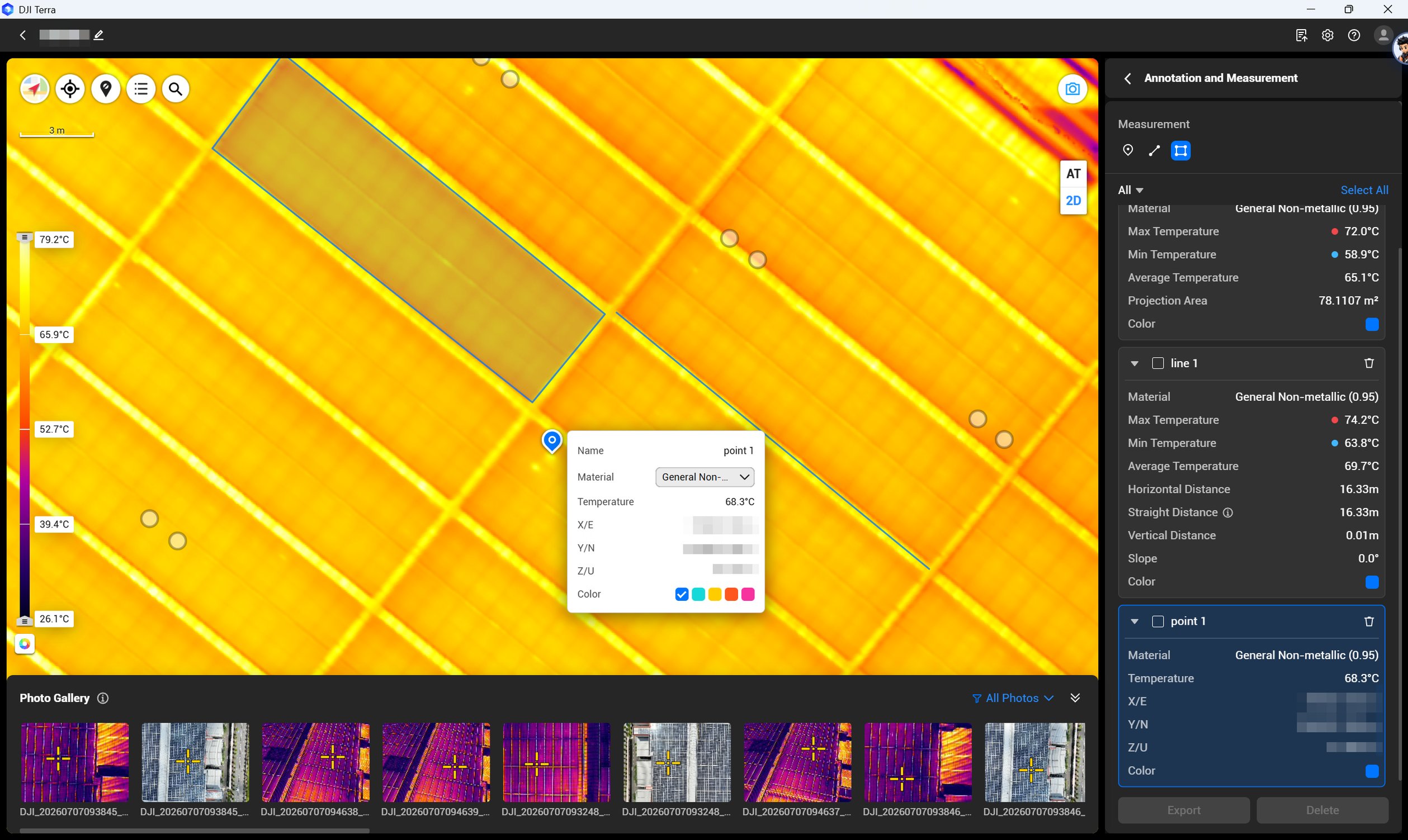
The software image is a manufacturer workflow reference. Check the written licence edition and the supported aircraft, file type and project method before choosing a processing route.
Compare the confirmed package configurations
| Package | Aircraft route | Flight batteries · total | Included processing licence | Field power |
|---|---|---|---|---|
| UT-01 | Matrice 4T | 5 | DJI Terra Flagship — 12-month licence | Not included |
| UT-02 | Matrice 400 + L3 | 3 | DJI Terra Flagship — 12-month licence | Not included |
| UT-03 | Matrice 4TD | 5 | DJI Terra Flagship — 12-month licence | Not included |
| UT-04 | Matrice 4T | 5 | DJI Terra Flagship — 12-month licence | DJI Power 2000 |
| UT-05 | Matrice 400 + L3 | 3 | DJI Terra Flagship — 12-month licence | DJI Power 2000 |
Explore the equipment packages on Irish Drone
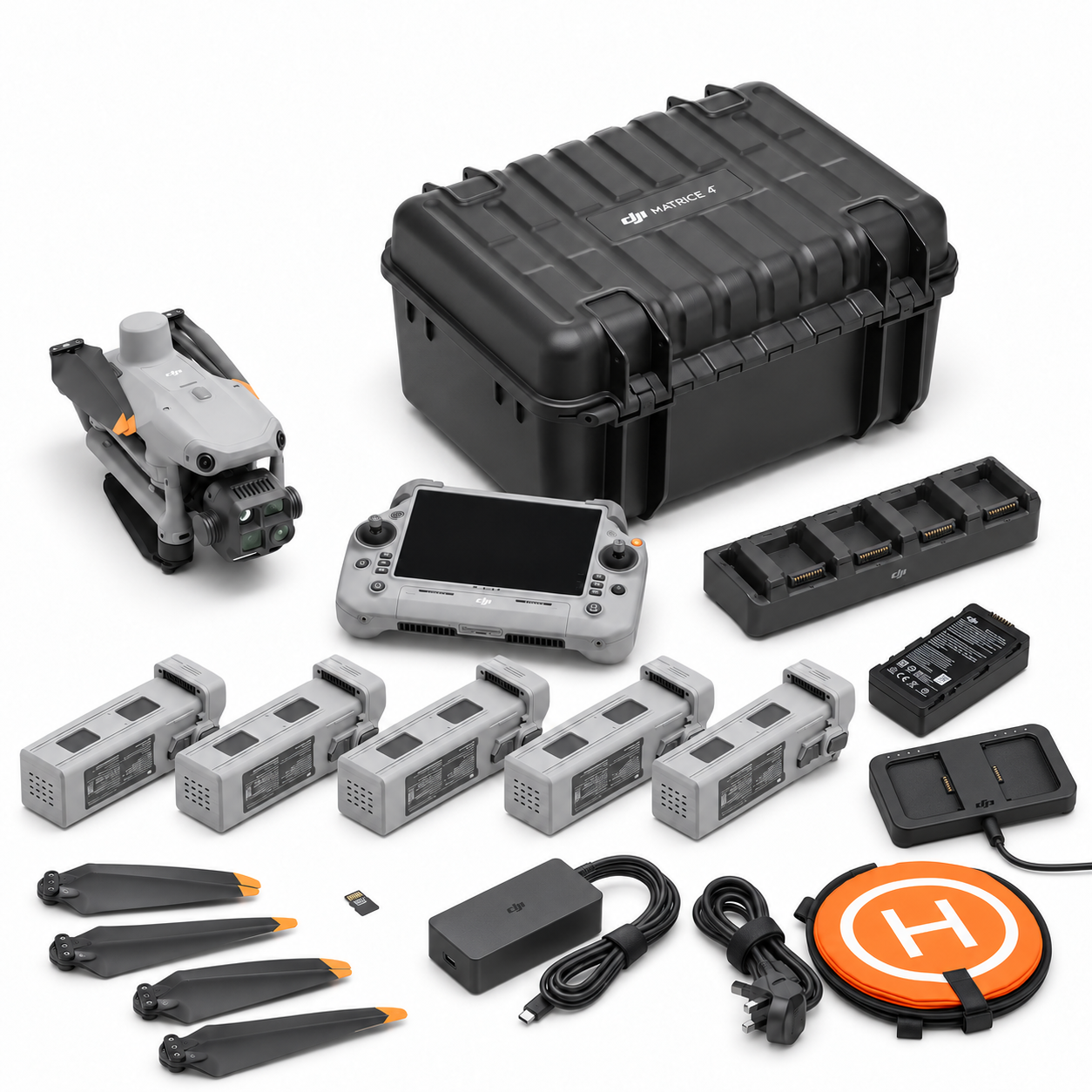

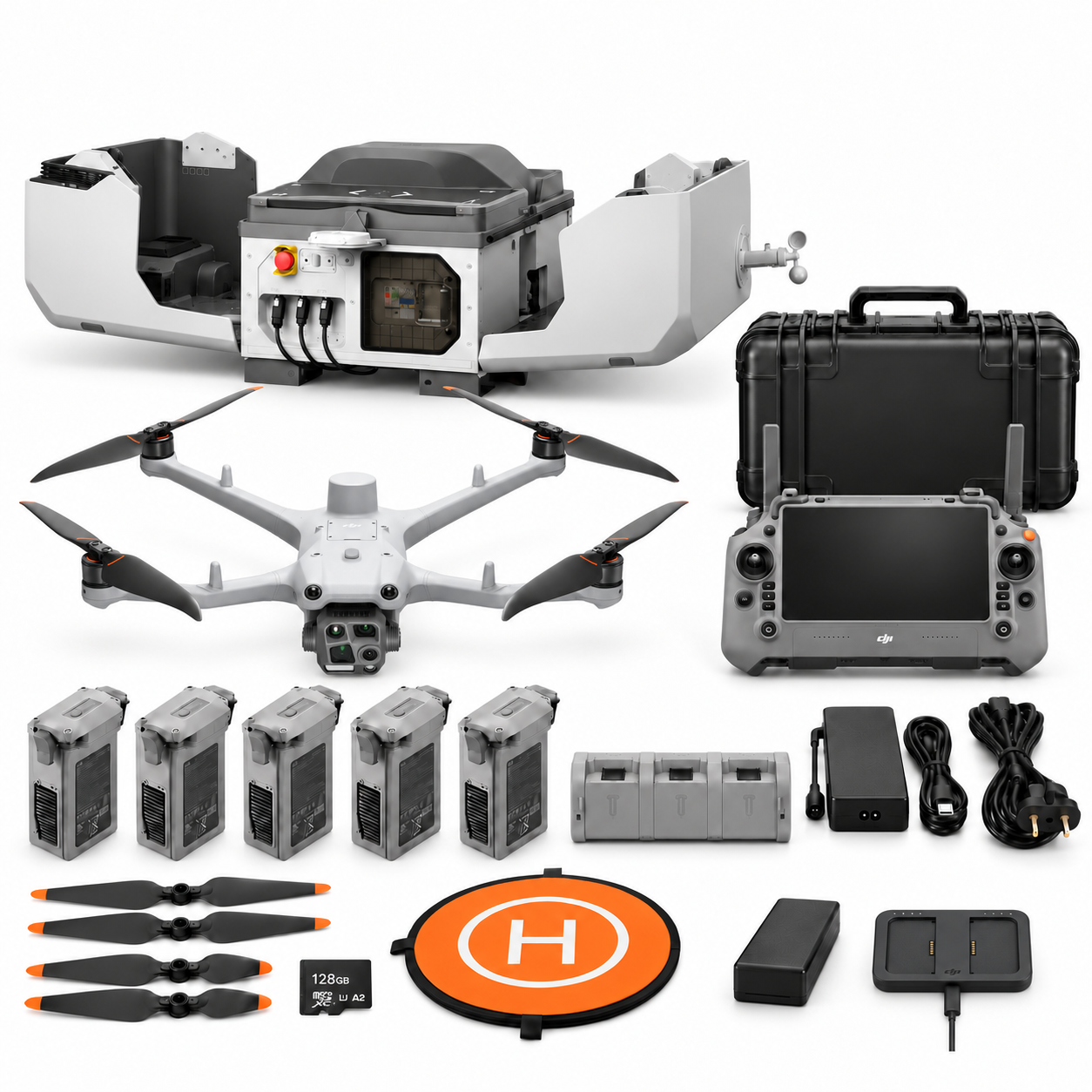

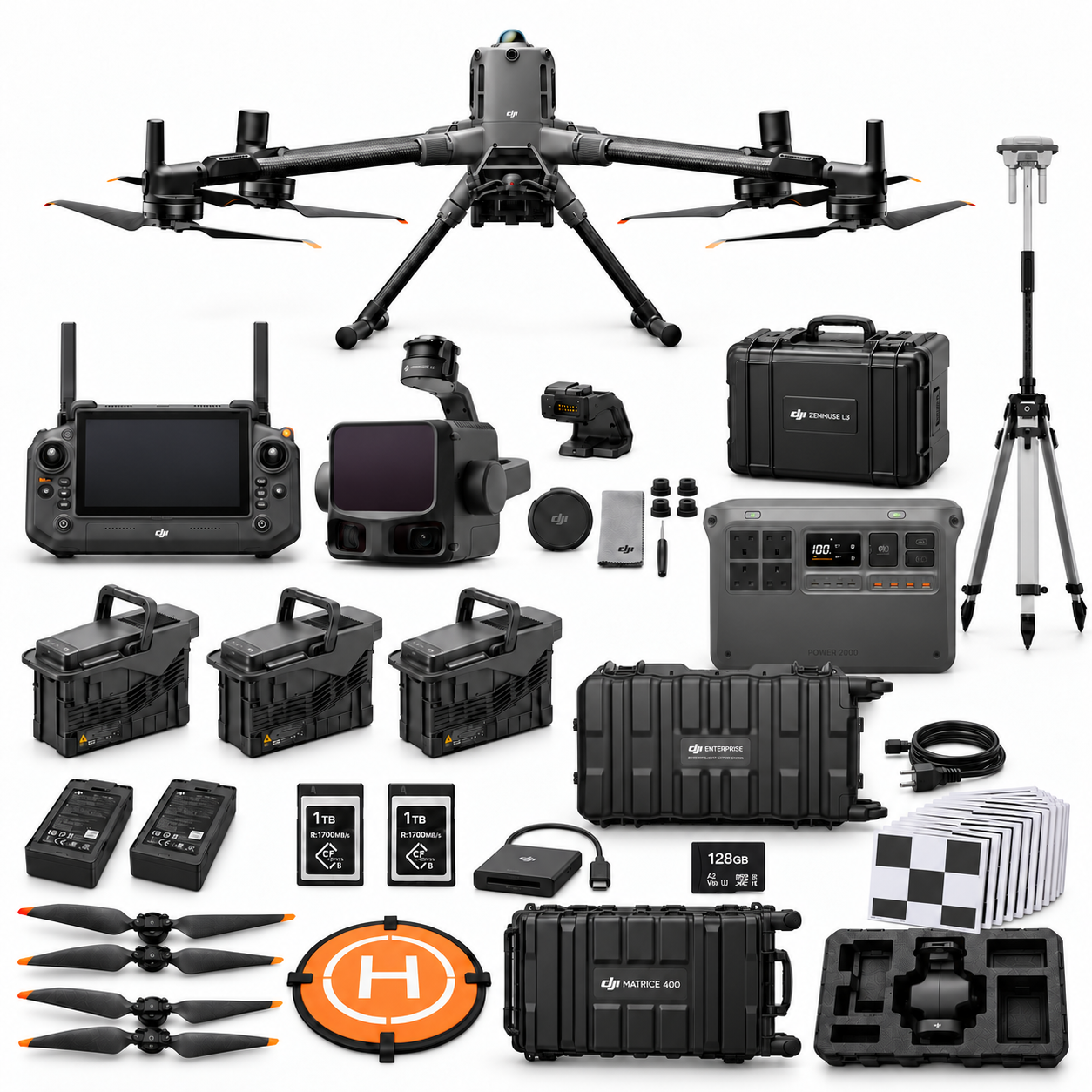
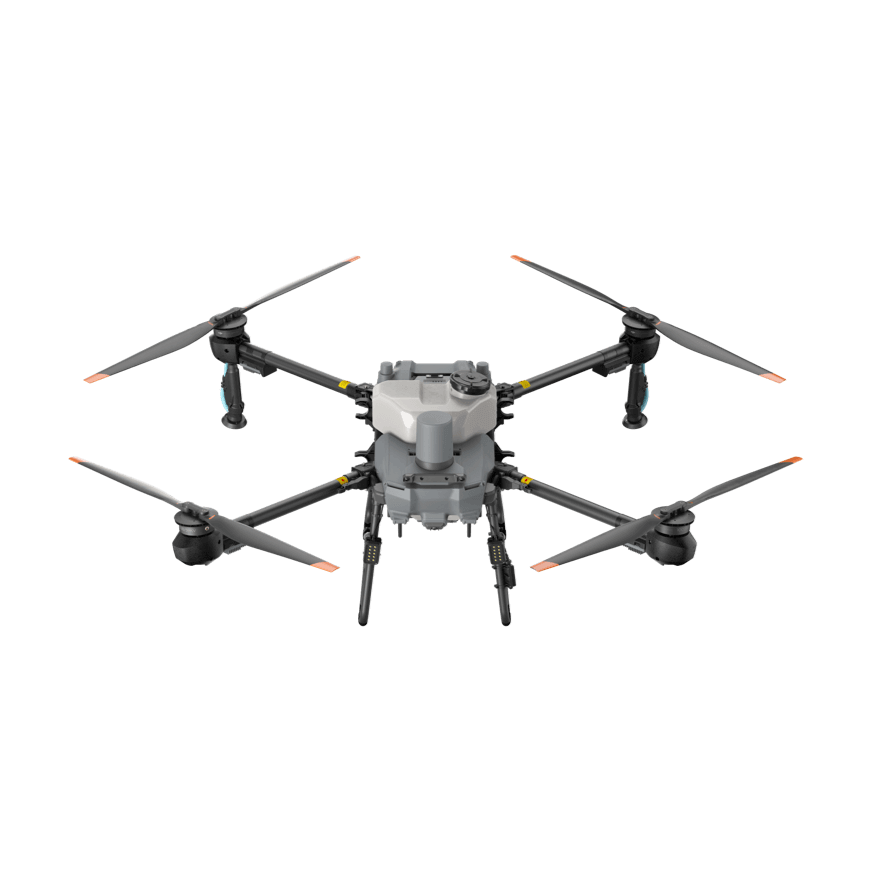
Package illustrations show the listed configurations. Battery quantities are whole-package totals.
Official manuals and setup guidance


Continue with the guide for your work
Documentation and evidence
Sources for the cited guidance
- Infrared Thermography in Electrical MaintenanceRead source ↗
Reviewed 3 November 2026.
- ESB Networks: Outdoor activitiesRead source ↗
Reviewed 3 November 2026.
Compare equipment packages
Explore Power & Utilities drone packages →
To discuss equipment for a utility inspection task, contact Irish Drone with the asset, capture requirements and intended data handover.


Pingback: Utility Thermal Drone Records: Capture to Maintenance Review
Pingback: Utility Dock 3 Pilot: Fixed-Site Acceptance Checklist
Pingback: Utility Corridor LiDAR Handover: M400 L3 Planning Guide